
Termux-Dev (devx)
Ultra-fast, autonomous AI pair-programmer and vibe-coding terminal agent built for Android Termux, Windows, macOS, and Linux.
At a Glance
Fully free and open-source under the MIT License. Install globally via npm.
Engagement
Available On
Alternatives
Listed Aug 2026
About Termux-Dev (devx)
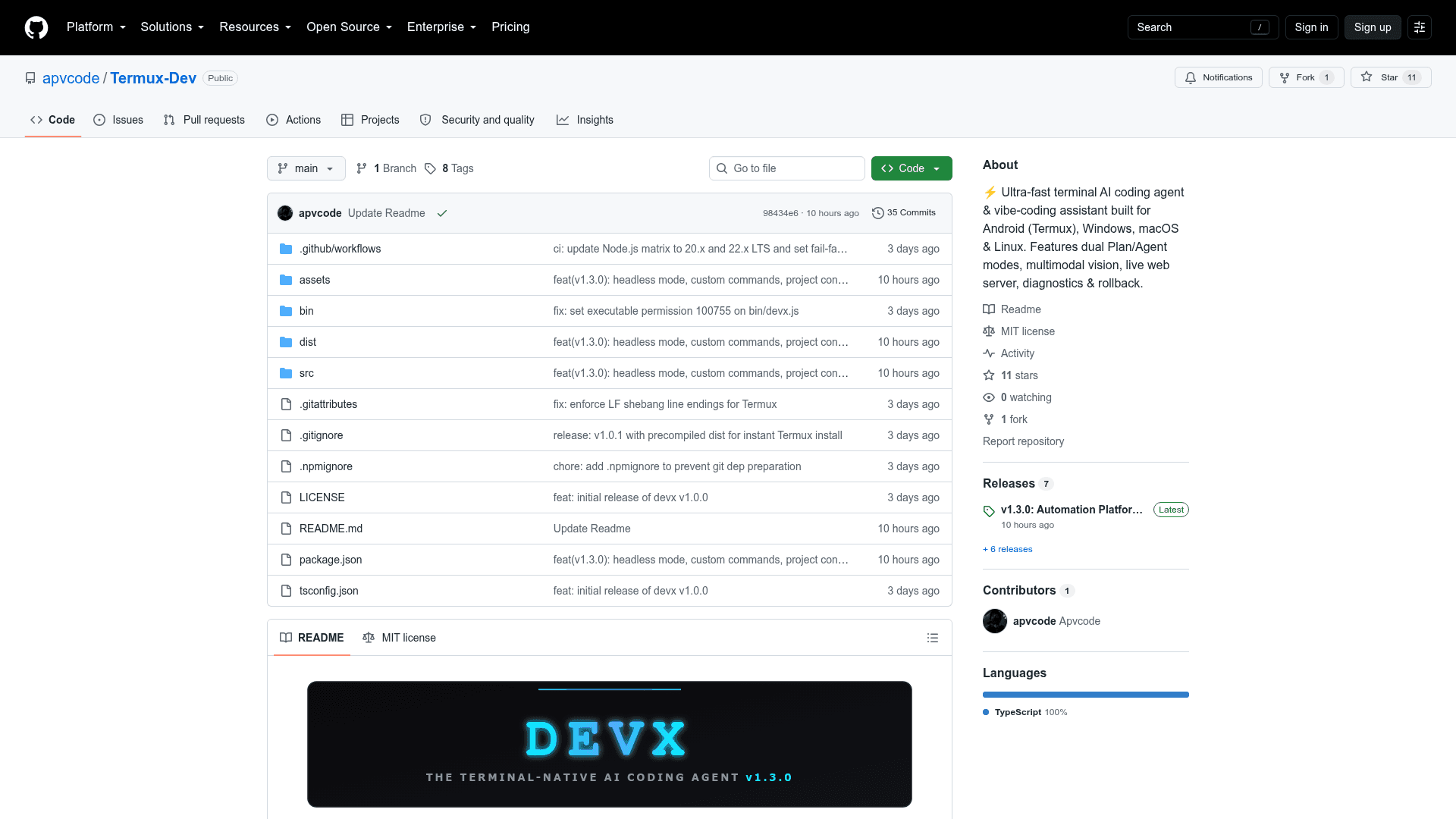
Termux-Dev (invoked as devx) is an open-source CLI coding agent published under the MIT License by ApvCode. It runs as a globally installed npm package (termux-dev) and is designed to work natively on Android via Termux as well as on Windows, macOS, and Linux. The latest release is v1.3.0, tagged "Automation Platform, Custom Commands & Mobile Data Saver."
What It Is
devx is a terminal-based AI coding assistant that combines an interactive architectural planner with an autonomous code-execution agent. It connects to a wide range of AI providers and lets developers write, review, fix, and commit code entirely from the command line — including on mobile Android devices running Termux. The project is written in TypeScript and requires Node.js v20 or higher.
Dual-Brain Architecture: PLAN and AGENT Modes
The core design centers on two switchable modes:
- PLAN mode — acts as a safe architect. It runs an interactive requirements questionnaire and refuses to make unsanctioned file edits, making it suitable for scoping work before writing any code.
- AGENT mode — operates autonomously: it edits files, runs terminal commands, and auto-installs dependencies. A one-click plan approval flow (
[🚀 Go / ✏️ Other]) lets users review an architectural plan and immediately hand off execution to the agent.
Switching between modes is instant via the Tab key or /plan and /agent slash commands, without losing draft text.
AI Provider Support and Model Flexibility
devx supports a broad set of AI providers out of the box:
- Cloud: OpenRouter, Google Gemini, DeepSeek, Groq, Mistral, OpenAI, Anthropic, Alibaba
- Local inference: Ollama, LM Studio
The /provider and /model commands let users switch providers and models live within a session, with fuzzy search for model selection.
Key Capabilities
- Multimodal vision — paste screenshots from clipboard via
/imageorCtrl+P, with smart duplicate badges. - Instant snapshot rollback — every AI-driven change is recorded;
/undoreverts the last turn cleanly. - Self-healing diagnostics — built-in syntax checking for TypeScript (
tsc), JavaScript (node --check), Python (py_compile), and Rust (cargo check); the agent finds and fixes errors automatically before finishing a turn. - Project Memory Bank — persistent context stored in
.devx/memory.mdacross sessions via/memory add <rule>. - Built-in live web server —
/servestarts a local HTTP server on port 3000 for previewing web apps and HTML5 games; on Android it opens automatically viatermux-open-url. - Session history —
/resumeand/sessionlet users browse, restore, and manage saved sessions with unique short IDs. - AI-generated git commits —
/commitgenerates a semantic commit message and commits in one step. - Headless one-shot mode — supports scripting and CI/CD via
devx -p "prompt" [--yolo].
Update: v1.3.0 — Automation Platform, Custom Commands & Mobile Data Saver
The latest release (v1.3.0, published 2026-08-27) is described as an "Automation Platform, Custom Commands & Mobile Data Saver," signaling a focus on scripting workflows, user-defined commands, and bandwidth efficiency for mobile Termux users. The repository was created and reached this release within a few days, indicating rapid early development. The project is actively maintained with CI workflows and zero open issues at the time of indexing.
Setup Path
Installation is a single npm command:
npm install -g termux-dev
On Android Termux, users first run pkg update && pkg install -y nodejs-lts, then install via npm. A build-from-source path is also available for contributors. Full uninstallation removes the package and cleans up ~/.devx and ~/.devxrc.json.
Community Discussions
Be the first to start a conversation about Termux-Dev (devx)
Share your experience with Termux-Dev (devx), ask questions, or help others learn from your insights.
Pricing
Open Source
Fully free and open-source under the MIT License. Install globally via npm.
- All features included
- MIT License
- Self-hosted / local install
- No usage limits imposed by the tool itself
Capabilities
Key Features
- Dual PLAN/AGENT mode architecture
- Autonomous file editing and terminal command execution
- Multimodal vision: clipboard image paste
- Instant snapshot rollback with /undo
- Self-healing diagnostics for TypeScript, JavaScript, Python, Rust
- Project Memory Bank (.devx/memory.md)
- Built-in live web server (/serve)
- Session history with resume and unique session IDs
- AI-generated semantic git commits
- Headless one-shot mode for CI/CD and scripting
- Support for OpenRouter, Gemini, DeepSeek, Groq, Mistral, OpenAI, Anthropic, Alibaba, Ollama, LM Studio
- Live provider and model switching
- Fuzzy file autocomplete with @filename
- Slash command palette with autocomplete
- Context compaction (/compact)
- AGENTS.md project guide generation (/init)
- Multiple UI color themes
- Environment health diagnostics (/doctor)
- Git diff, status, and commit integration
- YOLO auto-approve mode