Antigravity CLI
A lightweight, terminal-first CLI tool by Google for running autonomous coding agents, executing shell commands, and managing background subagents from the keyboard.
At a Glance
A plan for anyone who wants to build. Includes core Antigravity features with generous weekly rate limits.
Engagement
Available On
Alternatives
Updated Sep 2026
About Antigravity CLI
Antigravity CLI is Google's terminal-first surface for interacting with the Antigravity agentic development platform, announced at Google I/O. It is part of the broader Google Antigravity ecosystem, which also includes a desktop app (Antigravity 2.0), an SDK, and a full IDE. The CLI is designed for developers who prefer keyboard-driven workflows and want direct, low-overhead access to Antigravity's agent capabilities.
What It Is
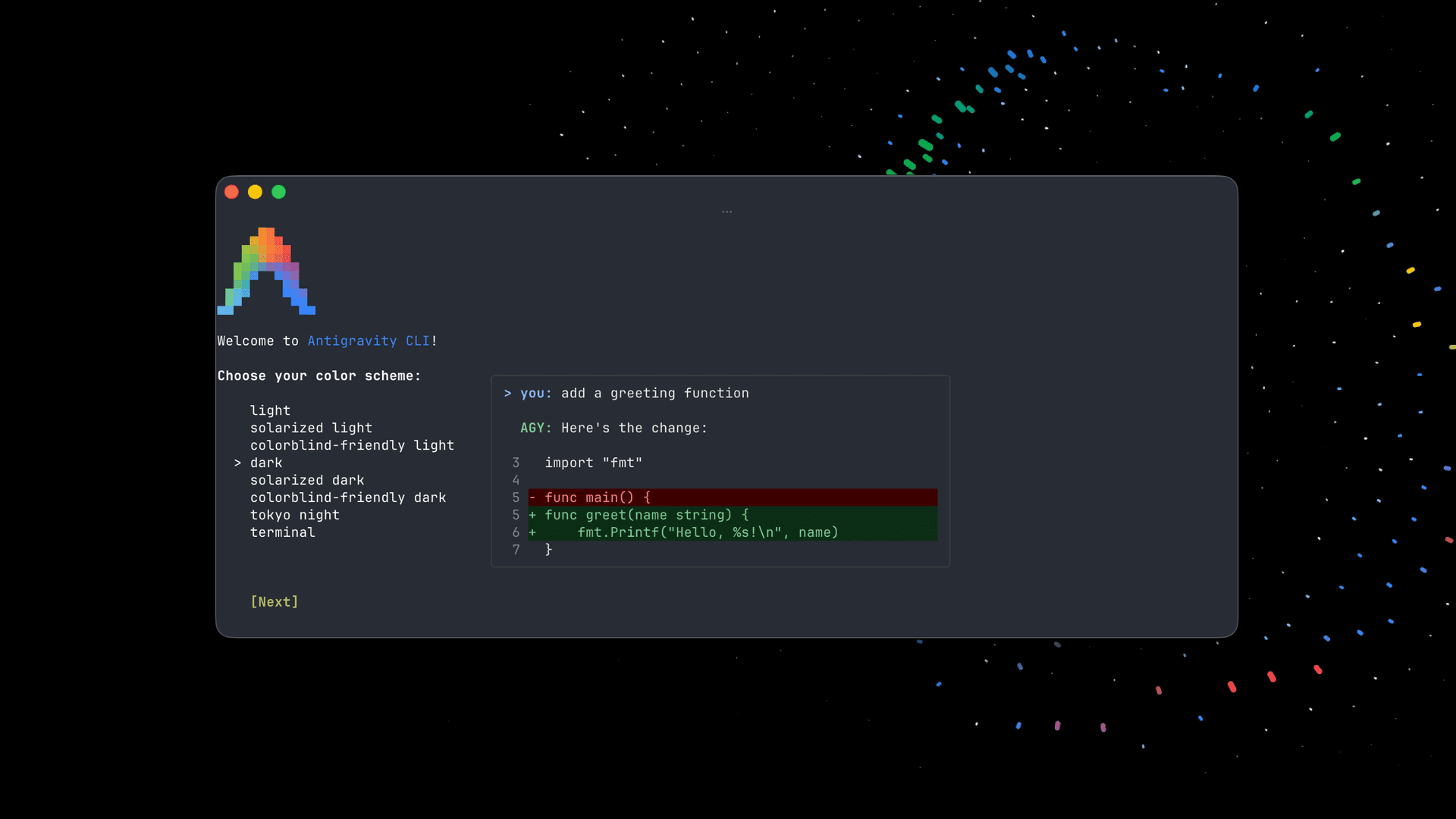
Antigravity CLI is a command-line interface that lets developers run autonomous coding agents, execute shell commands directly, and manage background subagents — all from the terminal. It is described on the Antigravity product page as "the lightweight, fast, terminal-first surface to work with Antigravity agents." The CLI is one of four surfaces in the Antigravity platform, positioned as the fastest and most minimal entry point for developers already comfortable in the terminal.
Where It Fits in the Antigravity Platform
The Antigravity platform consists of four distinct surfaces:
- Antigravity CLI — terminal-first, lightweight, keyboard-driven agent access
- Antigravity 2.0 — a desktop command center for managing multiple local agents in parallel, with Projects, multi-workspace support, and scheduled messages
- Antigravity SDK — a Python-based prototyping layer for building custom agents on top of the Antigravity harness
- Antigravity IDE — a fully-featured agentic IDE with an agent manager, artifacts, and deep codebase understanding
The CLI is the entry point for developers who want to stay in the terminal and avoid switching to a GUI.
Core Capabilities
According to the Antigravity product page, the CLI supports:
- Running autonomous coding agents directly from the terminal
- Executing shell commands through the agent interface
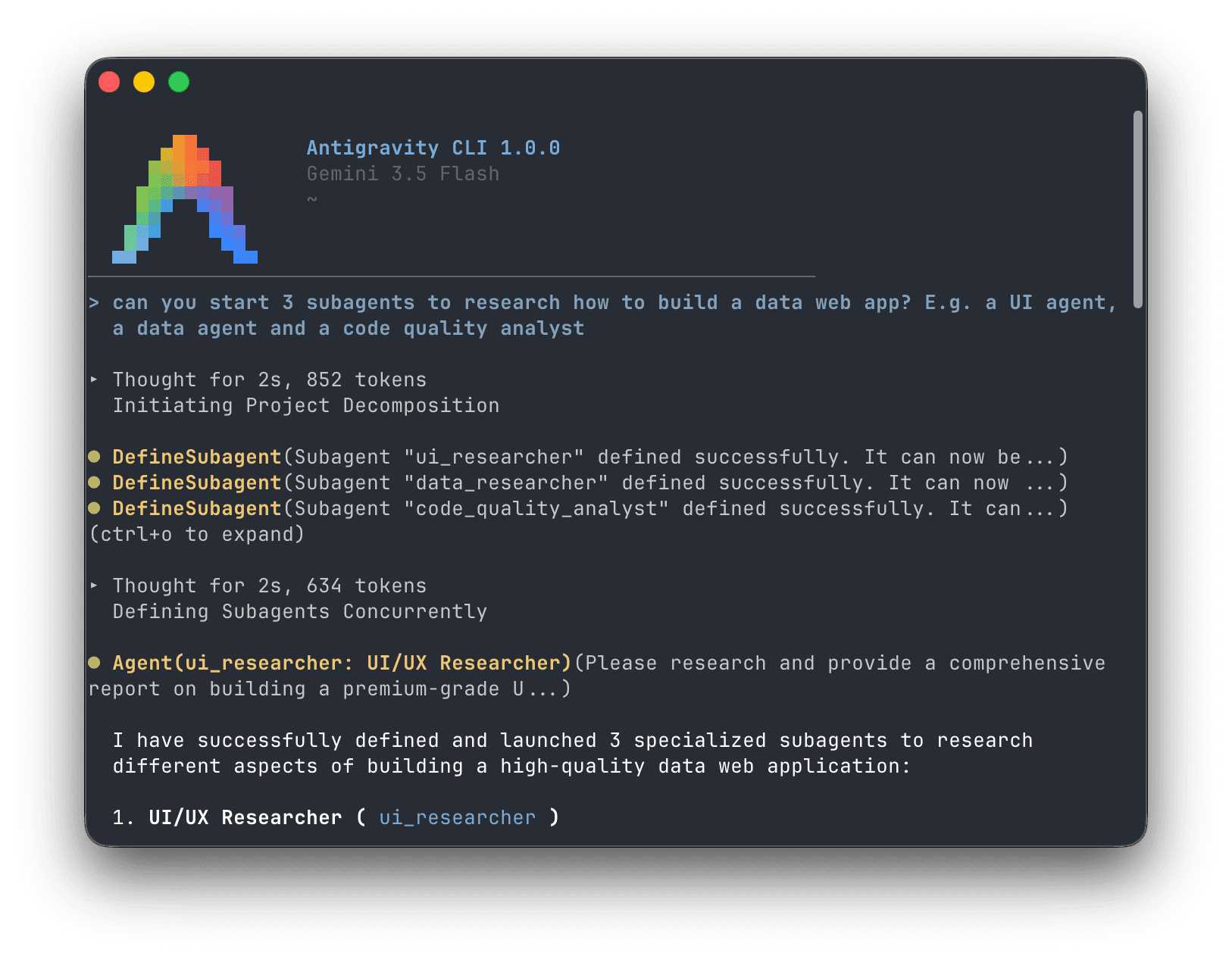
- Managing background subagents in parallel
- Access to the same model lineup available across the platform, including Gemini 3.5 Flash, Gemini 3.1 Pro, Gemini 3 Flash, Claude Sonnet & Opus 4.6, and gpt-oss-120b (on the free Individual plan)
- Unlimited tab completions and unlimited command requests (on the free Individual plan)
Target Audience
The Antigravity homepage positions the platform for a range of developer profiles: full-stack developers building production-ready applications, enterprise developers working in large codebases, and frontend developers automating repetitive UX tasks. The CLI surface specifically targets developers who prefer terminal workflows and want a fast, minimal interface without the overhead of a full IDE or desktop app.
Launch and Current Status
Antigravity CLI was announced at Google I/O and is currently generally available. The pricing page lists it as part of the "Generally Available" tier. The CLI is available for Linux at launch, as indicated by the homepage's "Download for Linux" call to action. The Organization plan, available via Google Cloud, also includes access to Antigravity CLI alongside Antigravity 2.0, under Google Cloud Terms of Service with consumption-based API pricing through the Gemini Enterprise Platform.
Community Discussions

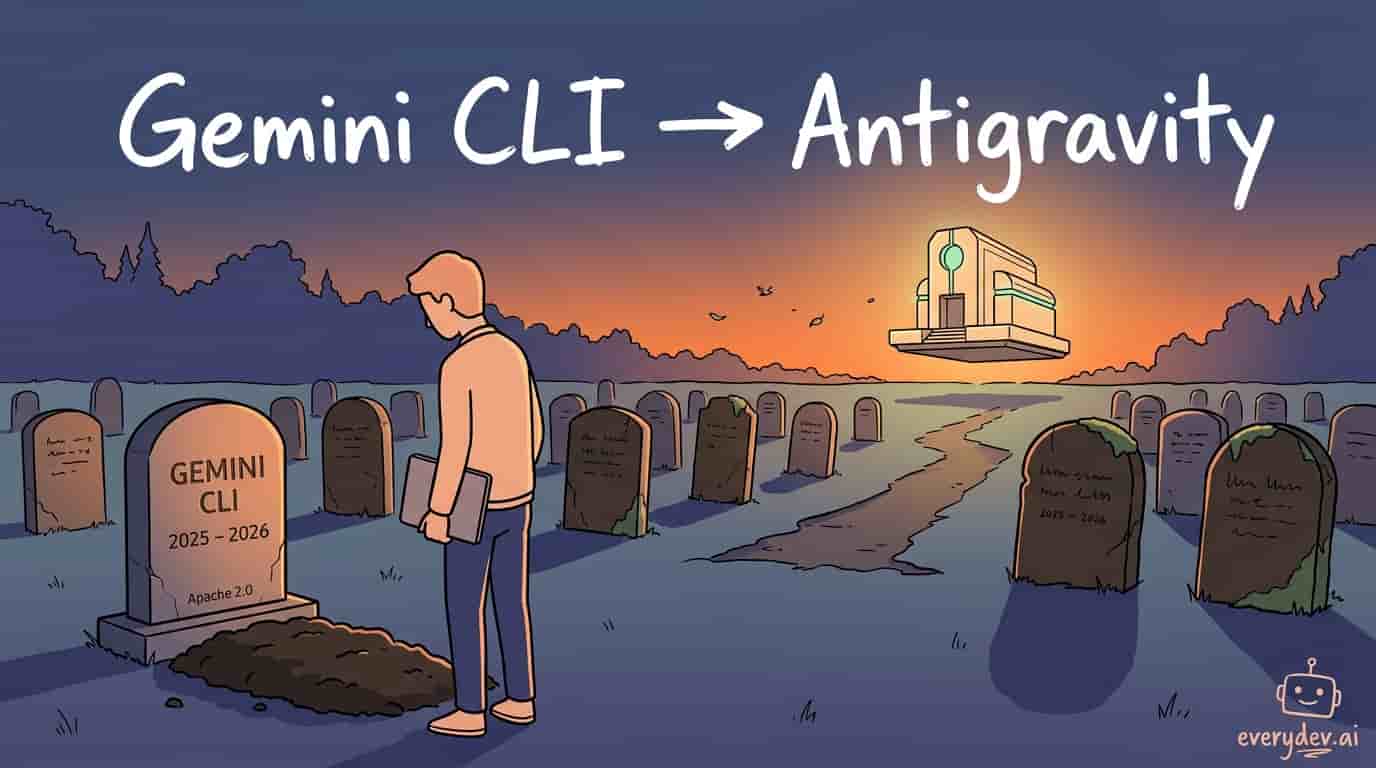
Google just killed Gemini CLI
Antigravity CLI takes over, and you've got until June 18 before the old one stops serving free/Pro/Ultra users. Three things stand out to me. First, this is the trust problem more than the tool problem. Most people seem to agree Gemini CLI wasn't great anyway. The anger is about the pattern. You can…
Pricing
Individual
A plan for anyone who wants to build. Includes core Antigravity features with generous weekly rate limits.
- Agent model access to Gemini 3.1 Pro, Gemini 3 Flash, Claude Sonnet & Opus 4.6, and gpt-oss-120b
- Unlimited Tab completions
- Unlimited Command requests
- Generous weekly rate limits
Developer via Google AI Pro
Enhanced Antigravity access via Google One AI Pro subscription. Includes higher rate limits and access to Google AI features.
- Everything in Individual plan
- Higher rate limits to agent model in Antigravity
- Higher access to Gemini 3.1 Pro and Deep Research
- Image generation with Nano Banana Pro
- Video generation with limited Veo 3.1 access
- Flow: AI Filmmaking tool with Veo 3.1
- Whisk: Image-to-video creation with Veo 3
- 1,000 monthly AI credits
- NotebookLM with Audio & Video Overviews and Quizzes
- Gemini in Gmail, Docs, Vids, and Chrome
- Google Developer Program premium
- 2 TB storage for Google Photos, Drive, and Gmail
Developer via Google AI Ultra
Highest level of Antigravity access via Google One AI Ultra subscription. Includes exclusive features and maximum rate limits.
- Everything in Individual plan
- Highest rate limits to agent model in Antigravity
- Highest Gemini app limits with Deep Think, Gemini Agent, and Veo 3.1
- Flow: Highest limits for AI Filmmaking with Veo 3.1
- Whisk: Highest limits for image-to-video creation with Veo 3
- Project Genie: Interactive worlds with Genie 3 world model
- 25,000 monthly AI credits
- Project Mariner early access for agentic research
- NotebookLM with highest feature limits
- Gemini in Gmail, Docs, Vids, and Chrome with highest access
- YouTube Premium individual plan included
- Google Home Premium Advanced with 24/7 video history
- Google Developer Program premium with highest limits
- 30 TB storage for Google Photos, Drive, and Gmail
Workspace Starter
Google Workspace Starter with base Antigravity team access. Prices shown reflect annual billing.
- Workspace with Gemini AI assistant
- 30 GB pooled storage per person
- Secure custom business email
- Gemini AI assistant in Gmail
- Chat with AI in the Gemini app
- Video meetings with up to 100 participants
- Google Vids AI-powered video creator and editor
- Security and management controls
Workspace Standard
Google Workspace Standard with base Antigravity team access. Prices shown reflect annual billing.
- Everything in Workspace Starter
- 2 TB storage per user
- Gemini AI in Gmail, Docs, Meet, and more
- NotebookLM with expanded access to features
- Expanded access to Gemini models and features
- Video meetings with recording and noise cancellation, up to 150 participants
- Appointment booking pages
- eSignature with Docs and PDFs
- Google Workspace Migrate tool for data migration
Workspace Plus
Google Workspace Plus with base Antigravity team access. Prices shown reflect annual billing.
- Everything in Workspace Standard
- 5 TB storage per user
- Secure custom business email with eDiscovery
- Video meetings with attendance tracking, up to 500 participants
- Vault to retain, archive, and search data
- Secure LDAP
- Advanced endpoint management
- Enhanced security and management controls
Workspace Enterprise
Google Workspace Enterprise with base Antigravity team access. Contact sales for pricing.
- Everything in Workspace Plus
- 5 TB storage per user, upgradeable
- S/MIME encryption for business email
- Video meetings with in-domain live streaming, up to 1000 participants
- Data loss prevention (DLP)
- Context-aware access
- Enterprise data regions
- Cloud Identity Premium
- Enterprise endpoint management
- AI Classification for Google Drive
- Enhanced Support for faster response times
AI Ultra Access
Workspace add-on for highest AI access in Antigravity. Requires a Google Workspace plan. Priced per user per month.
- Highest access to advanced AI capabilities in Workspace
- Flow: Highest limits for AI Filmmaking with Veo 3
- Whisk: Highest limits for image-to-video creation with Veo 3
- Project Mariner: Agentic research prototype
- 25,000 monthly AI credits per user
- Gemini app: Highest limits with Gemini 2.5 Deep Think and Veo 3
- NotebookLM: Highest feature limits and best Gemini model capabilities
- Additional credits available at $1.00 per 100 credits
Capabilities
Key Features
- Run autonomous coding agents from the terminal
- Execute shell commands directly via agent interface
- Manage background subagents in parallel
- Access to Gemini 3.5 Flash, Gemini 3.1 Pro, Gemini 3 Flash, Claude Sonnet & Opus 4.6, gpt-oss-120b
- Unlimited tab completions
- Unlimited command requests
- Lightweight and fast terminal-first interface
- Keyboard-driven workflow