
Timeglass AI MCP
A remote MCP connector that lets Claude, ChatGPT, Gemini and other assistants search and act on your Timeglass work history and timesheets.
At a Glance
14 day free trial of Timeglass; no card required per homepage.
Engagement
Available On
Alternatives
Listed Nov 2026
About Timeglass AI MCP
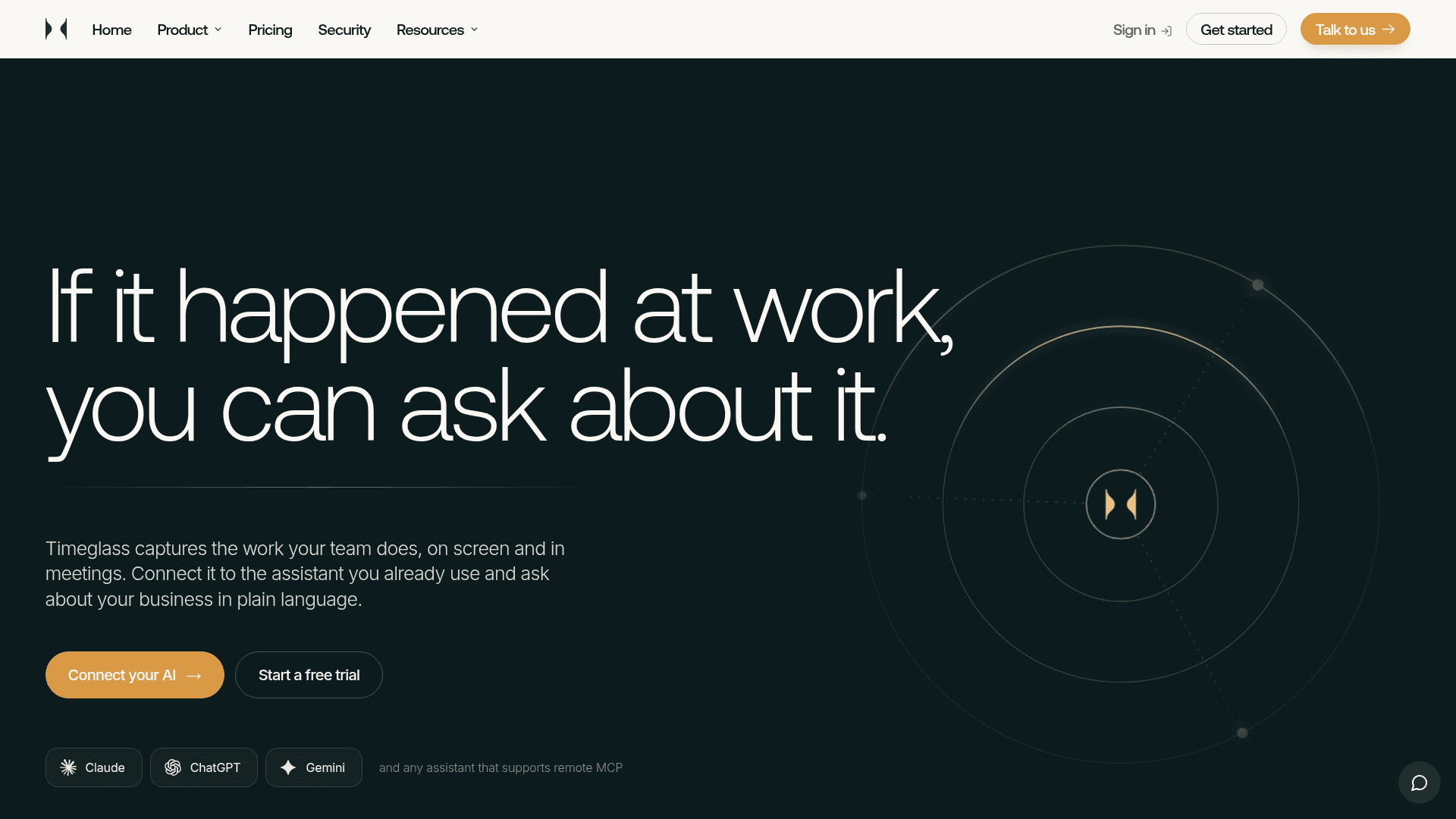
Timeglass AI MCP is the connector from Timeglass that links its automatically captured work record to the AI assistant a team already uses. It runs as a remote MCP server over Streamable HTTP with OAuth, so users can ask questions about projects, clients, meetings and timesheets in plain language.
What It Is
Timeglass captures work on screen and in meetings and drafts timesheets from it. The MCP connector exposes that record to assistants, giving them persistent context about minutes, tasks, meetings, projects and clients. Claude, ChatGPT and Gemini each have a documented setup path, and any assistant that supports remote MCP can connect to the same address.
How the connection works
Setup uses the assistant's own connector settings. The user adds the Timeglass address as a connector, signs in to Timeglass and approves the connection, then turns it on in a new conversation. The vendor states that no code, installation or configuration file is needed.
What you can ask and do
Example questions include why a project ran over its planned hours, what a person spent the day on, what was agreed on a client call, and how to build a playbook from how work is done. The assistant can also make changes when asked: it can add and edit time entries, create and update projects, clients and categories, and move activity to the right project. Entries created for someone else start as pending until that person reviews them.
Access and data rules
The connector follows the same access rules as the user's Timeglass account, so the assistant only sees what that role can already see in the app. Timeglass states that it does not charge a separate fee for the connector, and questions run on the user's own assistant plan.
Community Discussions
Be the first to start a conversation about Timeglass AI MCP
Share your experience with Timeglass AI MCP, ask questions, or help others learn from your insights.
Pricing
Free trial
14 day free trial of Timeglass; no card required per homepage.
Team
For teams up to 50 users, priced per seat.
- For teams up to 50 users
- Automatic timesheets
- Client and project attribution
- Review and release workflow
- Claude and ChatGPT via MCP
- Exports and alerts
Enterprise
Custom plan for larger teams.
- Everything in Team
- SSO, SAML, and SCIM
- Audit logs and roles
- Forward deployed AI consultants
- Priority support
Capabilities
Key Features
- Remote MCP server over Streamable HTTP with OAuth
- Searchable record of minutes, tasks, meetings, projects and clients
- Plain-language questions about work history
- Add and edit time entries from the assistant
- Create and update projects, clients and categories
- Move activity to the correct project
- Access limited to the user's own Timeglass role permissions
- No-code setup through assistant connector settings