
Toki is an AI scheduling agent that captures texts, voice notes, images, and emails to automatically build and manage your calendar with smart reminders and conflict resolution.
At a Glance
About Toki
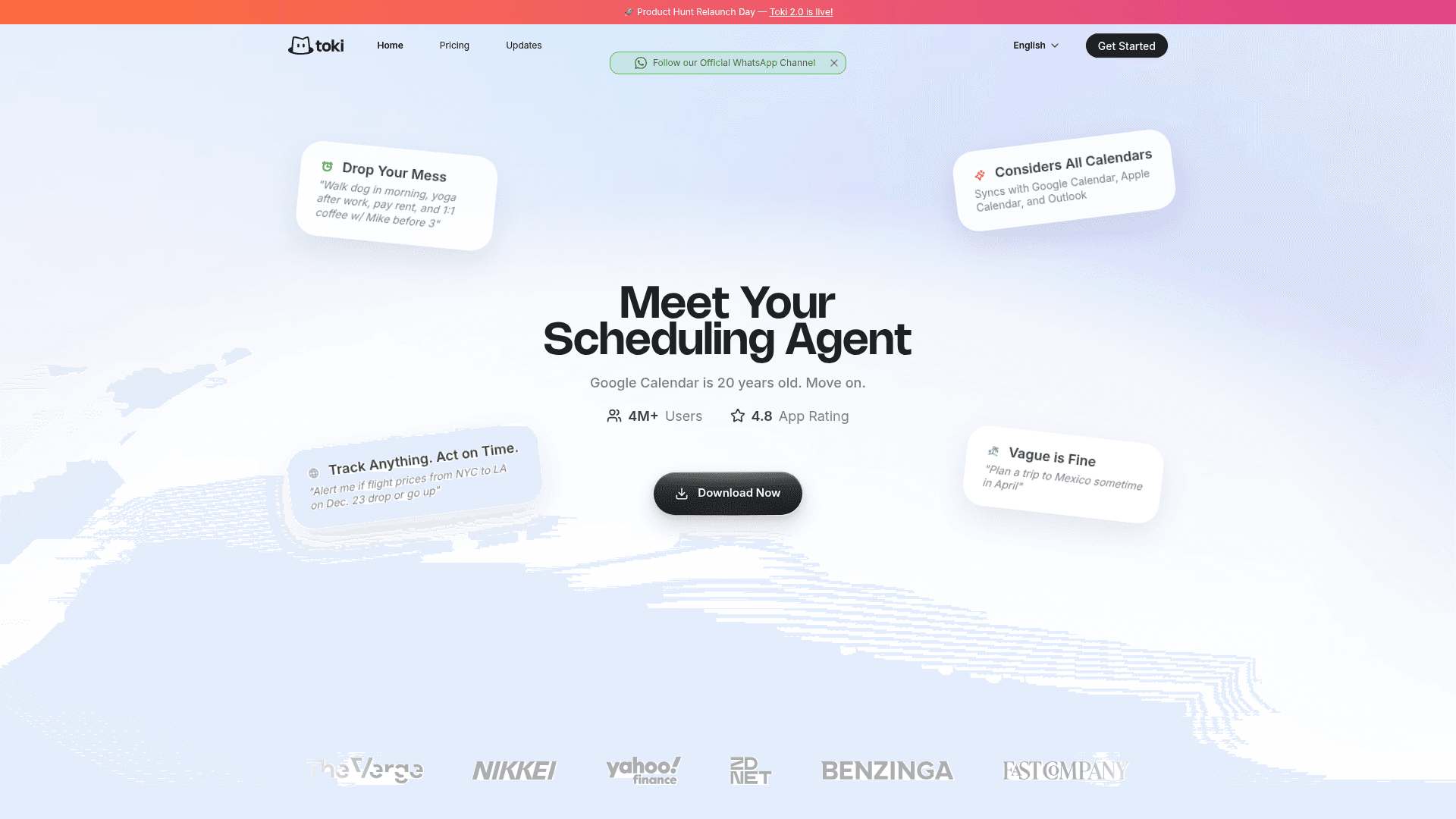
Toki is an AI-powered scheduling agent that replaces traditional calendar apps by intelligently capturing inputs from multiple sources — texts, voice notes, images, and emails — and turning them into actionable, automatically scheduled plans. It syncs with Google Calendar, Apple Calendar, and Outlook, and works across iPhone, Android, Apple Watch, and Mac. Toki goes beyond simple reminders by actively monitoring triggers, resolving scheduling conflicts, and calling you when it matters most.
- AI Schedule Building — Tell Toki your tasks in plain language (even vague ones like "plan a trip to Mexico sometime in April") and it builds a smart, prioritized schedule for you.
- Seed (Reinvented To-Do List) — Add tasks you need to do later and Toki reminds you at the right moment to take action.
- Triggers — Set Toki to monitor real-world events like flight price changes or ticket releases and get notified in real time.
- Multi-Calendar Sync — Connects with Google Calendar, Apple Calendar (iCloud), and Outlook so Toki always knows your full availability.
- Multi-Modal Input — Accepts text, voice notes, screenshots, and emails as input — no manual data entry required.
- CallMe Alerts — Toki can actually call you for critical reminders, ensuring you never miss an important event.
- Conflict Detection — Automatically identifies overlapping events and suggests smart resolutions.
- Daily & Weekly Insights — Provides a summary of what's ahead and how your time is being spent.
- Group Coordination — Supports work teams, families, and social circles to keep everyone aligned.
- Cross-Device Access — Available on iOS (iPhone, iPad, Apple Watch, Mac) and Android phones and tablets.
To get started, download Toki from the App Store or Google Play, connect your calendars, and simply message Toki with anything you need to schedule or remember — in whatever format is most convenient for you.
Community Discussions
Be the first to start a conversation about Toki
Share your experience with Toki, ask questions, or help others learn from your insights.
Pricing
Free
Basic scheduling for free, forever.
- Basic Toki 1.0 Usage (scheduler)
- Limited Toki 2.0 Usage (agent)
- Sync 1 Calendar Account
- 3 Toki calendars
- Free forever
Plus
Perfect for daily use with more scheduling power.
- More Toki 1.0 Usage (scheduler)
- Basic Toki 2.0 Usage (agent)
- Sync 3 Calendar Accounts
- 5 Toki calendars
- Unlock All Features
Super
Schedule like a pro with generous usage limits.
- Generous Toki 1.0 Usage (scheduler)
- Generous Toki 2.0 Usage (agent)
- Sync 5 Calendar Accounts
- 30 Toki calendars
- Toki CalDAV
- Unlock All Features
- Early access to new features
Capabilities
Key Features
- AI schedule building from natural language
- Multi-modal input (text, voice, images, email)
- Google Calendar sync
- Apple Calendar (iCloud) sync
- Outlook sync
- Seed reinvented to-do list
- Triggers for real-world event monitoring
- CallMe phone call alerts
- Conflict detection and resolution
- Daily and weekly insights
- Group coordination
- Apple Watch support
- Siri integration
- Smart reminders and push notifications
- Personal memory and adaptive intelligence