
Tool UI
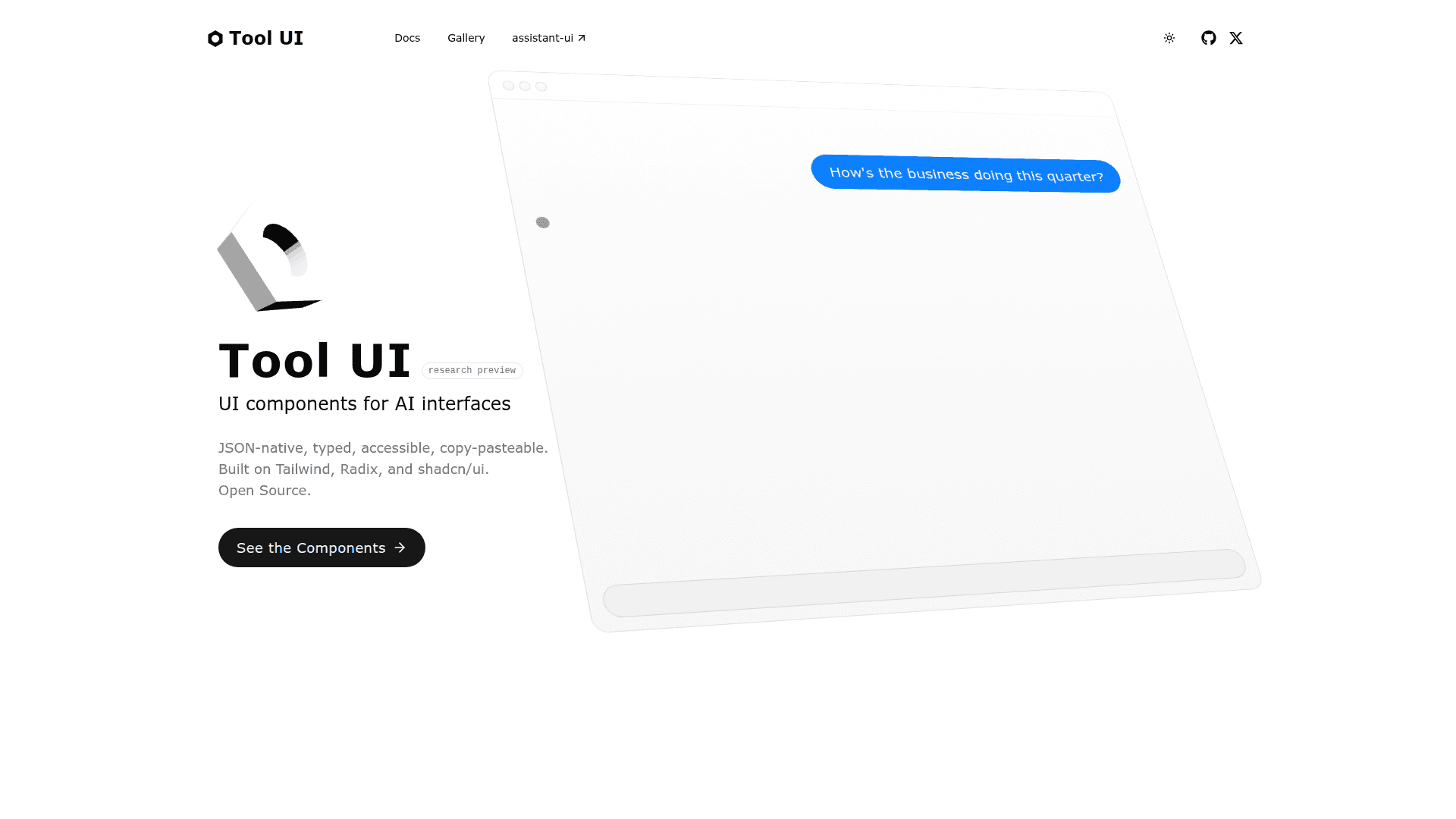
React components for building AI chat interfaces with tool calling that integrates with assistant-ui for LLM-powered interactions.
At a Glance
About Tool UI
Tool UI is a React component library that provides pre-built, customizable UI components specifically designed for displaying tool calls and their results in AI-powered chat interfaces. It works seamlessly with assistant-ui to create sophisticated conversational AI experiences where LLMs can call tools and render beautiful, interactive results.
How It Works:
Tool UI follows a simple three-step pattern:
- Backend Tools - Define tools on your server that return structured JSON matching Tool UI component schemas (like LinkPreview, DataTable, OptionList)
- Frontend Registration - Connect backend tools to UI components using
makeAssistantToolUI- when the LLM calls a tool, the matching component automatically renders - Interactive Tools - For user input, register frontend tools with
makeAssistantToolthat display UI and collect results throughaddResult()
Key Features:
-
Pre-built Components - Ready-to-use components including DataTable, LinkPreview, OptionList, Image, Video, Chart, CodeBlock, and more for displaying tool results
-
Assistant-UI Integration - Works natively with assistant-ui runtime which handles message streaming, tool execution, and state management between frontend and backend
-
Two-Way Tool Calling - Supports both backend tools (LLM calls server functions) and frontend tools (LLM renders interactive UI that calls
addResult()on user action) -
Type-Safe Schemas - Each component comes with validation schemas and parsers to ensure tool outputs match expected formats
-
Framework Flexibility - Works with AI SDK, LangGraph, LangServe, Mastra, or custom backends through assistant-ui runtime adapters
Quick Setup:
# Install via assistant-ui CLI (recommended)
npx assistant-ui@latest init

# Or install packages manually
pnpm add @assistant-ui/react @assistant-ui/react-ai-sdk ai @ai-sdk/openai zod
Add your OpenAI API key:
OPENAI_API_KEY=sk-...
Basic Usage Example:
// 1. Set up runtime provider
import { AssistantRuntimeProvider } from "@assistant-ui/react";
import { useChatRuntime, AssistantChatTransport } from "@assistant-ui/react-ai-sdk";

function App() {
  const runtime = useChatRuntime({
    transport: new AssistantChatTransport({ api: "/api/chat" }),
  });

  return (
    <AssistantRuntimeProvider runtime={runtime}>
      <PreviewLinkUI />
      <Thread />
    </AssistantRuntimeProvider>
  );
}

// 2. Create backend tool (in /api/chat route)
import { streamText, tool, jsonSchema } from "ai";
import { openai } from "@ai-sdk/openai";

export async function POST(req: Request) {
  const { messages } = await req.json();

  const result = streamText({
    model: openai("gpt-4o"),
    messages,
    tools: {
      previewLink: tool({
        description: "Show a preview card for a URL",
        inputSchema: jsonSchema<{ url: string }>({
          type: "object",
          properties: { url: { type: "string", format: "uri" } },
          required: ["url"],
        }),
        async execute({ url }) {
          return {
            id: "link-preview-1",
            href: url,
            title: "Example Site",
            description: "A description of the linked content",
            image: "https://example.com/image.jpg",
          };
        },
      }),
    },
  });

  return result.toUIMessageStreamResponse();
}

// 3. Register UI component for the tool
import { makeAssistantToolUI } from "@assistant-ui/react";
import { LinkPreview, parseSerializableLinkPreview } from "@/components/tool-ui/link-preview";

export const PreviewLinkUI = makeAssistantToolUI({
  toolName: "previewLink", // Must match backend tool name
  render: ({ result }) => {
    if (result === undefined) {
      return <div>Loading preview…</div>;
    }
    const preview = parseSerializableLinkPreview(result);
    return <LinkPreview {...preview} />;
  },
});
When users ask the assistant to preview a link, it calls your tool and automatically renders the LinkPreview component with the returned data.
Community Discussions
Be the first to start a conversation about Tool UI
Share your experience with Tool UI, ask questions, or help others learn from your insights.
Pricing
Open Source
Get started with Tool UI at no cost with Full component library with 15+ pre-built components and Works with AI SDK, LangGraph, LangServe, Mastra.
- Full component library with 15+ pre-built components
- Works with AI SDK, LangGraph, LangServe, Mastra
- TypeScript support with type-safe schemas
- Backend and frontend tool support
- Community support via GitHub
Capabilities
Key Features
- Pre-built React components (LinkPreview, DataTable, OptionList, Image, Video, Chart, etc.)
- Native assistant-ui runtime integration
- Backend tool rendering (LLM calls server functions)
- Frontend interactive tools (UI components that collect user input)
- Type-safe component schemas with validation parsers
- Streaming response support
- Tool call visualization in chat
- Auto-continue after tool execution
- Customizable theming and styling
- Multiple AI framework support (AI SDK, LangGraph, LangServe, Mastra)