
Toone
A native macOS workspace for building, running and supervising repeatable AI agent routines with checks, memory and pause-and-resume control.
At a Glance
Every account can create 2 routines for free; running routines is never limited.
Engagement
Available On
Alternatives
Listed Nov 2026
About Toone
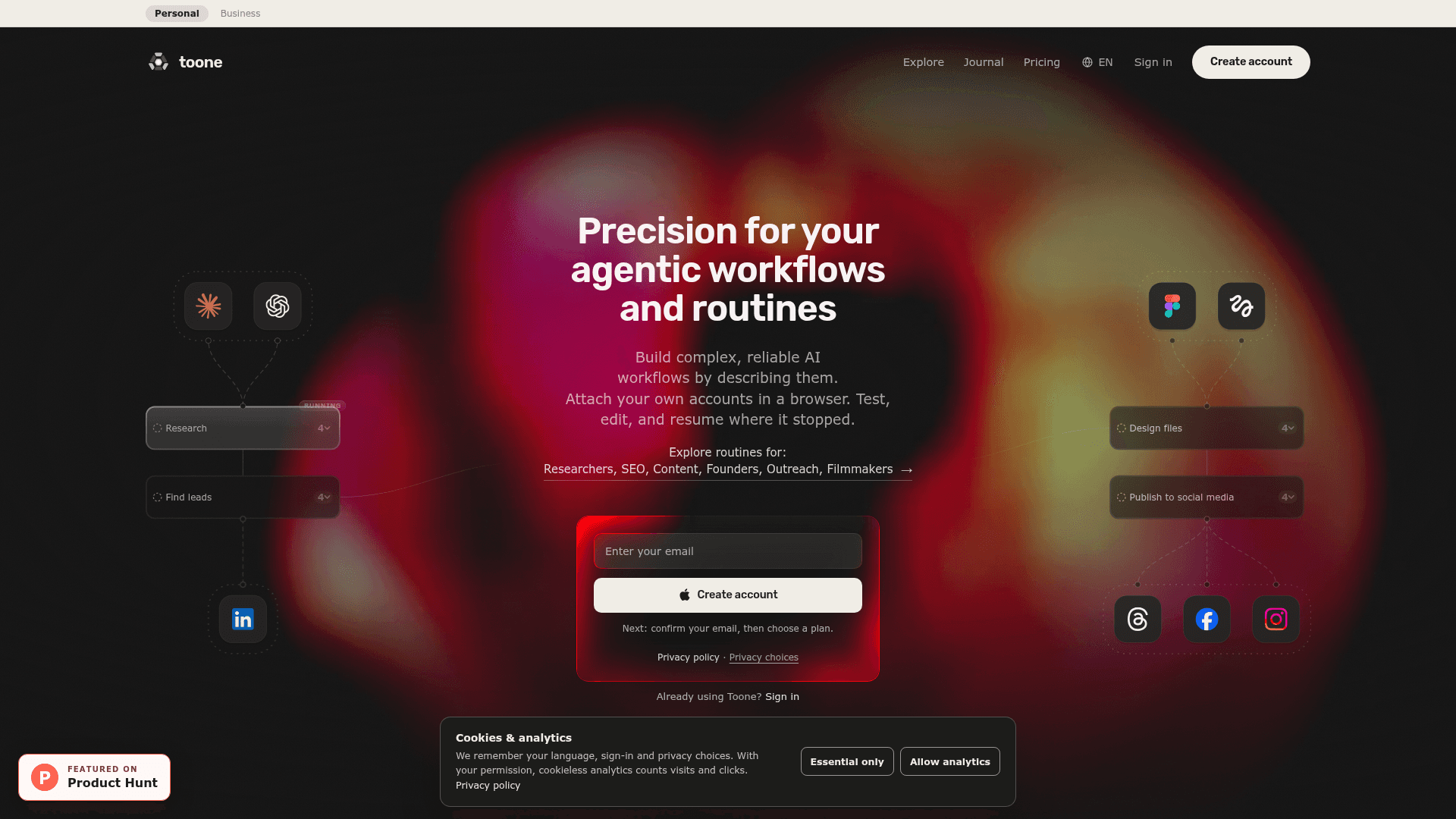
Toone is a native macOS workspace for projects that use AI agents. Users describe a workflow in plain words, and Toone drafts a graph of steps that specialised agents run on the models and accounts the user chooses. It works with the user's own OpenAI or Anthropic subscription.
What It Is
Toone keeps specialised agents, the repeatable routines they run, and the tools and knowledge they share in one place. According to the site, it is aimed at operators, researchers, marketers, founders and creators with multi-step work that recurs weekly or monthly. Users bring their own Claude Code or Codex and turn the work into a routine they can watch, pause, edit and review.
How a Routine Runs
A routine is described in natural language, including its schedule, models and accounts. Agents run in parallel, each on a chosen model, and each step shows live progress on the user's own accounts. Contracts check every output, so a step that falls short pauses on its own. The user can then edit it and resume where it stopped. Failure routes can retry, switch model, or ask the user, and routines can pause for approval before sensitive steps such as publishing.
How It Differs From a Scheduled Prompt
Toone's site contrasts routines with a prompt on a timer. A routine is a visible graph of steps with memory between runs, so it remembers what it already did, such as leads already found. It also supports a different model per step.
Features and Setup
The site lists a Spotlight-style summoner for agents, resizable workspace windows, browser sessions for existing tools and accounts, voice input, and meeting recording with speaker labels. Live collaboration and a human-control feature are marked beta. An Explore library offers reviewed routines to add and adapt. A guided quickstart takes about 15 minutes from install to a first routine run.
Community Discussions
Be the first to start a conversation about Toone
Share your experience with Toone, ask questions, or help others learn from your insights.
Pricing
Free
Every account can create 2 routines for free; running routines is never limited.
- 2 routines creation limit
- Unlimited runs
Monthly
Toone Pro monthly subscription with unlimited routine creation; runs are unlimited on every plan.
- Unlimited routine creation
- Install any routine from Explore
- Runs stay unlimited on every plan
- Renews every month until you cancel
- 14-day refund on first purchase
- Applies in Toone for Mac
Lifetime
Single payment for Toone Pro with no renewal.
- Unlimited routine creation
- Pay once. Pro stays on, with no renewal
Capabilities
Key Features
- Describe workflows in plain language and get a draft step graph
- Parallel agents with a model chosen per step
- Contracts that check outputs and pause failing steps
- Pause, edit and resume in place
- Failure routes: retry, switch model, or ask the user
- Memory between runs
- Scheduled routines
- Approval prompts before sensitive steps
- Spotlight-style agent summoning
- Browser sessions using your own accounts
- Voice input and meeting capture with speaker labels
- Explore library of reviewed routines
- Live collaboration (beta)