
TryCase
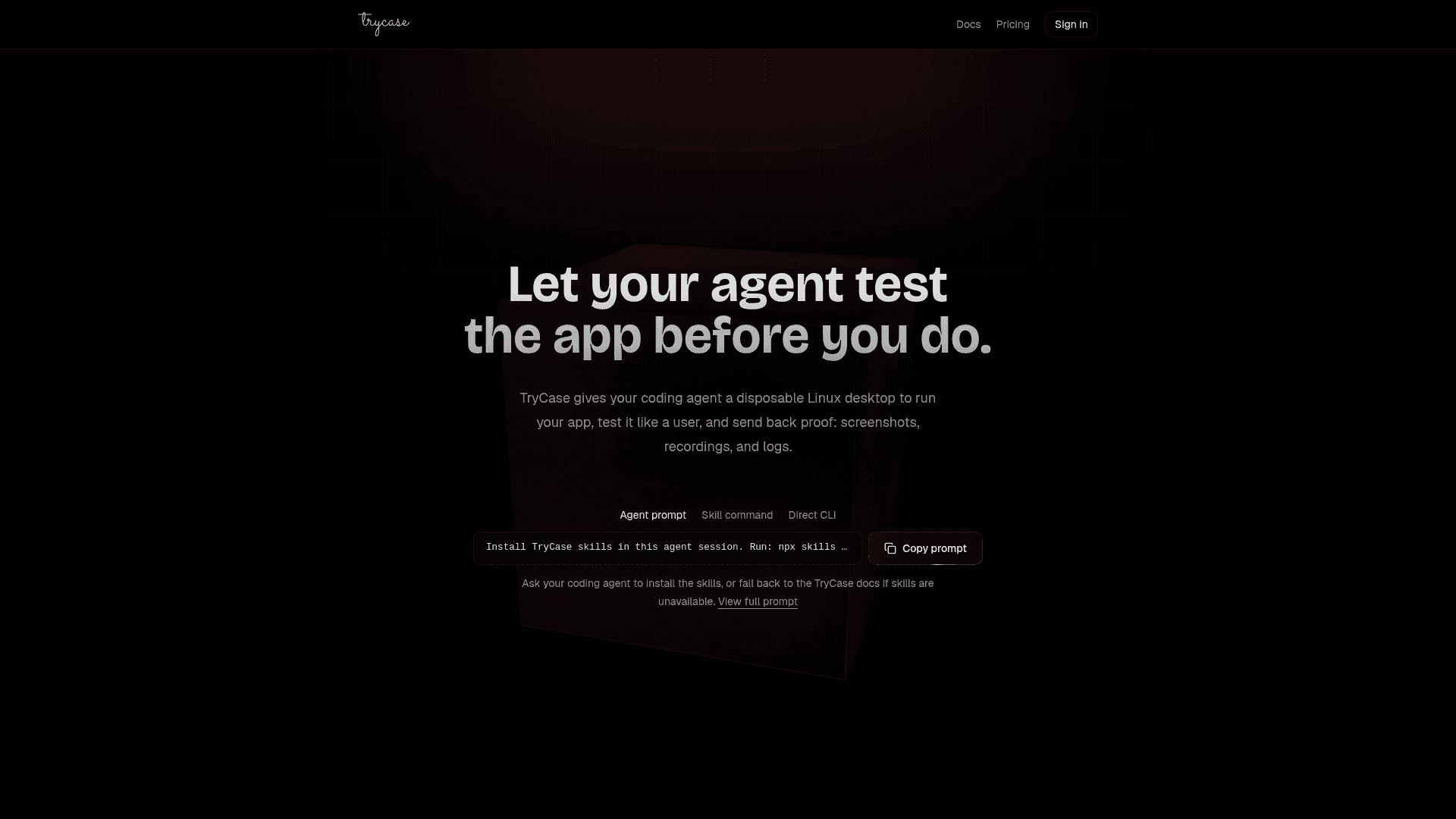
TryCase gives coding agents a disposable Linux desktop to run, test, and verify apps end-to-end, returning screenshots, recordings, and logs as proof.
At a Glance
First TryCase run, no card required
Engagement
Available On
Listed Jul 2026
About TryCase
TryCase is a cloud-based testing environment platform that lets coding agents spin up disposable Linux machines, run applications, interact with them like a real user, and return verifiable proof — screenshots, video recordings, and logs. It is designed to close the loop between AI-generated code and human review by letting the agent test before the developer does.
What It Is
TryCase provides on-demand, ephemeral Linux environments that coding agents (Claude, Codex, Cursor, and others) can control via a CLI and a set of installable "skills." Each environment supports terminal sessions, browser automation, filesystem operations, and artifact collection. Environments are destroyed after the task completes, so there is no persistent state to manage. The core workflow is: install skills once, ask the agent for proof on every task, review what comes back.
How the Workflow Operates
The upload-first model is the recommended starting point. An agent:
- Installs TryCase skills with a single
npx skills addcommand - Creates a No Source project and launches a disposable environment
- Uploads the local working tree with
--respect-gitignore - Runs installs, starts the app, and drives the browser
- Captures screenshots, recordings, and logs as artifacts
- Destroys the environment and confirms it is no longer billable
The agent can iterate automatically — the homepage shows a while (!result.passed) loop where the agent fixes failures and retests until the flow passes.
Environment Modes and Sizes
TryCase offers two environment modes:
- Headless — default for CLI and LLM verification; supports terminal, browser automation, filesystem, logs, screenshots, and recordings without a visible desktop
- Desktop — visible Linux desktop for tasks requiring live viewing, desktop apps, mouse/keyboard APIs, or manual user steps like OAuth consent, CAPTCHA, 2FA, or passkey flows
Four runner sizes are available — nano (1 vCPU, 1 GiB RAM, 10 GiB disk), small (1 vCPU, 2 GiB RAM, 20 GiB disk), standard (2 vCPU, 4 GiB RAM, 40 GiB disk), and large (4 vCPU, 8 GiB RAM, 80 GiB disk) — chosen based on the workload's memory, CPU, and disk needs.
Agent Integration and Skills System
TryCase ships a universal skills package (bencsn/trycase-skills) that teaches coding agents the upload-first route, evidence requirements, and CLI workflow. Once installed, agents can be prompted with natural language like "test the changes end to end and show me a video recording." The skills cover:
trycase-cli— core CLI knowledge and credential managementtrycase-run-linux-app— the full upload, run, verify, and destroy loop
The CLI is available via npx trycase@latest, bunx, or pnpm dlx, and supports runtimes including npm, pnpm, yarn, bun, docker-compose, and blank environments.
Security and Secret Handling
Project secrets are encrypted at rest, scoped to a project, and never returned in plaintext. The platform redacts known secret values from runner output, terminal output, and dashboard errors. Secrets can be imported from local dotenv files (with explicit user approval), set via stdin to avoid shell history exposure, or declared in trycase.yaml for reproducible setups. Manual human-only steps — login, CAPTCHA, 2FA, payment confirmation — are handled by switching to desktop mode and giving the user a live take-control link rather than asking for sensitive values in chat.
Current Status
TryCase is in public beta. The docs reference large as "currently the largest public-beta size," and the platform is actively accepting subscribers across multiple tiers. The contact email ben@trycase.dev is used for manual credit top-ups and extra credit requests, suggesting a lean early-stage operation.
Community Discussions
Be the first to start a conversation about TryCase
Share your experience with TryCase, ask questions, or help others learn from your insights.
Pricing
Free
First TryCase run, no card required
- 150 credits ($0.15 compute)/month
- 2.25h nano headless included
- Headless only
- 3 active environments
- 30m max duration
Pro
For individual agents
- 19,000 credits ($19 compute)/month
- 285h nano headless included
- 190h nano desktop included
- 5 active environments
- 120m max duration
Max 5x
For heavier daily use
- 79,000 credits ($79 compute)/month
- 1,186h nano headless included
- 791h nano desktop included
- 15 active environments
- 120m max duration
Max 20x
For parallel verification
- 199,000 credits ($199 compute)/month
- 2,988h nano headless included
- 1,992h nano desktop included
- 30 active environments
- 120m max duration
Team
For small teams
- 399,000 credits ($399 compute)/month
- 5,991h nano headless included
- 3,994h nano desktop included
- 50 active environments
- 120m max duration
Capabilities
Key Features
- Disposable Linux environments for coding agents
- Headless and desktop environment modes
- Browser automation (click, fill, screenshot, recording)
- Terminal sessions inside environments
- Filesystem upload and artifact collection
- Video recordings and screenshots as proof
- Agent skills package for Claude, Codex, Cursor
- Four runner sizes: nano, small, standard, large
- Project secrets management with encryption at rest
- Secret redaction from all output
- Docker Compose, npm, pnpm, yarn, bun runtime support
- trycase.yaml manifest for reproducible setups
- Automatic environment destruction after task
- Live desktop take-control link for manual steps
- Artifact bundling and download