
ttok
Command-line tool that counts and truncates text based on LLM tokens using OpenAI's tiktoken library.
At a Glance
About ttok
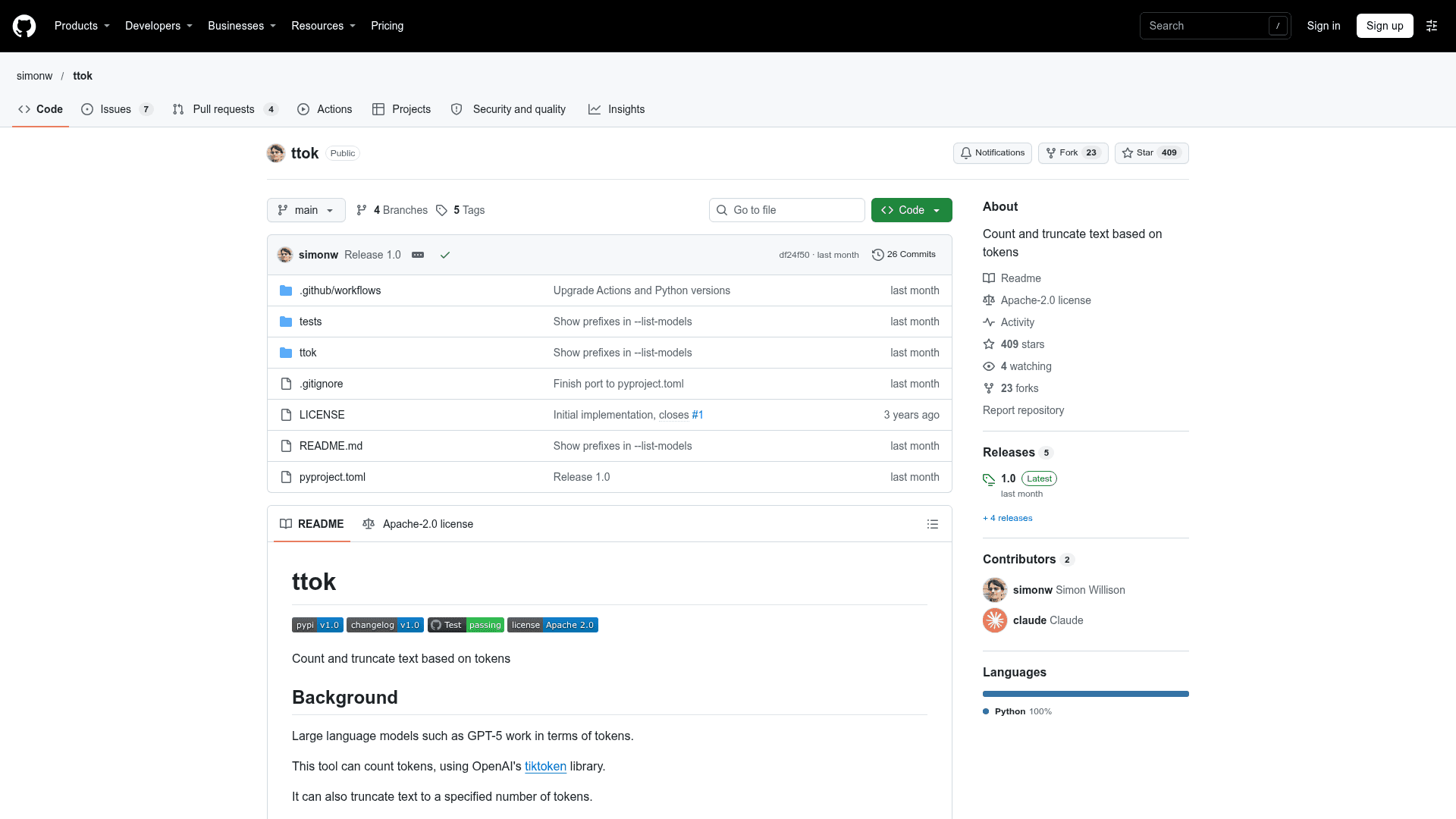
ttok is an open-source Python command-line tool by simonw that counts tokens in text and truncates text to a set number of tokens. It uses OpenAI's tiktoken library and reads text from arguments, stdin, or files. The latest release listed is version 1.0.
What It Is
ttok is a CLI utility for working with the token-based limits of large language models. You pass text as arguments, pipe it in, or read it from a file with -i, and it prints the token count. It can also truncate input to a given number of tokens.
Tokenizer models and token inspection
The default tokenizer is the GPT-5 encoding (o200k_base), which changed in ttok 1.0. The -m/--model option selects other tokenizers, such as gpt-3.5-turbo (cl100k_base) or gpt2, and --list-models shows the model names and prefixes supported by the installed tiktoken. Because token counts and truncation results can differ between tokenizers, the README advises using the same model when encoding and decoding.
The --encode option outputs integer token IDs, --decode converts IDs back to text, and --tokens shows a breakdown of the individual tokens. The --allow-special option lets special token strings such as <|endoftext|> be recognized instead of causing an error.
Setup path
Install with pip, uv tool install, or Homebrew, or run it without installing via uvx ttok. It can also be run with python -m ttok.
Community Discussions
Be the first to start a conversation about ttok
Share your experience with ttok, ask questions, or help others learn from your insights.
Pricing
Open Source
ttok CLI for counting and truncating text by tokens, released under the Apache License 2.0.
- Count tokens in text or files
- Truncate text to a set number of tokens
- Encode and decode token IDs
- Supports multiple tiktoken models
- Licensed under Apache License 2.0
Capabilities
Key Features
- Count tokens from arguments, stdin, or files
- Truncate text to a specified number of tokens
- Select tokenizer model with --model
- Encode text to token IDs and decode IDs back to text
- Show detailed token breakdown
- Allow special tokens with --allow-special
- List supported model names and prefixes