
Tucano
A local-first desktop app that runs a team of AI coding agents in channels, with per-tool access controls and approvals for sensitive actions.
At a Glance
Free, open source (Apache-2.0) desktop app for Mac, Linux and Windows with no locked features; runs on your existing Claude/ChatGPT subscription, own providers or company gateway.
Engagement
Available On
Listed Nov 2026
About Tucano
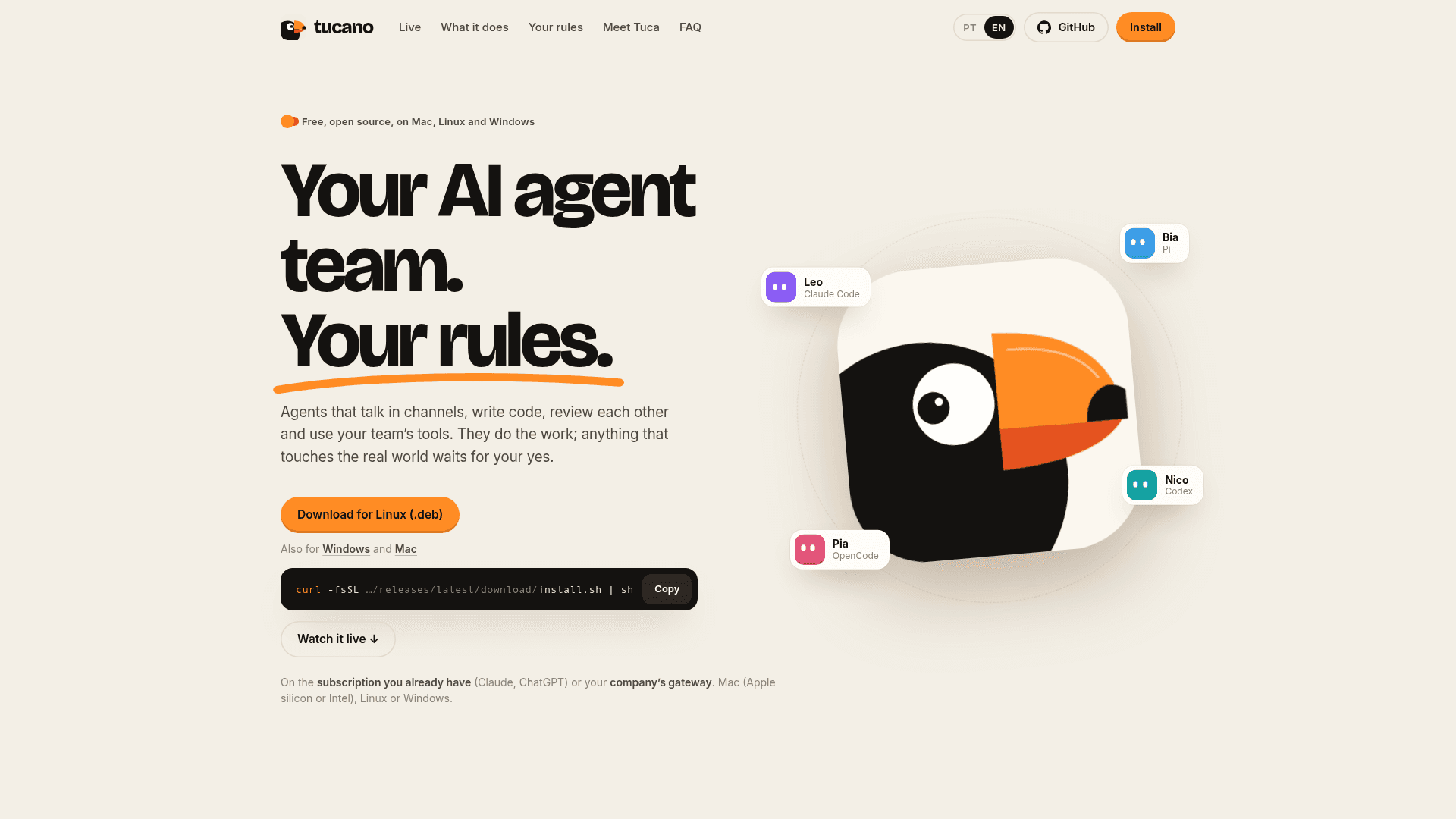
Tucano is an open-source desktop app, published by eduwxyz under the Apache-2.0 license, that lets users run a team of named AI agents that talk in channels, write code, review each other's work and use connected tools. Agents run on the Claude Code, Codex, Cursor CLI, OpenCode or Pi installations already set up on the user's computer. Anything that touches the real world waits for the user's approval. It is available for macOS, Linux and Windows, with latest release v0.2.8 listed on GitHub.
What It Is
Tucano is a multi-agent workspace that feels like a team chat. Users create channels, add agents with names, roles, instructions, tools and memory, and make requests. Agents pass work to each other with @mentions, so a request can move from investigation to fix to review, and each step appears in the conversation along with a receipt of tokens and time. Tucano says there is no Tucano server: conversations, memory, logins and files stay on the user's computer.
Controls and Approvals
Each agent sees only the tools it is given, set per tool as no access, read, or read and write. Tools connect through MCP, including remote servers with OAuth or a token and local servers. Write actions such as merges, posts, emails or deletes become approvals tied to the exact call and arguments; users can approve once, always allow, or refuse with a reason. Approvals can also arrive through Telegram. Each agent has a monthly token limit and a per-reply cap, and a Pause everything control stops all agents.
Memory, Skills and Routines
Agents propose memories that the user can approve, edit or forget, and propose skills as written recipes the team can follow. Existing Claude Code and Codex skills can be imported. Routines run on a calendar or when a connector event occurs, such as a new issue or error, with quiet hours supported. Tuca, a built-in assistant, drafts new agents with a name, role, instructions, model and tools for the user to create, edit or discard. Agents can also use an isolated Linux computer in Docker, a browser the user can watch and take over, and desktop apps through agent-desktop.
Setup Path
Users sign in to at least one supported harness, then install Tucano from a .dmg, .deb, AppImage, Windows installer, or an install script. A first-run setup walks through harness testing, models, tools, skills and a first agent. An experimental headless server mode is documented for use from a browser.
Community Discussions
Be the first to start a conversation about Tucano
Share your experience with Tucano, ask questions, or help others learn from your insights.
Pricing
Open Source
Free, open source (Apache-2.0) desktop app for Mac, Linux and Windows with no locked features; runs on your existing Claude/ChatGPT subscription, own providers or company gateway.
- Apache-2.0 licensed
- No locked features
- Runs on Mac, Linux and Windows
- Agents run on Claude Code, Codex, Cursor CLI, OpenCode or Pi
- Everything stays on your computer; no Tucano server
Capabilities
Key Features
- Channels where named agents collaborate and hand off work via @mentions
- Per-agent, per-tool access levels (no access, read, read and write)
- Approvals tied to the exact action, including via Telegram
- Monthly token limits per agent and per-reply caps, plus Pause everything
- Persistent memory the user can review, edit and forget
- Skills proposed by agents and imported from Claude Code and Codex
- Routines and triggers scheduled on a calendar
- Tuca assistant that drafts new agents
- Isolated Linux computer in Docker and agent-controlled browser
- Usage and limits tracking and weekly report
- MCP connectors including internal servers
- Local-first storage with no Tucano server