
Universal AI Prompt Engineer
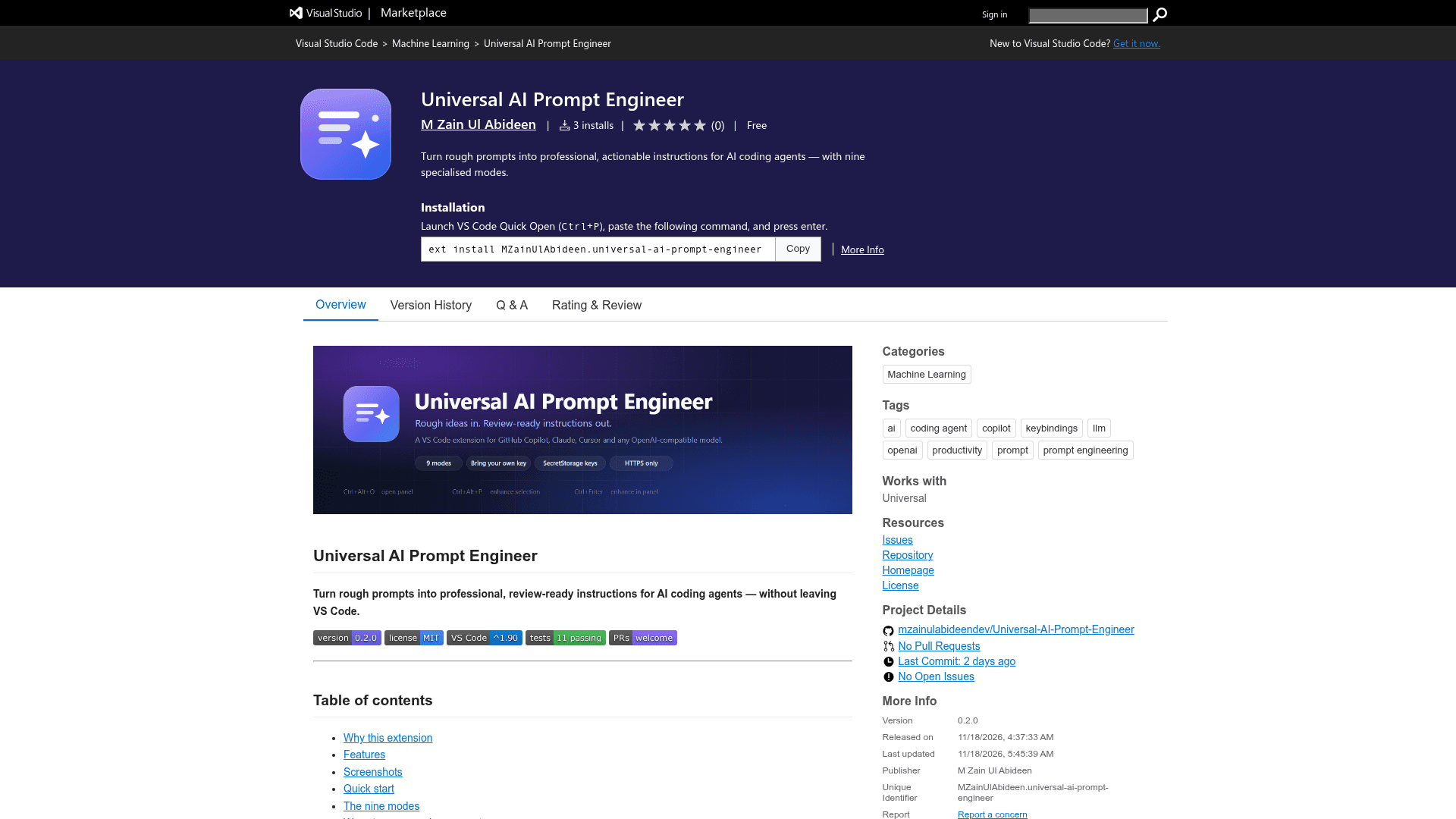
A VS Code extension that turns rough prompts into structured, review-ready instructions for AI coding agents using nine specialised modes.
At a Glance
MIT-licensed VS Code extension, listed as Free on the Visual Studio Marketplace. Requires your own OpenAI-compatible API key; provider usage costs are external.
Engagement
Available On
Listed Nov 2026
About Universal AI Prompt Engineer
Universal AI Prompt Engineer is a VS Code extension by M Zain Ul Abideen that rewrites short, vague prompts into structured instructions for AI coding agents. It runs inside VS Code, uses any OpenAI-compatible chat-completions endpoint with the user's own API key, and is released under the MIT license. The current version is 0.2.0.
What It Is
The extension adds a prompt-enhancement panel, sidebar, status bar item and command palette entries to VS Code. A user types or selects a rough request, picks a mode, and receives an expanded prompt with scope, evidence requirements and success criteria that can be pasted into Copilot Chat, Claude, Cursor or another agent. It does not bundle a model or API key; the user supplies their own provider.
Nine Enhancement Modes
The modes are Quick, Professional, Developer, Expert Architect, Debugging, Code Review, UI/UX, Game Development and Autonomous Agent. Each emphasises different structure, for example reproduction and root cause for debugging, severity-ranked findings for code review, or an inspect, plan, implement, verify and report loop for autonomous agents. The system prompt is documented as forbidding invented technologies, requirements or results.
Ways to Run It
Enhancements can start from the panel, a text selection (Ctrl+Alt+P), the clipboard, the sidebar, the command palette or the status bar. Output can be shown in the panel, copied to the clipboard, or used to replace the current selection in place.
Provider Setup and Privacy
The user configures an HTTPS endpoint and model name; the API key is held in VS Code SecretStorage rather than settings.json. Endpoints must use HTTPS with no embedded credentials, prompts are capped at 20,000 characters, and requests time out after 90 seconds. Provider errors are shown verbatim instead of being replaced by fallback output. The README states there is no telemetry, and prompt text goes only to the configured endpoint.
Requirements and Roadmap
It requires VS Code 1.90 or newer and HTTPS access to a compatible provider. The README roadmap lists streaming responses, prompt history, per-mode prompt overrides, a chat participant and an Open VSX release.
Community Discussions
Be the first to start a conversation about Universal AI Prompt Engineer
Share your experience with Universal AI Prompt Engineer, ask questions, or help others learn from your insights.
Pricing
Free
MIT-licensed VS Code extension, listed as Free on the Visual Studio Marketplace. Requires your own OpenAI-compatible API key; provider usage costs are external.
- Nine enhancement modes
- Bring your own OpenAI-compatible provider (external cost)
- API key stored in VS Code SecretStorage
- MIT License
Capabilities
Key Features
- Nine enhancement modes (Quick, Professional, Developer, Architect, Debugging, Code Review, UI/UX, Game Development, Autonomous Agent)
- Dedicated theme-aware panel
- Selection and clipboard enhancement
- Configurable output: panel, copy or replace selection
- API key stored in VS Code SecretStorage
- HTTPS-only endpoints with 20,000 character cap and 90 second timeout
- Verbatim provider error reporting
- Sidebar, status bar and command palette entry points
- Zero runtime dependencies
- No telemetry