
Upsy
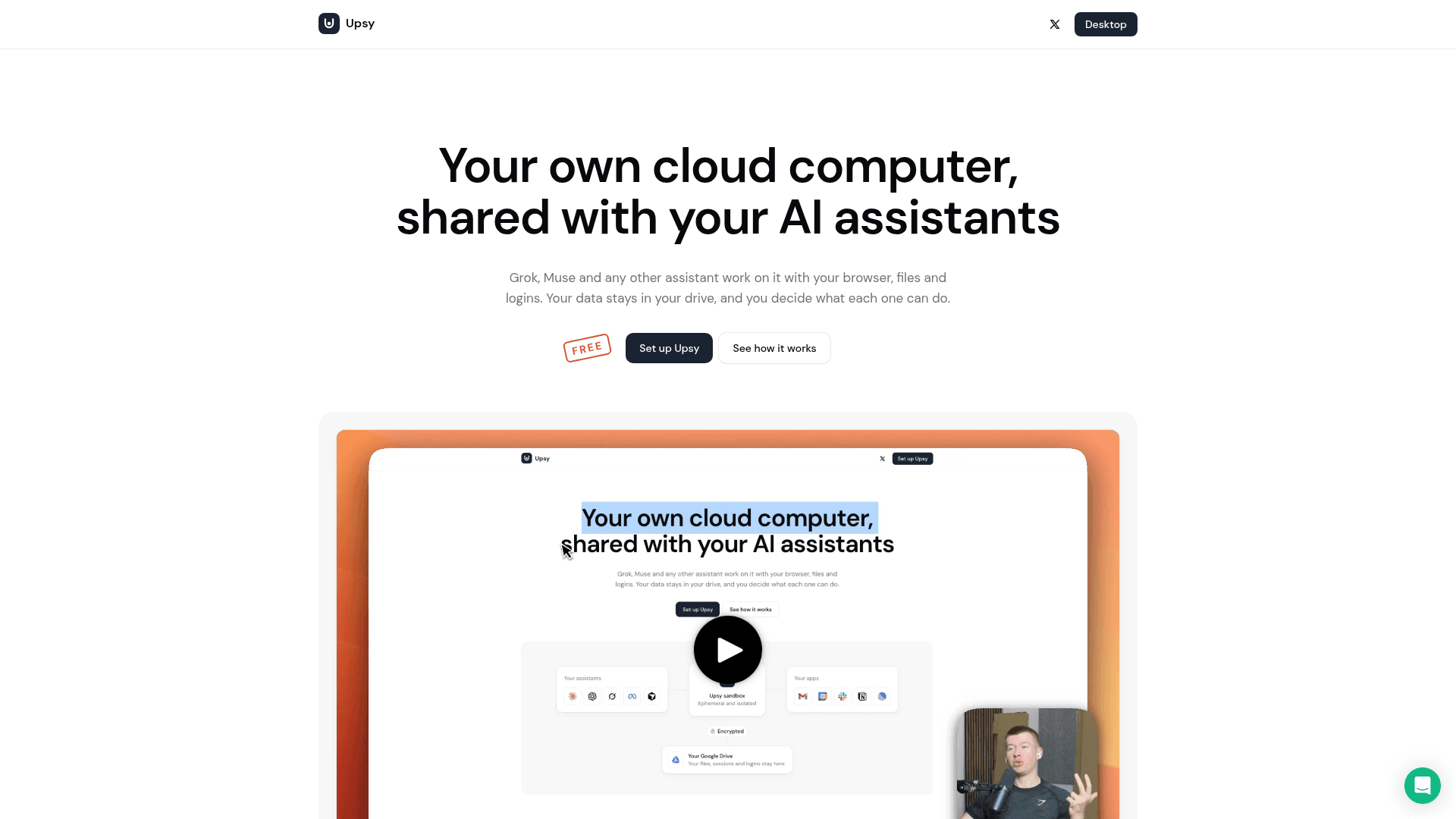
A shared cloud computer that lets you and your AI assistants browse, manage files, and use your apps together with granular access controls.
At a Glance
Upsy is 100% free. Connect your apps, choose where to store your data, and add your assistants.
Engagement
Available On
Alternatives
Listed Oct 2026
About Upsy
Upsy is a cloud computer built for sharing between users and their AI assistants. Described as an Upstash project, it provides a persistent, sandboxed environment where assistants like Claude, ChatGPT, Grok, and Cursor can browse the web, access files, and interact with connected apps — all without ever seeing your passwords directly. The product is currently available for free.
What It Is
Upsy gives each user a cloud-hosted computer with Chrome, 8 CPUs, and 16 GB of memory. Rather than granting AI assistants direct access to your personal accounts, Upsy acts as an intermediary sandbox: assistants operate inside isolated, ephemeral sessions that are spun up in seconds and deleted after ten minutes of inactivity. Your browser sessions and login credentials are saved back to your own storage — Google Drive, Dropbox, or an Amazon S3 bucket — encrypted with AES-256 so that even the storage provider cannot read them.
How the Sandbox Model Works
Every session runs on a fresh, isolated computer. When a session ends or goes idle, Upsy saves the browser state and files back to your chosen drive and then deletes the compute environment entirely. Nothing is left behind on Upsy's infrastructure. This ephemeral design means each assistant starts from a clean slate while still having access to your saved context from previous sessions.
Granular Per-Assistant Permissions
Upsy lets you define exactly what each assistant can do across more than 30 connected apps, including Gmail, Google Calendar, Slack, Notion, and Linear. Permissions can be set to read-only, read and write, or scoped to specific actions. Assistants never see your passwords — they interact through the shared browser session rather than through credential handoff.
Rogue-Assistant Alerts
Upsy monitors assistant activity and sends an immediate email alert if unusual bulk actions are detected — for example, an assistant deleting hundreds of emails or flooding a messaging channel. A single click disables the offending assistant, and a full activity history is retained so you can review everything it did.
Claude Code Integration
Upsy exposes an MCP (Model Context Protocol) server endpoint. Adding it to Claude Code with a single command gives the coding agent access to a persistent cloud browser, allowing it to test staging environments, click through web flows, and save screenshots to your Upsy files — even when your local machine is offline.
Where Your Data Lives
Upsy says your files, browser sessions, and logins are stored in your own Google Drive, Dropbox, or S3 bucket rather than on Upsy's servers. Sessions are AES-256 encrypted before being written to your chosen storage, and you can switch storage providers at any time.
Community Discussions
Be the first to start a conversation about Upsy
Share your experience with Upsy, ask questions, or help others learn from your insights.
Pricing
Free
Upsy is 100% free. Connect your apps, choose where to store your data, and add your assistants.
- 8 CPUs, 16 GB memory
- Open from any device
- Watch assistants browse live
- Take over any time
- AES-256 encrypted sessions
Capabilities
Key Features
- Shared cloud computer with Chrome browser for AI assistants
- 8 CPUs and 16 GB memory per session
- Ephemeral sandboxed sessions deleted after 10 minutes of inactivity
- AES-256 encrypted browser sessions and logins
- Per-assistant granular permissions (read-only, read/write, specific actions)
- Rogue-assistant alerts with one-click disable
- Activity history for all assistant actions
- MCP server endpoint for Claude Code integration
- Support for 30+ app integrations
- Storage in user-owned Google Drive, Dropbox, or Amazon S3