
Main Menu
  • Tools
  • Developers
  • Topics
  • Discussions
  • News
  • Blogs
  • Builds
  • Contests
Create
Sign In
    EveryDev.ai
    Sign inSubscribe
    Home
    Tools

    1,615+ AI tools

    • New
    • Trending
    • Featured
    • Compare
    Categories
    • Coding733
    • Agents644
    • Marketing309
    • Infrastructure298
    • Design239
    • Analytics230
    • Research228
    • Projects215
    • Integration148
    • Testing129
    • Data125
    • Learning115
    • MCP113
    • Security107
    • Extensions95
    • Communication80
    • Prompts79
    • Voice71
    • Commerce70
    • Web59
    • DevOps46
    • Finance12
    Sign In
    1. Home
    2. Tools
    3. uSpec
    uSpec icon

    uSpec

    Documentation

    Generate structured design system documentation for UI components directly from Cursor to Figma using AI agent skills.

    Visit Website

    At a Glance

    Pricing

    Open Source

    Fully open source and free to use. Set up Cursor, Figma Console MCP, and the template library to generate design system documentation.

    Engagement

    Available On

    Web
    API

    Resources

    WebsiteDocsGitHubllms.txt

    Topics

    DocumentationDesign ResourcesAgent Frameworks

    Listed Mar 2026

    About uSpec

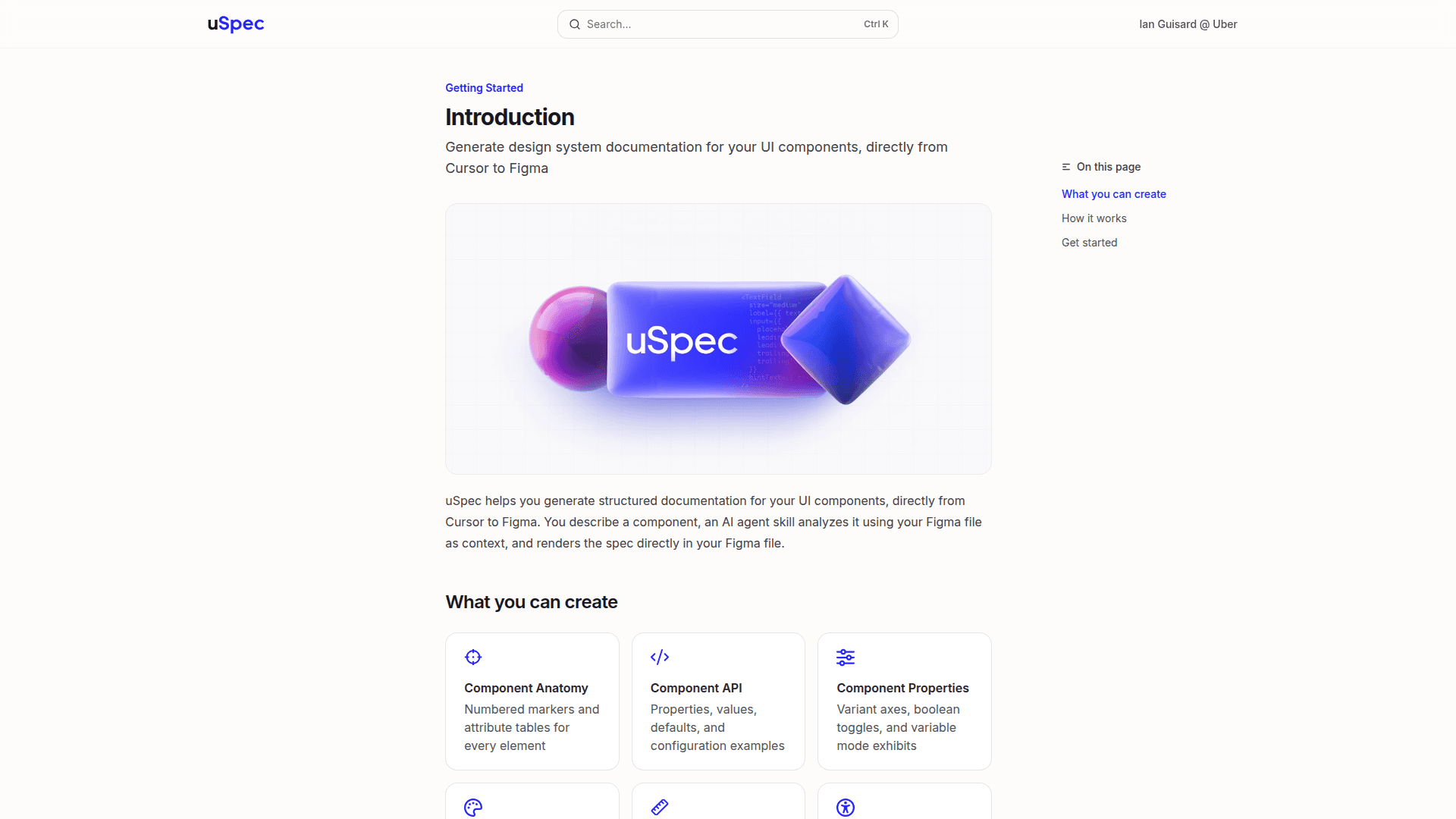
    uSpec is an AI-powered tool that generates structured design system documentation for UI components, bridging Cursor and Figma. You describe a component, an AI agent skill analyzes it using your Figma file as context, and renders the spec directly in your Figma file. It supports a wide range of spec types including anatomy, API, properties, color annotations, structure, screen reader, and motion specs.

    • Component Anatomy — Generates numbered markers and attribute tables for every element in a component.
    • Component API — Documents properties, values, defaults, and configuration examples.
    • Component Properties — Covers variant axes, boolean toggles, and variable mode exhibits.
    • Color Annotation — Maps design tokens for every element and state.
    • Component Structure — Documents dimensions, spacing, and padding across density and size variants.
    • Screen Reader Specs — Generates VoiceOver, TalkBack, and ARIA accessibility specs using the @create-voice skill.
    • Motion Specs — Produces animation timeline bars and easing details from After Effects.
    • Figma Console MCP Integration — Pulls structure, variables, and styles directly from your Figma file via the Figma Console MCP.
    • Cursor Agent Skills — Trigger specific documentation types in Cursor's chat by referencing skills like @create-color or @create-voice.
    • Open Source — Available on GitHub for community contributions and customization.

    To get started, set up Cursor, configure the Figma Console MCP, and load your template library. Then share a Figma component link in Cursor's chat, reference the desired agent skill, and uSpec will render the documentation directly in your Figma file.
    uSpec - 1

    Community Discussions

    Be the first to start a conversation about uSpec

    Share your experience with uSpec, ask questions, or help others learn from your insights.

    Pricing

    OPEN SOURCE

    Open Source

    Fully open source and free to use. Set up Cursor, Figma Console MCP, and the template library to generate design system documentation.

    • Component Anatomy specs
    • Component API documentation
    • Component Properties documentation
    • Color annotation
    • Component Structure specs
    View official pricing

    Capabilities

    Key Features

    • Component Anatomy specs
    • Component API documentation
    • Component Properties documentation
    • Color annotation and token mapping
    • Component Structure specs
    • Screen Reader / Accessibility specs
    • Motion animation specs
    • Figma Console MCP integration
    • Cursor agent skill triggers
    • Open source

    Integrations

    Figma
    Cursor
    Figma Console MCP
    After Effects
    API Available
    View Docs

    Reviews & Ratings

    No ratings yet

    Be the first to rate uSpec and help others make informed decisions.

    Developer

    Uber

    Uber builds technology that moves people and goods around the world. The company develops ride-hailing, delivery, and freight platforms used across dozens of countries. Ian Guisard builds design tooling at Uber, focused on design systems and developer-designer workflow automation. He created uSpec to bridge the gap between Cursor and Figma for structured UI component documentation. His work emphasizes accessibility, design tokens, and scalable documentation practices.

    Founded 2009
    1515 3rd Street, San Francisco
    $25B raised
    30,400 employees

    Used by

    Samsung
    Coca-Cola
    Salesforce
    Goldman Sachs
    +1 more
    Read more about Uber
    WebsiteGitHubLinkedInX / Twitter
    1 tool in directory

    Similar Tools

    The Component Gallery icon

    The Component Gallery

    An up-to-date repository of interface components based on real-world design systems, serving as a reference for anyone building user interfaces.

    UI Guideline icon

    UI Guideline

    A comprehensive UI component reference that synthesizes naming conventions, anatomy, properties, and best practices from the top 20 design systems and UI libraries.

    Unpack icon

    Unpack

    Open-source framework that turns AI research conversations into structured, buildable projects for Claude Code and Codex.

    Browse all tools

    Related Topics

    Documentation

    AI-driven tools that automatically generate, maintain, and organize technical documentation, user guides, and project artifacts with context-aware content and intelligent updating.

    41 tools

    Design Resources

    AI-curated collections of stock photos, icons, templates, and other design assets with intelligent search, style matching, and personalized recommendations.

    21 tools

    Agent Frameworks

    Tools and platforms for building and deploying custom AI agents.

    141 tools
    Browse all topics
    Back to all tools
    Explore AI Tools
    • AI Coding Assistants
    • Agent Frameworks
    • MCP Servers
    • AI Prompt Tools
    • Vibe Coding Tools
    • AI Design Tools
    • AI Database Tools
    • AI Website Builders
    • AI Testing Tools
    • LLM Evaluations
    Follow Us
    • X / Twitter
    • LinkedIn
    • Reddit
    • Discord
    • Threads
    • Bluesky
    • Mastodon
    • YouTube
    • GitHub
    • Instagram
    Get Started
    • About
    • Editorial Standards
    • Corrections & Disclosures
    • Community Guidelines
    • Advertise
    • Contact Us
    • Newsletter
    • Submit a Tool
    • Start a Discussion
    • Write A Blog
    • Share A Build
    • Terms of Service
    • Privacy Policy
    Explore with AI
    • ChatGPT
    • Gemini
    • Claude
    • Grok
    • Perplexity
    Agent Experience
    • llms.txt
    Theme
    With AI, Everyone is a Dev. EveryDev.ai © 2026
    Sign in
    7views
    0upvotes
    0discussions