
Verde
A native, local-first desktop workspace that runs Claude Code, Codex, Cursor and other coding agents side by side with built-in terminals and a browser.
At a Glance
Free and open source (MIT) desktop app for running AI coding agents side by side. Users pay only for the AI coding tools they already use.
Engagement
Available On
Listed Nov 2026
About Verde
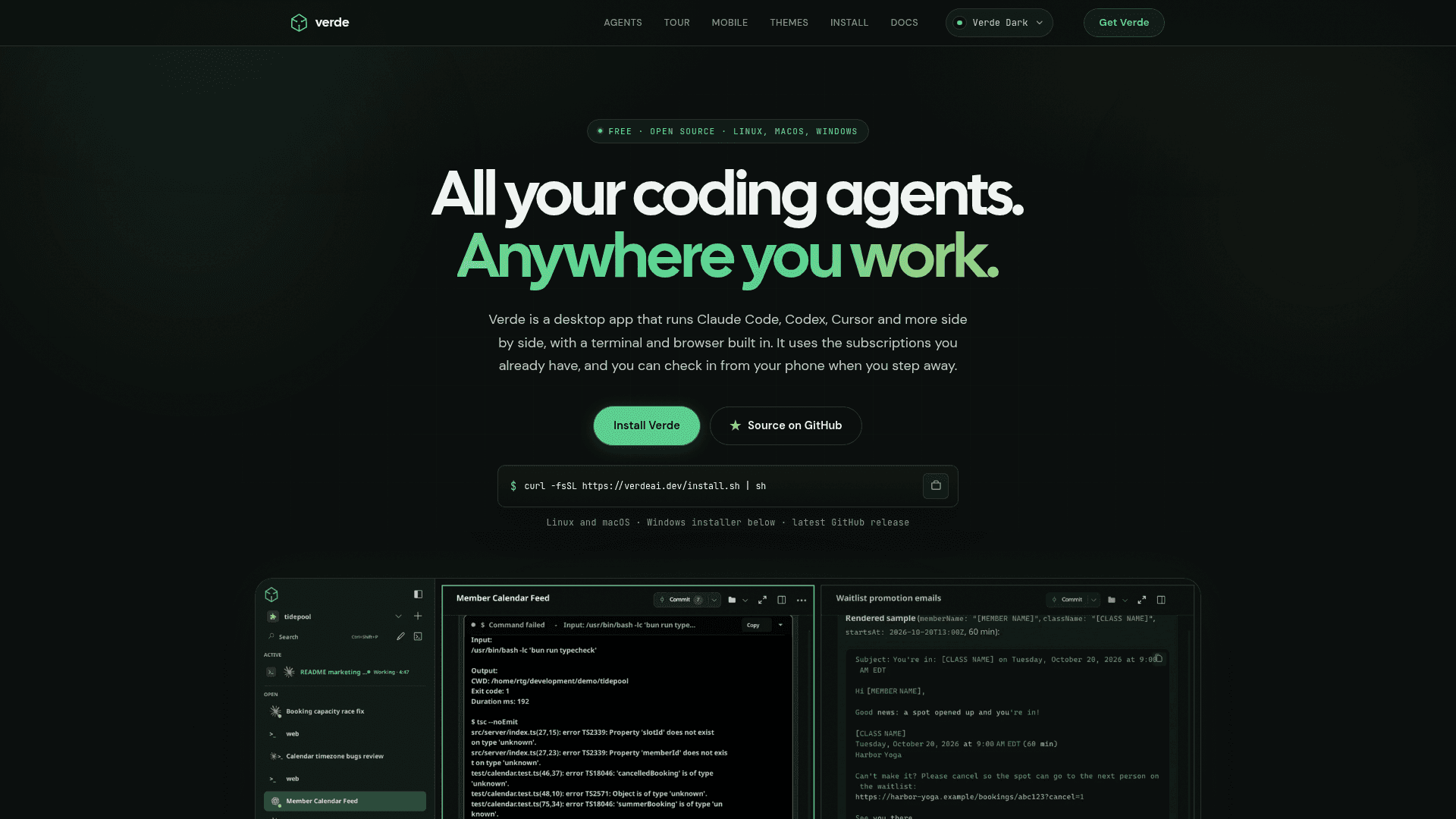
Verde is an open-source (MIT) desktop app by Jonathan Riche for running AI coding agents such as Codex, Claude Code, Cursor, OpenCode and Grok Build in one tiling window. It does not host models; it drives the provider CLIs already installed and signed in on your computer. Companion iOS and Android apps are in beta, and a web client is available.
What It Is
Verde is a native workspace for coding agents, built in Zig rather than Electron. Codex, Claude Code, OpenCode, Cursor, Pi, FX and Grok Build can run as native chat panes or as terminal TUIs, and Amp runs as a terminal TUI. Chats, shell terminals and an embedded browser can be tiled together or scrolled as a strip, and layouts persist. You need at least one provider CLI installed and authenticated first.
Workflow and Control
Several chats can work on separate tasks in the same repository, and a Changes panel shows which chat modified which files. You can approve commands, steer a running turn or queue follow-ups. A chat can delegate subtasks to helper agents and track them live. A command palette finds threads, panes, workspaces and commands. A companion character can orchestrate chats across workspaces and gather approvals into one inbox.
Browser, Design Mode and Scripting
The built-in browser previews a dev server. In Design Mode you click an element or draw a region and send the visual context to a chat or terminal agent. The verde live CLI exposes local control of panes, chats and terminals, and verde mcp offers a chat surface to agents. Dev servers and agents can be declared in a verde.toml file and started, stopped or restarted from chat or the CLI.
Local-First Architecture
A headless session daemon owns chat turns and terminals, so agents keep running after the window closes and survive restarts and upgrades. The docs state that Verde does not relay prompts through a Verde service. State is stored locally in SQLite, and 14 themes are available, including automatic matching with Omarchy.
Community Discussions
Be the first to start a conversation about Verde
Share your experience with Verde, ask questions, or help others learn from your insights.
Pricing
Free
Free and open source (MIT) desktop app for running AI coding agents side by side. Users pay only for the AI coding tools they already use.
- Runs Claude Code, Codex, Cursor, OpenCode, Pi, FX, Grok Build and Amp
- Built-in terminal and browser
- Linux, macOS and Windows (x64)
- MIT licensed
- Uses existing agent subscriptions; no API keys needed
Capabilities
Key Features
- Run multiple coding agents side by side in a tiling workspace
- Native GUI chat panes and terminal TUIs for supported agents
- Built-in browser with Design Mode for visual feedback
- Per-chat change tracking and diffs
- Agent delegation to helper agents
- Approve and steer running turns, queue follow-ups
- Headless session daemon keeps agents running after window close
- Scriptable live control via verde live CLI and MCP bridge
- Managed processes via verde.toml
- Command palette and remappable keybinds
- 14 themes with Omarchy theme following
- Companion mobile apps (beta) and web client for approvals and steering