
Video Editor Skills for Claude Code
A set of Claude Code skills that teach Claude to act as a first-pass video editor in DaVinci Resolve Studio for YouTube vlogs and classes.
At a Glance
Skills package free to use, share and adapt with credit under CC BY-NC 4.0; noncommercial only (not OSI open source). Requires DaVinci Resolve Studio and a speech-to-text API as external costs.
Engagement
Available On
Listed Oct 2026
About Video Editor Skills for Claude Code
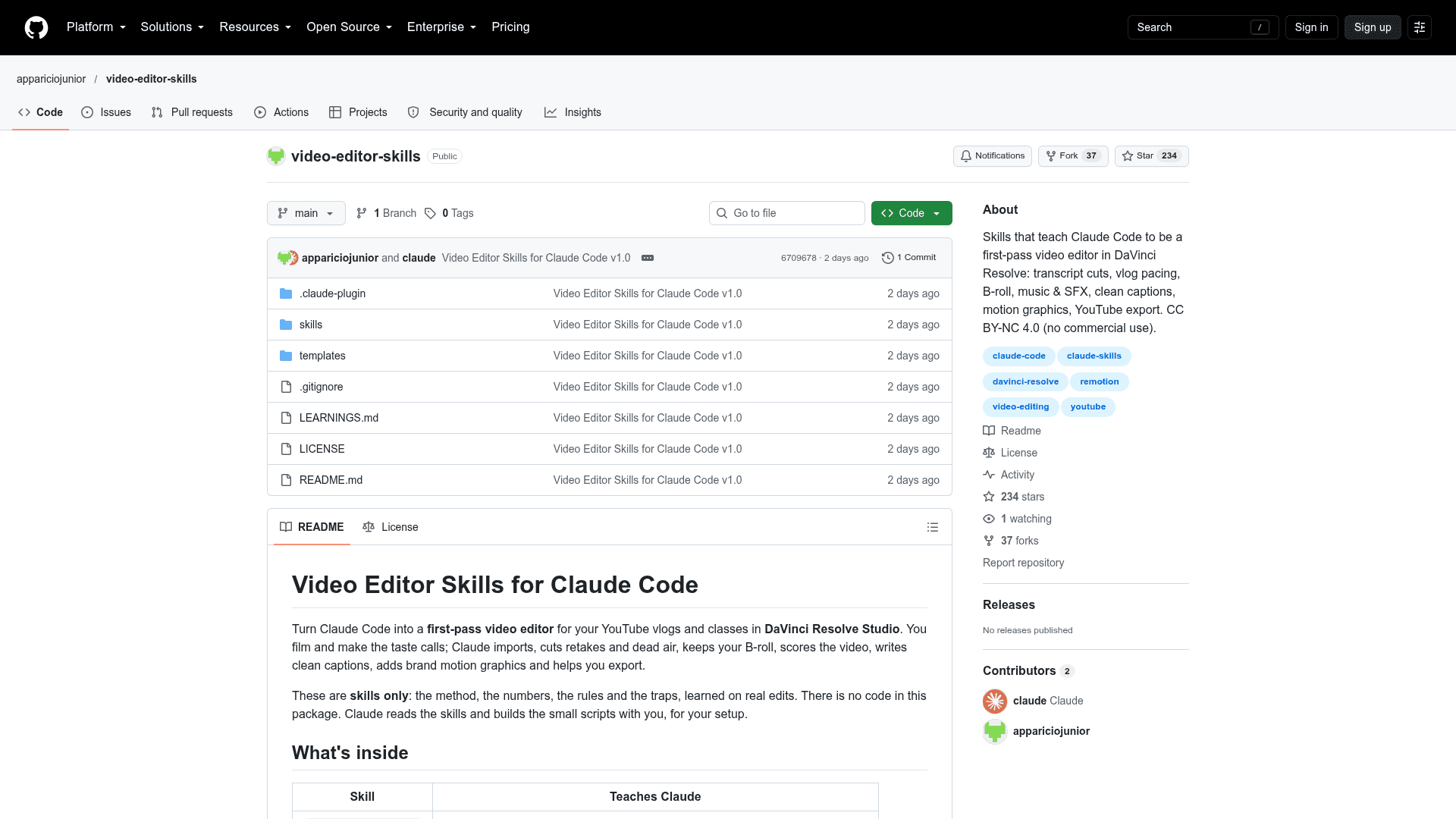
Video Editor Skills for Claude Code is a skills-only package published by appariciojunior on GitHub. It teaches Claude Code to act as a first-pass video editor in DaVinci Resolve Studio for YouTube vlogs and classes. The package contains no code; Claude reads the skills and builds small scripts with the user for their setup.
What It Is
The package is a collection of Claude Code skills that capture the method, numbers, rules and pitfalls learned on real edits. The user films and makes taste calls, while Claude imports footage, cuts retakes and dead air, keeps B-roll, scores the video, writes clean captions, adds brand motion graphics and helps with export. It also includes a starting-values config template and a LEARNINGS file describing what went wrong and how it was fixed.
Skills Included
The skills cover workspace setup and safe key handling, a one-command edit flow (ingest, cut, build in Resolve, report), rough-cut decisions, vlog pacing with silence detection and jump-cut zoom, B-roll selection, the Resolve scripting API, voice loudness and EQ, music and sound effects via Epidemic Sound cues with ducking, one-line captions, Remotion motion overlays, a Figma roundtrip for the brand kit, and YouTube export settings.
Setup and Workflow
Install it as a Claude Code plugin or copy the skills into a project's or user's .claude/skills folder. In an empty workspace folder, the user says "set up my video editor", creates a keys file with a speech-to-text API key, drops a video into the raw video folder and says "edit the new video". Plain-language feedback is added by Claude to the user's CLAUDE.md so later edits improve. Requirements are DaVinci Resolve Studio, ffmpeg, Python 3.9+ and a speech-to-text API with word timestamps; Epidemic Sound MCP, Figma MCP and Node with Remotion are optional.
Safety and License
Raw footage is never modified, Claude only adds new timelines and clips in Resolve without touching templates or projects, keys are never printed, and nothing is published without the user. The skills are licensed CC BY-NC 4.0, which allows free use with credit but prohibits selling them or using them in sold products or services.
Community Discussions
Be the first to start a conversation about Video Editor Skills for Claude Code
Share your experience with Video Editor Skills for Claude Code, ask questions, or help others learn from your insights.
Pricing
Free
Skills package free to use, share and adapt with credit under CC BY-NC 4.0; noncommercial only (not OSI open source). Requires DaVinci Resolve Studio and a speech-to-text API as external costs.
- Licensed CC BY-NC 4.0 (not an OSI-approved license)
- No selling or use in anything sold; commercial use requires asking the author
- Skills only, no code in package
- Requires DaVinci Resolve Studio, ffmpeg, Python 3.9+, speech-to-text API (external costs)
Capabilities
Key Features
- Transcript-based rough cuts removing retakes, false starts and dead air
- Vlog pacing with silence detection, pads and jump-cut zoom
- B-roll finding and cutting by action and story
- Loudness normalization and voice EQ guidance
- Music and SFX cues with ducking envelope
- Clean one-line captions
- Remotion brand motion graphics
- Figma roundtrip for brand kit
- YouTube export settings
- Non-destructive: raw footage untouched, Resolve only adds