
Video Subtitle Remover
Open-source AI tool that removes hard-coded subtitles and text watermarks from videos and images locally at original resolution.
At a Glance
Self-hosted, locally run AI tool for removing hard-coded subtitles and text watermarks from videos and images, licensed under Apache License 2.0.
Engagement
Available On
Listed Nov 2026
About Video Subtitle Remover
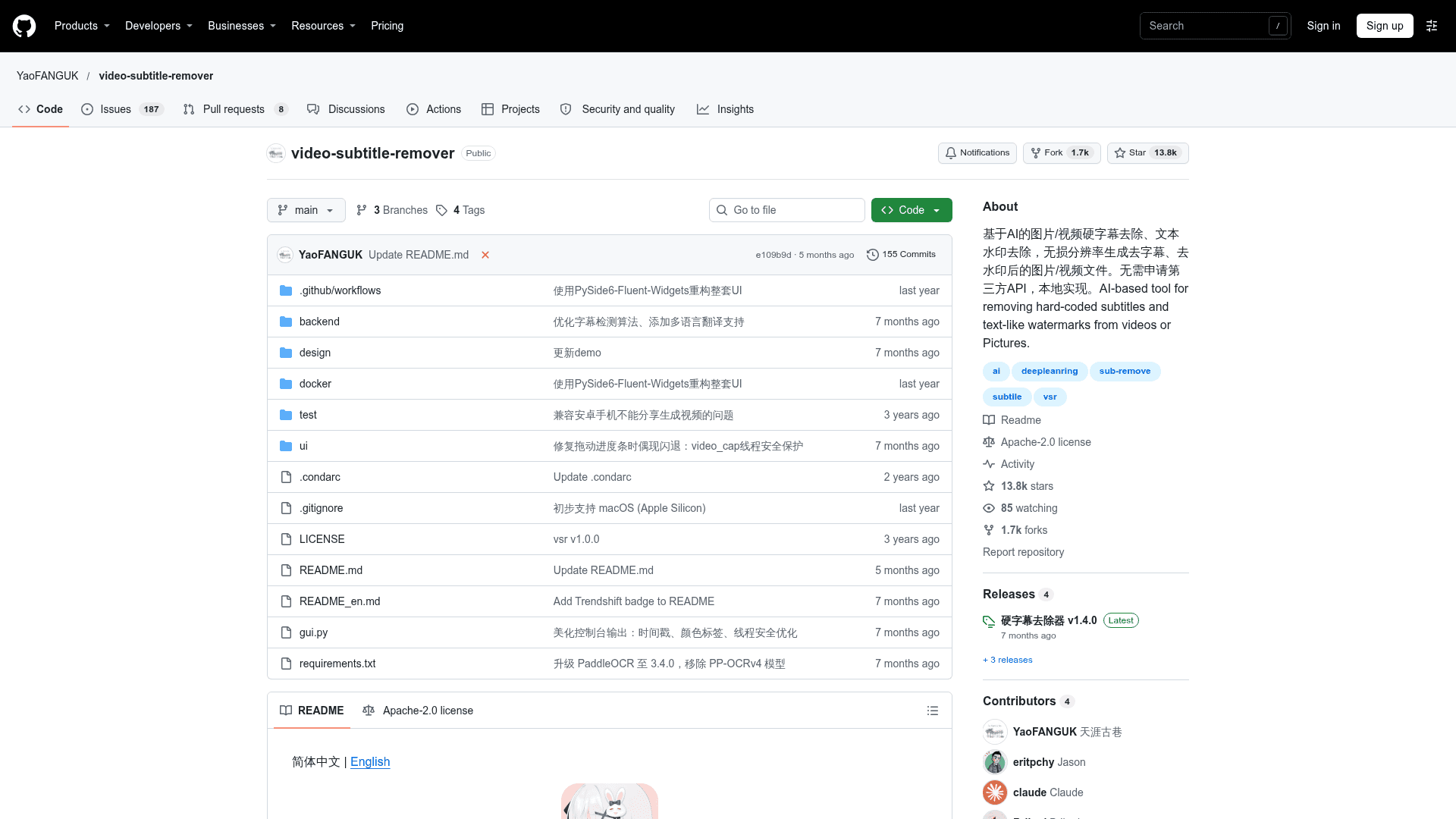
Video Subtitle Remover (VSR) is an open-source, Apache-2.0 licensed tool published by YaoFANGUK on GitHub. It uses AI inpainting models to remove hard-coded subtitles and text-like watermarks from videos and pictures, and runs locally without third-party APIs. The latest listed release is v1.4.0.
What It Is
VSR takes a video (or a batch of images) and produces a new file with subtitle or text regions filled in by AI models rather than by neighboring-pixel copying or blurring. The README says output keeps the original resolution. It ships as prebuilt Windows packages with a GUI, as Docker images, and as Python source with a command-line interface.
How Removal Works
Users can supply subtitle area coordinates (ymin, ymax, xmin, xmax; repeatable for multiple areas) so only those regions are processed, or omit coordinates to automatically remove all text across the whole video. Multiple images can be selected for batch watermark text removal. The tool can also extract the original video subtitles, optionally together with the companion project video-subtitle-extractor.
The CLI offers inpaint modes: sttn-auto (default), sttn-det, lama, propainter and opencv. According to the README:
- STTN works well on live-action video and is fast, and it can skip detection.
- LAMA works best on images and well on animation, at moderate speed, and cannot skip detection.
- ProPainter needs a lot of VRAM and is slower, but suits videos with intense motion.
Setup Path
Prebuilt 7z packages are offered for CPU, DirectML (non-Nvidia GPUs on Windows), and Nvidia CUDA 11.8, 12.6 and 12.8. Docker images exist for CUDA, DirectML and CPU. Source installation requires Python 3.12+, with PaddlePaddle and Torch installed for the chosen backend (CUDA, DirectML, CPU or Apple Silicon macOS), then running gui.py or backend/main.py.
Tuning and Tradeoffs
Settings in backend/config.py, such as skipping detection with STTN, speed up processing but may miss subtitles or alter frames that have none. Neighbor stride, reference length and max load number trade GPU memory and speed for quality. The README notes that PP-OCRv4-Server detection on Apple Silicon may be less accurate, and that Intel Macs should use CPU. Users can retrain models using the code in backend/tools/train.
Community Discussions
Be the first to start a conversation about Video Subtitle Remover
Share your experience with Video Subtitle Remover, ask questions, or help others learn from your insights.
Pricing
Open Source (Apache-2.0)
Self-hosted, locally run AI tool for removing hard-coded subtitles and text watermarks from videos and images, licensed under Apache License 2.0.
- Apache License 2.0
- Runs locally, no third-party API required
- Prebuilt Windows packages (CPU, DirectML, CUDA) and Docker images
- GUI and command-line versions
- Custom subtitle area or automatic full-video text removal
Capabilities
Key Features
- Removes hard-coded subtitles at original resolution
- AI inpainting fills removed text regions
- Custom subtitle area coordinates
- Automatic full-video text removal
- Batch image watermark text removal
- Subtitle extraction
- Multiple inpaint modes: STTN, LAMA, ProPainter, OpenCV
- GUI and CLI
- Prebuilt packages for CPU, DirectML and CUDA
- Docker images
- Runs locally without third-party APIs