
video-use
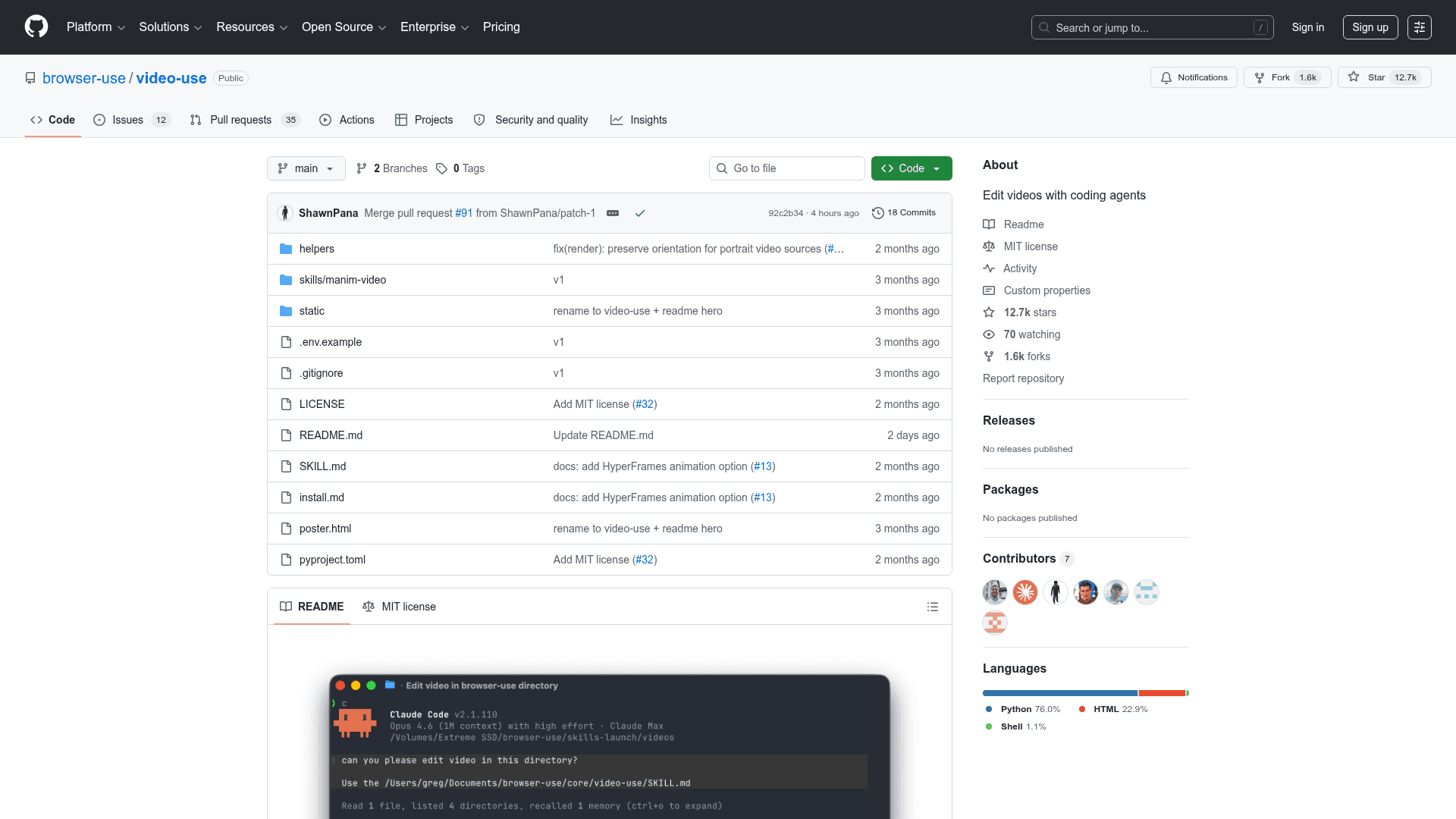
An open-source tool that lets you edit videos with AI coding agents like Claude Code by reading transcripts and generating final.mp4 outputs.
At a Glance
About video-use
video-use is a 100% open-source Python project from Browser Use that lets you edit videos by chatting with AI coding agents such as Claude Code, Codex, or Hermes. Drop raw footage into a folder, describe what you want, and the agent produces a finished final.mp4 — handling cuts, color grading, subtitles, and animation overlays without any traditional video editing UI.
What It Is
video-use is an agent skill — a structured set of scripts and prompts that gives a shell-capable LLM everything it needs to perform professional video editing tasks. Rather than feeding the model raw video frames, it converts footage into a compact text representation (word-level transcripts, speaker diarization, audio events) and generates on-demand visual composites only when needed. The result is a pipeline that reasons about video edits at word-boundary precision while consuming a fraction of the tokens a naive frame-dumping approach would require.
How the Pipeline Works
The editing pipeline follows a strict sequence: Transcribe → Pack → LLM Reasons → EDL → Render → Self-Eval. Key stages include:
- Layer 1 (Audio transcript): One ElevenLabs Scribe call per source file produces word-level timestamps, speaker diarization, and audio events. All takes are packed into a single ~12KB
takes_packed.mdfile that serves as the LLM's primary reading surface. - Layer 2 (Visual composite, on demand): A
timeline_viewtool generates a filmstrip + waveform + word-label PNG for any time range, called only at decision points such as ambiguous pauses or cut-point sanity checks. - Self-eval loop: After rendering, the agent runs
timeline_viewon the output at every cut boundary to catch visual jumps, audio pops, or hidden subtitles — retrying up to three times before surfacing a preview.
The README notes the contrast: "Naive approach: 30,000 frames × 1,500 tokens = 45M tokens of noise. Video Use: 12KB text + a handful of PNGs."
What It Produces
video-use handles a wide range of editing tasks automatically:
- Cuts filler words (
umm,uh, false starts) and dead space between takes - Auto color grades every segment (warm cinematic, neutral punch, or custom ffmpeg chains)
- Applies 30ms audio fades at every cut to prevent audio pops
- Burns subtitles in a configurable style (2-word UPPERCASE chunks by default)
- Generates animation overlays via HyperFrames, Remotion, Manim, or PIL — spawned as parallel sub-agents
- Persists session memory in
project.mdso future sessions resume context
Setup and Deployment
Installation is designed to be agent-driven: paste a single setup prompt into Claude Code or another agent and it handles the clone, dependency installation, skill registration, and prompts once for an ElevenLabs API key. Manual installation is also documented and requires Python (via uv or pip), ffmpeg, and optionally yt-dlp for downloading online sources. The skill directory integrates with Claude Code's ~/.claude/skills/ path or equivalent for other agents. For always-on editing from a VPS or Telegram, the README points to Browser Use Box as a hosting option.
Design Principles
The project is built around five explicit principles: text-first representation with on-demand visuals; audio as the primary editing surface with visuals following; a confirm-before-execute workflow with self-evaluation; zero assumptions about content type; and 12 hard production-correctness rules with artistic freedom elsewhere. These principles distinguish it from GUI-based editors and from naive LLM video approaches that attempt to process raw frames.
Current Status
The repository was created in April 2026 and last pushed in July 2026. The project is MIT-licensed and hosted under the browser-use GitHub organization, which also maintains the Browser Use web automation framework. The README references Browser Use Cloud as a hosted environment where video-use can be tried directly.
Community Discussions
Be the first to start a conversation about video-use
Share your experience with video-use, ask questions, or help others learn from your insights.
Pricing
Open Source
Fully free and open source under the MIT License. Self-host on your own machine or VPS.
- MIT License
- Full source code access
- All editing features included
- Self-hosted deployment
Capabilities
Key Features
- Cuts filler words and dead space between takes
- Auto color grading (warm cinematic, neutral punch, or custom ffmpeg chain)
- 30ms audio fades at every cut
- Burns subtitles in configurable style
- Animation overlays via HyperFrames, Remotion, Manim, or PIL
- Self-evaluating render loop (up to 3 retries)
- Session memory persistence in project.md
- Word-level transcript via ElevenLabs Scribe
- Speaker diarization and audio event detection
- On-demand visual composite (filmstrip + waveform + word labels)
- Works with Claude Code, Codex, Hermes, and other shell-capable agents
- yt-dlp support for downloading online sources