
VideoText
Web app that turns video and audio into transcripts and subtitles, with tools to fix, translate, format, and burn in captions.
At a Glance
Try the full workflow with daily job limits, no card needed.
Engagement
Available On
Alternatives
Listed Oct 2026
About VideoText
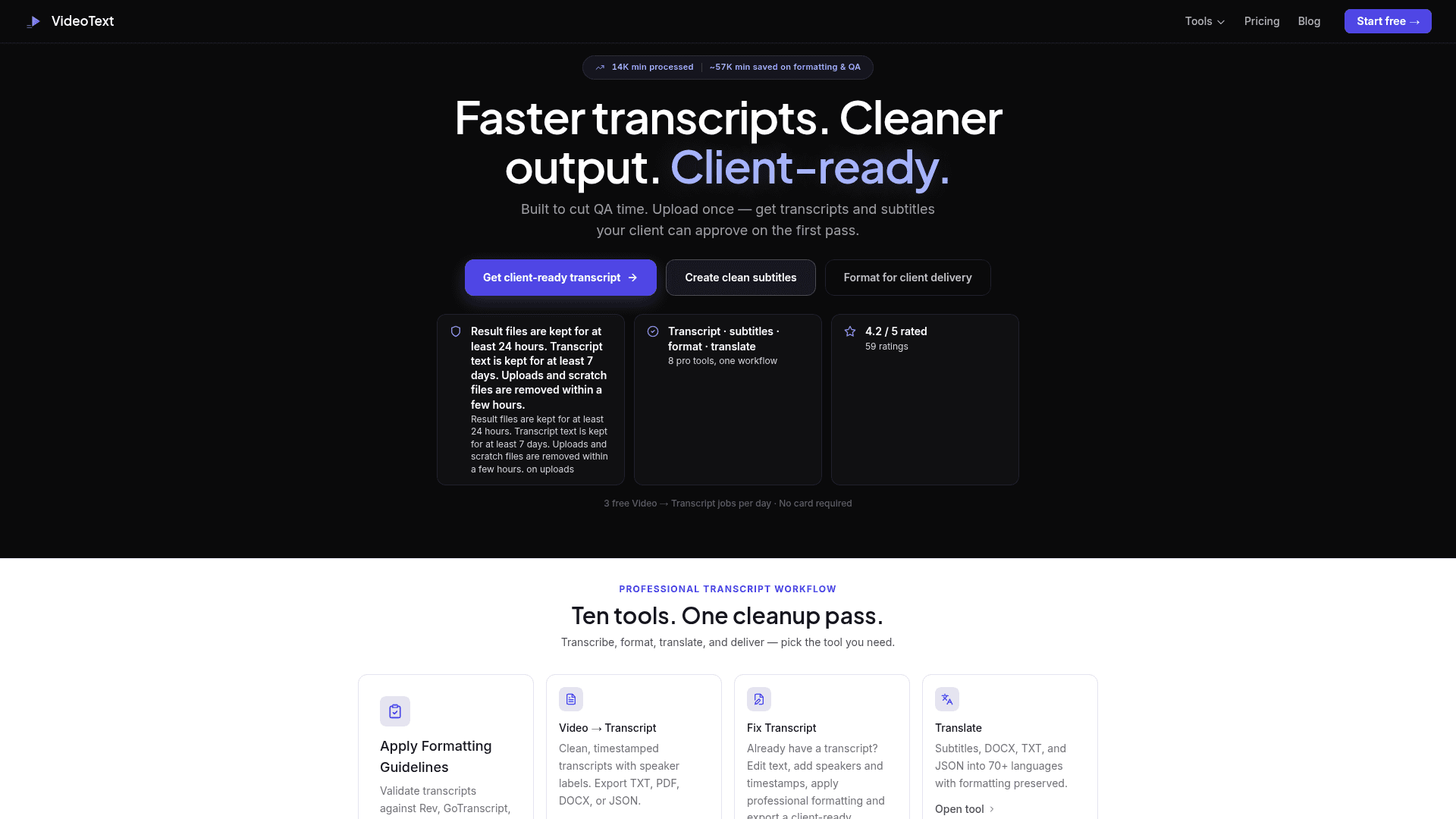
VideoText is a web application for transcribing video and audio and producing subtitle files. It runs on OpenAI Whisper large-v3 and covers transcripts, SRT/VTT subtitles, translation, subtitle repair, and client-guideline formatting. A free tier is available with daily limits.
What It Is
VideoText is a browser-based transcription and subtitle toolkit for creators, podcast teams, agencies, and freelance transcriptionists. You upload a video or audio file (MP4, MOV, AVI, WebM and others), optionally set the spoken language, and receive a timestamped transcript. Pro features add speaker labels, AI summary, chapters, and translation. Exports include TXT, SRT, and VTT on all plans, plus JSON, DOCX, PDF, CSV, Markdown, and Notion on Pro.
Fixing Transcripts and Subtitles
The Fix Subtitles tool takes an existing SRT or VTT file, reports issues such as overlapping cues, long lines, and large gaps, and lets you choose fixes: timing, grammar, line breaks, and filler-word removal. It returns a corrected file with a summary of changes, and Pro adds an in-app segment editor. Fix Transcript lets you edit text, add speakers and timestamps, and apply formatting before exporting a client-ready document. Separate free browser tools handle SRT to VTT conversion, validation, reading-speed checks, timing shifts, and merging SRT files.
Client Formatting and Delivery
The guideline formatter offers editable Rev-, GoTranscript-, TranscribeMe-, and Scribie-style rule presets, plus a slot for custom client guide files. Other tools translate SRT/VTT files into 70+ languages with timestamps preserved, burn captions into an MP4, compress video with web, mobile, or archive presets, and batch-process multiple videos into a ZIP on Pro. A browser voice recorder produces transcripts from microphone input.
Data Handling
The site states that result files are kept at least 24 hours, transcript text at least 7 days, and uploads and scratch files are removed within a few hours. It also states content is not used for AI training.
Community Discussions
Be the first to start a conversation about VideoText
Share your experience with VideoText, ask questions, or help others learn from your insights.
Pricing
Free
Try the full workflow with daily job limits, no card needed.
- 3 free Video → Transcript jobs per day
- 1 free job per day in each other tool
- Files up to 30 minutes
- Transcript & subtitle exports (TXT, SRT, VTT)
- Burned-in subtitles (720p, watermarked)
Pro
Complete audio & video workflow: longer uploads, speaker detection, translation, batch processing and watermark-free exports.
- Longer audio & video uploads
- Transcription + speaker detection
- Subtitles + automatic SRT fixing
- Translation into 60+ languages
- AI summaries & chapters
- Client guideline formatting & QA
- Batch processing for multiple files
- Subtitle Style Studio
- Burn subtitles & compress video
- Watermark-free exports
- DOCX, PDF, JSON, CSV exports
- Zapier integration & API access
Capabilities
Key Features
- Video and audio to timestamped transcript
- Speaker labels, AI summary and chapters (Pro)
- SRT and VTT subtitle generation
- Fix subtitle timing overlaps, gaps, grammar and line breaks
- Translate subtitles into 70+ languages
- Client guideline formatting presets (Rev, GoTranscript, TranscribeMe, Scribie)
- Burn subtitles into video
- Video compression presets
- Batch processing with ZIP download (Pro)
- Browser voice recorder to text
- Free client-side subtitle tools
- Export to TXT, SRT, VTT, JSON, DOCX, PDF, CSV, Markdown, Notion