
VoiceVibe
AI voice assistant for Windows, macOS and Linux that dictates, rewrites, reads text aloud, and launches AI chats or coding agents from one push-to-talk shortcut.
At a Glance
Voice Typing mode only with on-device Parakeet AI, unlimited usage, works offline; single device.
Engagement
Available On
Alternatives
Listed Nov 2026
About VoiceVibe
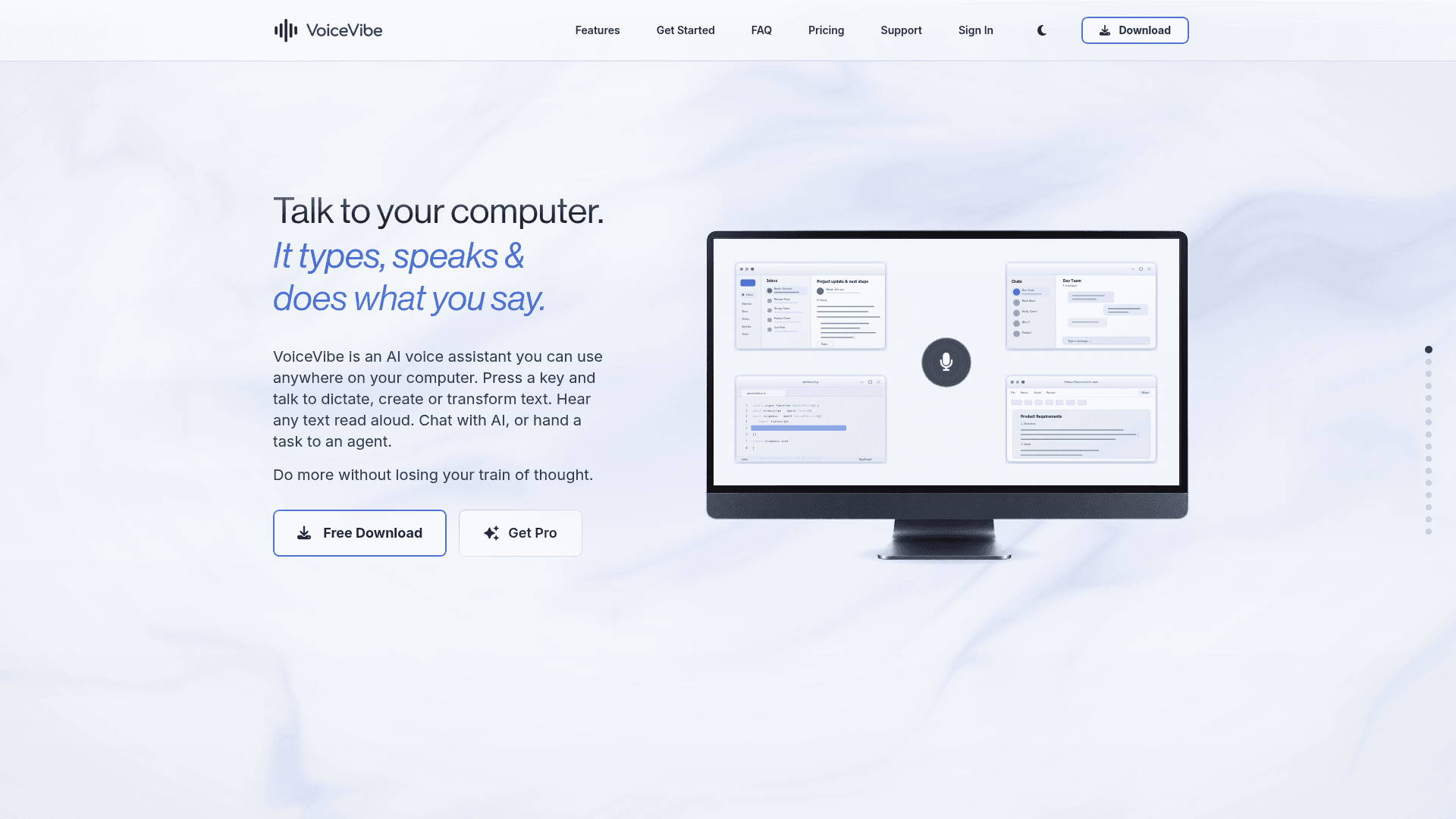
VoiceVibe is a desktop AI voice assistant that works in any application on Windows, macOS and Linux. Hold a keyboard shortcut, speak, and it types text, transforms selected text, reads text aloud, answers questions or hands a task to an AI agent. Voice Typing is free and runs on-device, while the other modes are part of a Pro subscription.
What It Is
VoiceVibe is a push-to-talk voice layer for the desktop. You press a configurable key, speak, and release; the result is typed into the active text field, copied to the clipboard, spoken back, saved as a note, or passed to another tool. Optional context such as selected text, clipboard content, a partial or full screenshot, or attached files can be added to a request.
Voice Modes
The app offers ten modes. Voice Typing handles dictation using the on-device Parakeet model and can work offline. The Pro modes include Magic Typing (create or rewrite text in place), Magic Clipboard (send the result to the clipboard), Voice Assistant (spoken multi-turn answers, with optional web search), Text-to-Speech (120 preset voices, adjustable speed, voice cloning, WAV export), AI Images (generate and edit images by voice), Note Taker, and Add to Dictionary. A Personal Dictionary and an About You profile help it spell names and terms correctly.
Launching Agents and Chats
Agent Launcher lets you dictate a coding task, review the prompt, context and working directory, then start Claude Code, Codex CLI, Cursor CLI, OpenCode or Pi in a terminal, or prepare an unsent draft in Claude Code Desktop or Codex Desktop. Chat Launcher opens ChatGPT, Claude, Gemini, Perplexity or a custom HTTPS URL with your prompt prepared but never auto-sent.
Privacy and Platform Notes
Free Voice Typing keeps audio and transcription on the device. Pro modes send request content to cloud AI services for processing, and VoiceVibe states it does not save voice recordings after processing. Supported platforms are Windows 10 or later, Apple Silicon Macs on macOS 14 or later, and X11 on x86-64 Linux; Wayland is not currently supported.
Community Discussions
Be the first to start a conversation about VoiceVibe
Share your experience with VoiceVibe, ask questions, or help others learn from your insights.
Pricing
Free
Voice Typing mode only with on-device Parakeet AI, unlimited usage, works offline; single device.
- Voice Typing mode only
- Unlimited usage
- On-device AI (Parakeet)
- Works 100% offline
- Voice audio and text stay on your device
VoiceVibe Pro
All 10 voice modes with cloud AI, up to 3 devices.
- AI-enhanced transcription
- AI text transformation
- Voice Assistant
- Flexible context
- Text-to-speech with voice cloning
- AI image generation
- Agent Launcher
- Chat Launcher
- Smart content creation
- Personalization
- Priority support
- Up to 3 devices
VoiceVibe Pro Max
All Pro features with 4x usage limits.
- Everything in Pro
- 4x usage limits
- Multi-modal AI
- Voice Assistant with audio responses
- Priority support
Capabilities
Key Features
- Free on-device Voice Typing with Parakeet that works offline
- Magic Typing to create or rewrite text in place
- Magic Clipboard to send AI results to the clipboard
- Voice Assistant with spoken answers, conversation history and optional web search
- Text-to-Speech with 120 preset voices, speed control and voice cloning
- AI image generation and editing by voice
- Agent Launcher for Claude Code, Codex, Cursor CLI, OpenCode and Pi
- Chat Launcher for ChatGPT, Claude, Gemini, Perplexity or a custom URL
- Note Taker that saves structured notes as text files
- Personal Dictionary, About You context and word replacements
- Context input from selected text, clipboard, screenshots and files
- Configurable keyboard shortcuts per mode