
Wave
A free, browser-based gradient wave background generator powered by Three.js shaders, with export to PNG, GIF, and MP4.
At a Glance
About Wave
Wave is a free, browser-based tool by Subworkflow that lets designers and makers create animated gradient wave backgrounds using a Three.js shader engine. Users can customize layered wave shapes, colors, lighting, and text overlays, then export their creations as static PNG images, animated GIFs, or MP4 videos. It requires no account and runs entirely in the browser.
What It Is
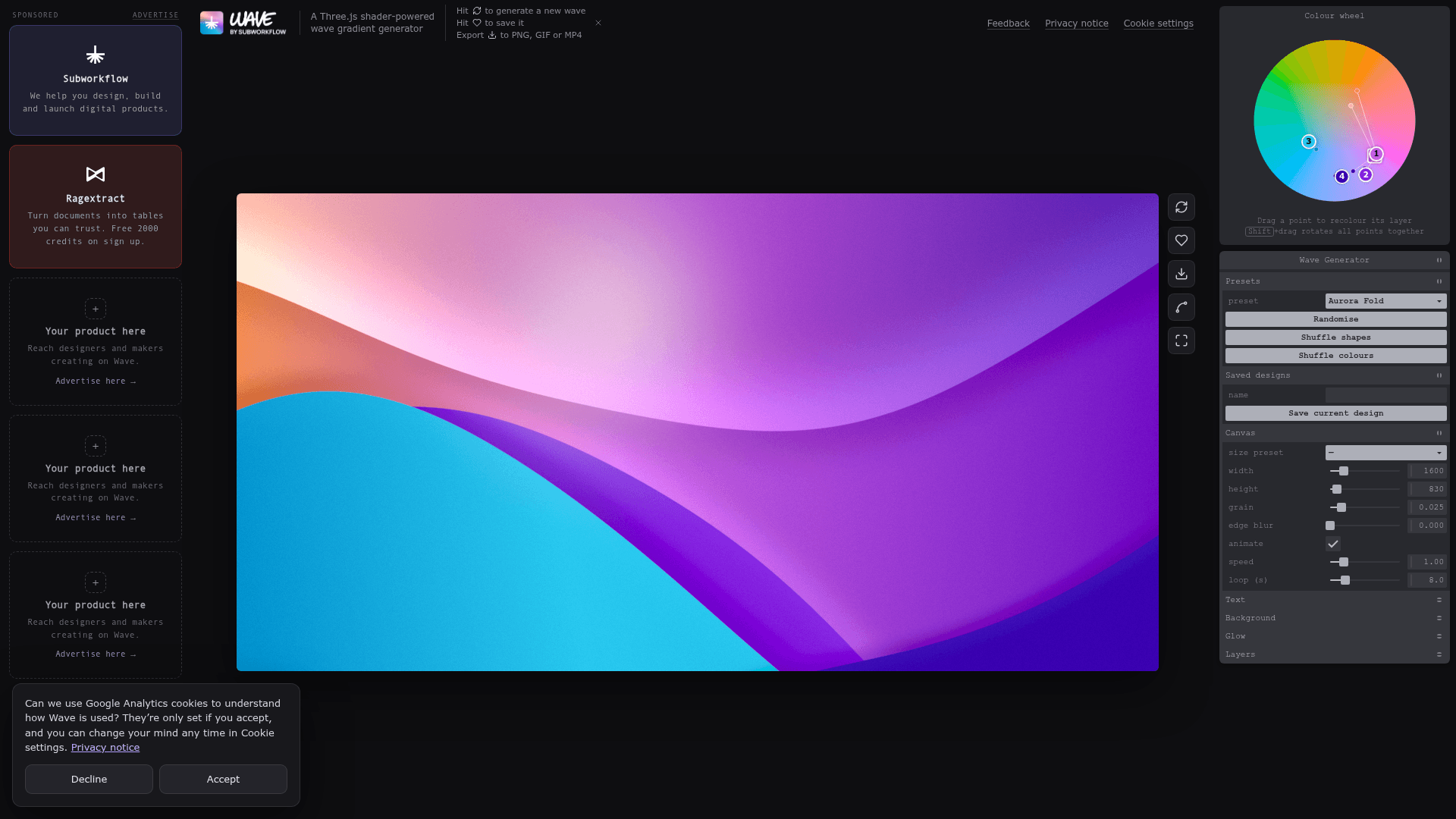
Wave is a visual design utility in the gradient background generator category. Its core job is to let users compose multi-layer animated wave gradients through an interactive sidebar editor, then export the result for use in presentations, social media, websites, or other creative projects. The tool is built on Three.js WebGL shaders, which enables smooth real-time animation and per-layer lighting effects directly in the browser.
How the Editor Works
The Wave editor is organized around a layered canvas system. Each layer exposes independent controls for:
- Color: start, middle, and end gradient stops with RGB/HSL/HSV/HEX pickers, angle, and midpoint
- Shape: height, tilt, amplitude, frequency, phase, ripple amplitude/frequency/phase, and animation speed
- Light: shadow, shadow size, rim lighting, rim size, and edge blur
- Opacity: per-layer transparency
A global background gradient (start, middle, end, angle) sits behind all layers, and a separate Glow panel controls color, strength, radius, and position. Layers can be reordered, duplicated, or deleted, and new layers can be added up to a user-defined stack.
Text and Glass Overlay
Wave includes a built-in text compositor with font choices (Inter, Bricolage Grotesque, Fraunces, Pacifico, JetBrains Mono, Nunito, Anton), weight, size, line height, tracking, and x/y positioning. Text can be styled with a Glass effect that exposes refraction, frost, bevel, highlight, tint, shadow, and dispersion controls — making it possible to produce frosted-glass typography directly on the wave canvas without external tools.
Export and Canvas Options
The export panel supports three output formats: PNG (with 1×, 2×, 3×, 4× scale), GIF, and MP4 video. Canvas size presets include common reference sizes (1600×830), HD (1920×1080), QHD (2560×1440), Square (1080×1080), Story (1080×1920), and Banner (1500×500), with manual width and height overrides. Animation controls include speed and loop duration. A grain slider and edge blur are available as finishing options.
Presets and Sharing
Wave ships with named presets — Aurora Fold, Sunset Dunes, Mint Tide, Ocean Depths, Peach Silk, Neon Night — alongside randomize and shuffle controls for colors and shapes. Saved designs are stored locally by name. Each design generates a shareable link that opens the exact configuration for remixing, and the tool includes direct share actions for X (Twitter) and Instagram.
Who Makes It
Wave is made by Subworkflow, the team behind the Ragextract document-to-table API. Subworkflow describes itself as building free tools for designers and makers alongside AI templates and original articles. Advertising inquiries are directed to sales@subworkflow.ai.
Community Discussions
Be the first to start a conversation about Wave
Share your experience with Wave, ask questions, or help others learn from your insights.
Pricing
Free
Full access to the Wave gradient generator with all export options at no cost.
- Unlimited wave generation
- Export to PNG, GIF, and MP4
- All canvas size presets
- All layer controls and presets
- Shareable design links
Capabilities
Key Features
- Three.js shader-powered wave gradient engine
- Multi-layer wave editor with per-layer color, shape, and lighting controls
- Glass/frosted text overlay with refraction, frost, bevel, and dispersion
- Export to PNG (1×–4× scale), GIF, and MP4
- Canvas size presets: HD, QHD, Square, Story, Banner
- Named presets: Aurora Fold, Sunset Dunes, Mint Tide, Ocean Depths, Peach Silk, Neon Night
- Randomize and shuffle controls for shapes and colors
- Shareable design links for remixing
- Local saved designs
- Grain and edge blur finishing controls
- Animated wave speed and loop duration controls
- Multiple font choices including serif, script, mono, and rounded styles