
webmcp-react
React hooks for exposing typed tools on document.modelContext, aligned with the W3C WebMCP specification, with Zod-first schema support and built-in polyfill.
At a Glance
Free and open-source under the MIT license. Use, modify, and distribute freely.
Engagement
Available On
Alternatives
Listed Sep 2026
About webmcp-react
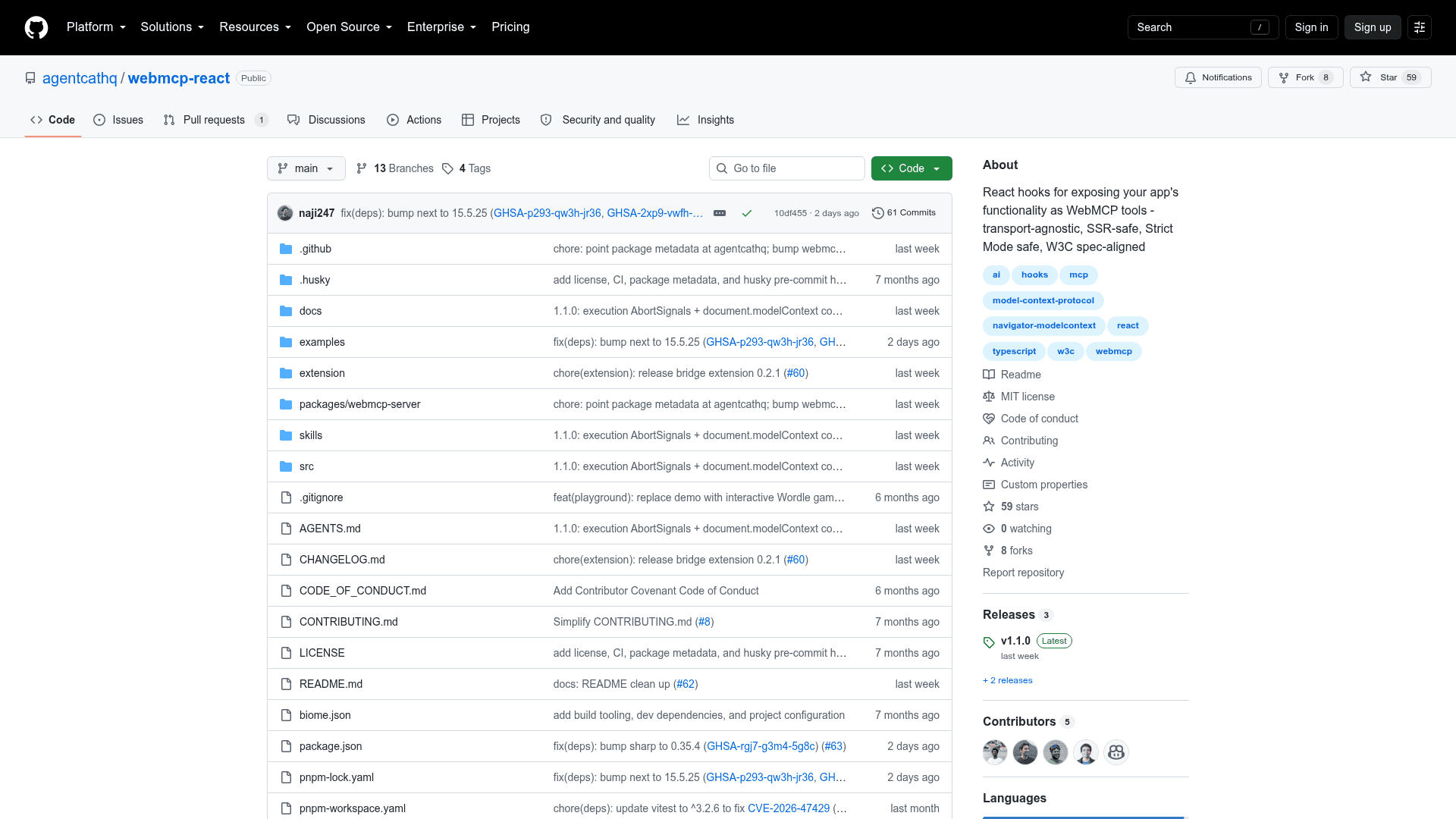
webmcp-react is an open-source React library published by agentcathq (MCPcat) that provides hooks for registering typed, callable tools on document.modelContext — the browser API proposed by the W3C Web Machine Learning Community Group. It is available on npm under the MIT license and tracks the evolving WebMCP specification and native Chrome behavior release by release.
What It Is
webmcp-react gives React developers a declarative way to expose their app's functionality as WebMCP tools that AI agents can discover and call directly from the browser. The library wraps the document.modelContext API with React lifecycle semantics: tools register on mount and unregister on unmount, making dynamic, conditional tool sets straightforward to build. When native browser support is absent, the library installs a lightweight polyfill that implements the same registration and consumer APIs.
How the Tool Registration Model Works
The core primitive is the useMcpTool hook. Each call registers one named tool with a description, an input schema, and an async handler. The hook returns reactive state (including isExecuting, lastResult, and error) so developers can build UI around tool execution without extra state management. Key design choices include:
- Zod-first schema definition with full TypeScript type inference in handlers
- Raw JSON Schema support for teams not using Zod
- Per-execution
AbortSignalpassed to handlers; Chrome 153+ aborts the signal when an agent cancels a call onSuccess/onErrorcallbacks for side effects such as analytics or toast notifications- Title and annotations (
readOnlyHint,untrustedContentHint) for communicating tool behavior to agents
Agent Connectivity
Agents with built-in WebMCP browser support — the README cites Codex as an example — discover and call tools directly from the page without any additional setup. Agents that cannot access document.modelContext directly, such as Claude Code and Cursor, connect through the WebMCP Bridge Chrome extension, which bridges registered tools to any MCP client. The README notes the extension is expected to be deprecated once Chrome provides native bridging to desktop clients.
The library also ships agent skills installable via the skills CLI (npx skills add agentcathq/webmcp-react), which scaffold tool definitions for Cursor, Claude Code, GitHub Copilot, Cline, and other agents.
SSR and Framework Compatibility
webmcp-react is designed to work with server-rendering frameworks out of the box. The build includes a "use client" banner, so no extra configuration is needed for Next.js or Remix. The library is also StrictMode-safe, preventing duplicate registrations and orphaned tools that can occur when React mounts components twice in development mode.
Update: v1.1.0
The latest release is v1.1.0, published September 3, 2026. The repository was created in February 2026 and has been actively updated, with the last push recorded September 11, 2026. The project follows Semantic Versioning; every release is documented in a changelog that also records the WebMCP specification and Chrome behavior changes each version tracks. The library currently requires React 18 or later and Zod 3.25+ or Zod 4 as a peer dependency.
Community Discussions
Be the first to start a conversation about webmcp-react
Share your experience with webmcp-react, ask questions, or help others learn from your insights.
Pricing
Open Source
Free and open-source under the MIT license. Use, modify, and distribute freely.
- Full webmcp-react library
- useMcpTool hook
- WebMCPProvider component
- Built-in polyfill
- Zod and JSON Schema support
Capabilities
Key Features
- React hooks for WebMCP tool registration (useMcpTool)
- WebMCPProvider context component
- Zod-first schema definition with full TypeScript inference
- Raw JSON Schema support without Zod
- Built-in polyfill for browsers without native document.modelContext
- SSR-safe (Next.js, Remix compatible)
- StrictMode-safe duplicate registration prevention
- Per-execution AbortSignal for cancellable async work
- Reactive execution state (isExecuting, lastResult, error)
- Dynamic tool registration/unregistration on mount/unmount
- Tool annotations (readOnlyHint, untrustedContentHint)
- onSuccess/onError callbacks
- Agent skills CLI scaffolding
- WebMCP Bridge Chrome extension integration
- W3C WebMCP spec-aligned