
wfwatch
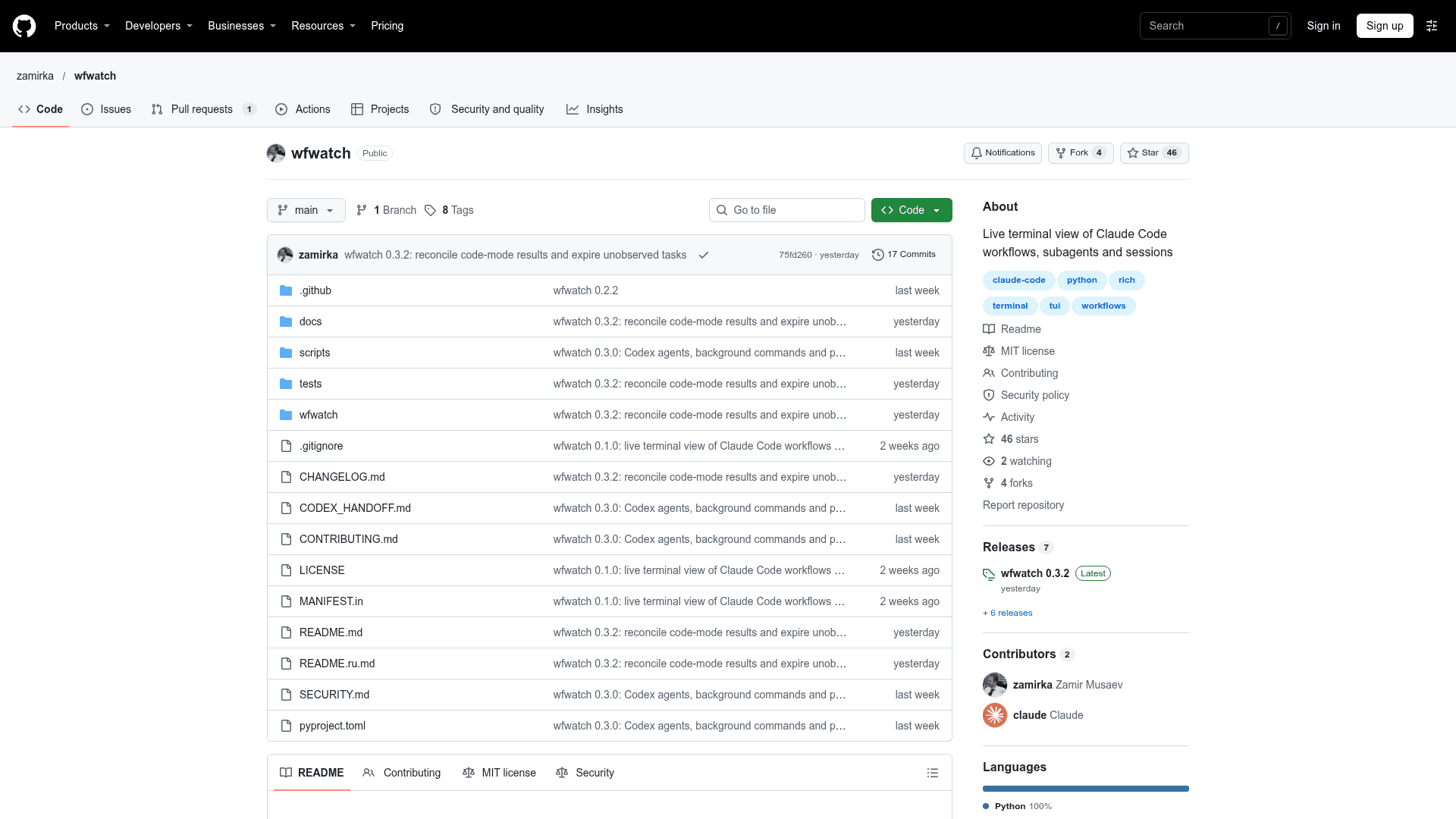
A live terminal view of Claude Code workflows, subagents and sessions, alongside OpenAI Codex sessions.
At a Glance
wfwatch is a terminal tool released under the MIT License, which is OSI-approved. It can be used, modified and distributed free of charge.
Engagement
Available On
Listed Nov 2026
About wfwatch
wfwatch is an unofficial, MIT-licensed terminal tool by Zamir Musaev that shows what Claude Code workflows, subagents and sessions are doing in real time, and also displays OpenAI Codex sessions. It reads only local files that Claude Code and Codex already write, so it does not interrupt running work. The latest release listed is v0.3.2.
What It Is
wfwatch is a full-screen terminal monitor (TUI) for people who run Claude Code workflows that fan out into many agents across phases. Run in a separate terminal, it shows which workflows are running, which phase each is in, what every agent is doing, and which sessions are working, waiting for an answer, or running a background command. Claude Code's own /workflows view covers the runs of a single session, while wfwatch watches every session in every project at once.
Views and Workflow
The overview lists workflows and sessions in one numbered sequence with a shared log. Opening a workflow shows a diagram with a phase timeline and agent cards that display model, status, time, tool-call rhythm, context size and last action. A cards view presents each phase as a panel, and a session view shows its latest actions with subagents fanned out. Background commands are shown with their elapsed time, the active process with CPU load, and the last output line, including output redirected to a file. Keyboard shortcuts navigate items and phases, and --list and --once print recent runs or a single frame.
Codex Support and Data Sources
Codex CLI and app sessions appear automatically beside Claude Code sessions, read from local rollout files under ~/.codex/sessions (overridable with CODEX_HOME). It shows model, tool activity, token usage, nested agent threads and background commands with output and exit status. Claude data comes from CLAUDE_CONFIG_DIR (default ~/.claude). It uses ps, plus lsof on macOS or /proc on Linux, for process details. A demo-data generator is included to try it without your own workflows.
Setup and Limits
Install with uv or pipx from the GitHub repository; Python 3.10+ on macOS or Linux is required, and Windows users should use WSL. The README states wfwatch relies on internal, undocumented file formats of Claude Code and Codex that may change, some states are inferred, and it covers only the local machine and one CLAUDE_CONFIG_DIR at a time. It writes nothing and opens no network connections. The interface is available in English and Russian with dark and light themes.
Community Discussions
Be the first to start a conversation about wfwatch
Share your experience with wfwatch, ask questions, or help others learn from your insights.
Pricing
Open Source (MIT)
wfwatch is a terminal tool released under the MIT License, which is OSI-approved. It can be used, modified and distributed free of charge.
- MIT License
- Reads local Claude Code and Codex session files
- No API keys or network requests needed
- Install via uv or pipx from the GitHub repository
Capabilities
Key Features
- Live overview of all Claude Code workflows and sessions across projects
- Workflow phase diagram with agent cards
- Cards view with per-phase panels
- Session view with subagents and background commands
- Background command tracking with process, CPU and last output line
- OpenAI Codex session support from local rollout files
- Keyboard navigation
- List and single-frame output modes
- Synthetic demo data generator
- English and Russian interface with dark and light themes
- Read-only, local-only operation