
EveryDev.ai
Subscribe
Home
Tools

3,505+ AI tools

  • New
  • Trending
  • Featured
  • Compare
  • Arena
Categories
  • Agents2189
  • Coding1574
  • Infrastructure698
  • Marketing534
  • Projects498
  • Research456
  • Design416
  • Analytics389
  • Testing296
  • MCP290
  • Security286
  • Data262
  • Integration197
  • Prompts189
  • Communication183
  • Extensions173
  • Learning170
  • Voice151
  • Commerce135
  • DevOps123
  • Web86
  • Finance26
AI Tools by Topic
  • AI Coding Assistants
  • Agent Frameworks
  • MCP Servers
  • AI Prompt Tools
  • Vibe Coding Tools
  • AI Design Tools
  • AI Database Tools
  • AI Website Builders
  • AI Testing Tools
  • LLM Evaluations
Follow Us
  • X / Twitter
  • LinkedIn
  • Reddit
  • Discord
  • Threads
  • Bluesky
  • Mastodon
  • YouTube
  • GitHub
  • Instagram
Get Started
  • About
  • Editorial Standards
  • Corrections & Disclosures
  • Community Guidelines
  • Advertise
  • Contact Us
  • Newsletter
  • Submit a Tool
  • Start a Discussion
  • Write A Blog
  • Share A Build
  • Terms of Service
  • Privacy Policy
Explore with AI
  • ChatGPT
  • Gemini
  • Claude
  • Grok
  • Perplexity
Agent Experience
  • llms.txt
Theme
With AI, Everyone is a Dev. EveryDev.ai © 2026
    1. Home
    2. Tools
    3. Whop CLI
    Whop CLI icon

    Whop CLI

    Command Line Assistants

    Whop CLI is the command-line interface for Whop developers, creators, and automation agents to work with Whop API resources from a terminal.

    Visit Website

    At a Glance

    Pricing
    Free

    Open CLI tool for Whop developers, creators, and automation agents.

    Engagement

    Available On

    macOS
    Linux
    API
    CLI

    Resources

    WebsiteDocsllms.txt

    Topics

    Command Line AssistantsAPI Integration PlatformsAgent Frameworks

    Alternatives

    DingTalk Workspace CLIMercury AgentMistral Vibe CLI
    Developer
    WhopBrooklyn, NYEst. 2021$267M raised

    Listed Aug 2026

    About Whop CLI

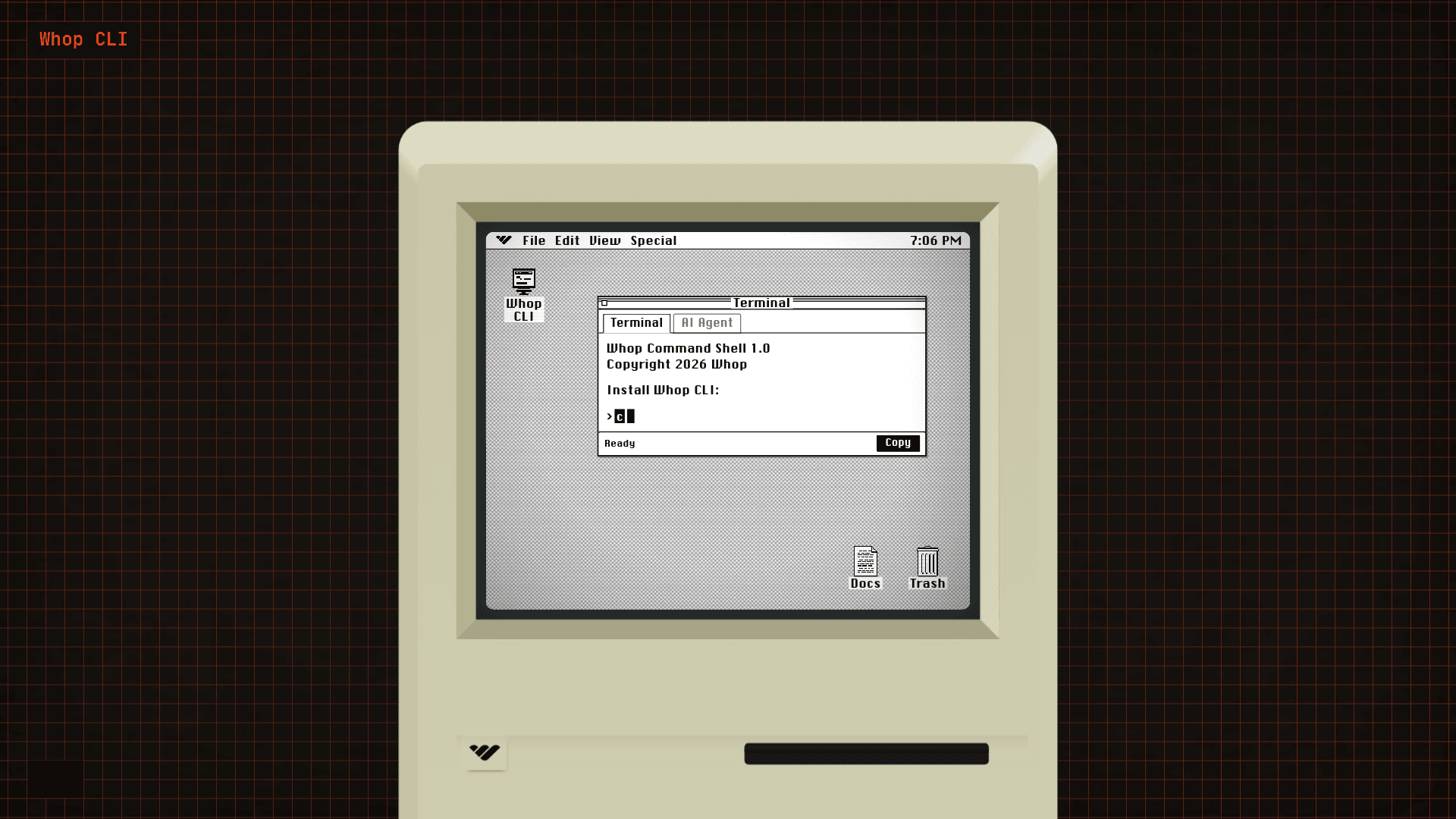
    Whop CLI is the official command-line interface built by Whop for developers, creators, and automation agents who want to interact with Whop API resources directly from a terminal. It is installed via a single curl command and is designed to work alongside both human developers and AI coding agents. The tool is currently at v1.0 and is actively documented at the Whop developer documentation site.

    What It Is

    Whop CLI is a terminal-based tool that gives developers programmatic access to Whop's platform resources — the same underlying capabilities available through the Whop API, surfaced as shell commands. It targets three distinct audiences: human developers building on Whop, creators managing their Whop presence from the command line, and AI automation agents that can be instructed to set up and use the CLI autonomously. The homepage explicitly provides a ready-made prompt for AI coding agents to install, authenticate, and explore the CLI without manual intervention.

    How It Works

    Installation is a single command: curl -fsSL https://whop.com/install.sh | sh. After installation, users authenticate via a browser-based flow. The CLI ships with an llms.txt file at https://whop.sh/llms.txt, a machine-readable resource designed to help AI agents understand the tool's capabilities and complete setup autonomously. This design pattern — providing both a human-readable homepage and an llms.txt for agents — reflects a deliberate focus on agentic and AI-assisted workflows.

    AI Agent Integration

    A standout design choice is the explicit support for AI coding agents. The homepage surfaces a copyable prompt instructing an AI agent to read llms.txt, complete browser authentication on behalf of the user, and then report available next steps. This positions Whop CLI as an agent-ready tool from day one, not just a developer utility retrofitted for AI use.

    Platform and Deployment

    • Runs on any system with a POSIX-compatible shell (macOS, Linux, and likely Windows via WSL)
    • No local GUI required; purely terminal-driven
    • Authentication is browser-based, keeping credentials out of the shell environment
    • Documentation is hosted at docs.whop.com/developer/cli

    Update: v1.0 Launch

    The CLI launched at version 1.0, with copyright dated 2026 by Whop. The homepage and install script are live, and the developer documentation is publicly accessible. This represents the initial public release of the Whop CLI toolchain.
    Whop CLI - 1

    Community Discussions

    Be the first to start a conversation about Whop CLI

    Share your experience with Whop CLI, ask questions, or help others learn from your insights.

    Pricing

    FREE

    Free

    Open CLI tool for Whop developers, creators, and automation agents.

    • Access to Whop API resources from terminal
    • Browser-based authentication
    • AI agent support via llms.txt
    • Developer documentation access

    Capabilities

    Key Features

    • Terminal-based access to Whop API resources
    • Single-command installation via curl
    • Browser-based authentication flow
    • AI agent-ready with llms.txt support
    • Copyable AI agent setup prompt
    • Developer documentation integration

    Integrations

    Whop API
    Whop platform
    API Available
    View Docs

    Ratings & Reviews

    No ratings yet

    Be the first to rate Whop CLI and help others make informed decisions.

    Developer

    Whop

    Whop builds a commerce and developer platform that lets creators sell digital products, memberships, and software. The company provides APIs, SDKs, and now a CLI to give developers and automation agents programmatic access to Whop's ecosystem. Whop focuses on enabling both human developers and AI agents to build and manage on its platform.

    Founded 2021
    Brooklyn, NY
    $267M raised
    565 employees

    Used by

    Netflix
    Samsung
    ElevenLabs
    Call of Duty
    +4 more
    Read more about Whop
    WebsiteX / Twitter
    1 tool in directory

    Similar Tools

    DingTalk Workspace CLI icon

    DingTalk Workspace CLI

    An open-source cross-platform CLI tool that unifies DingTalk's full suite of enterprise capabilities into a single command-line interface designed for humans and AI agents.

    Mercury Agent icon

    Mercury Agent

    Soul-driven open-source AI agent with Second Brain memory, multi-agent orchestration, 40+ permission-hardened tools, and multi-channel access via CLI, Web, and Telegram.

    Mistral Vibe CLI icon

    Mistral Vibe CLI

    Open-source command-line coding assistant powered by Devstral models for terminal-based agentic coding, file manipulation, and codebase exploration.

    Browse all tools

    Related Topics

    Command Line Assistants

    AI-powered command-line assistants that help developers navigate, search, and execute terminal commands with intelligent suggestions and context awareness.

    204 tools

    API Integration Platforms

    AI-powered platforms for building, testing, and managing APIs with intelligent documentation generation, automated testing, and performance optimization capabilities.

    140 tools

    Agent Frameworks

    Tools and platforms for building and deploying custom AI agents.

    601 tools
    Browse all topics
    Back to all toolsSuggest an edit
    ratings
    discussions