
Wovo
A remote MCP server that lets AI chat apps and agents run commands, edit code, and move files across all your Mac and Linux computers.
At a Glance
Try it on one computer
Engagement
Available On
Alternatives
Listed Nov 2026
About Wovo
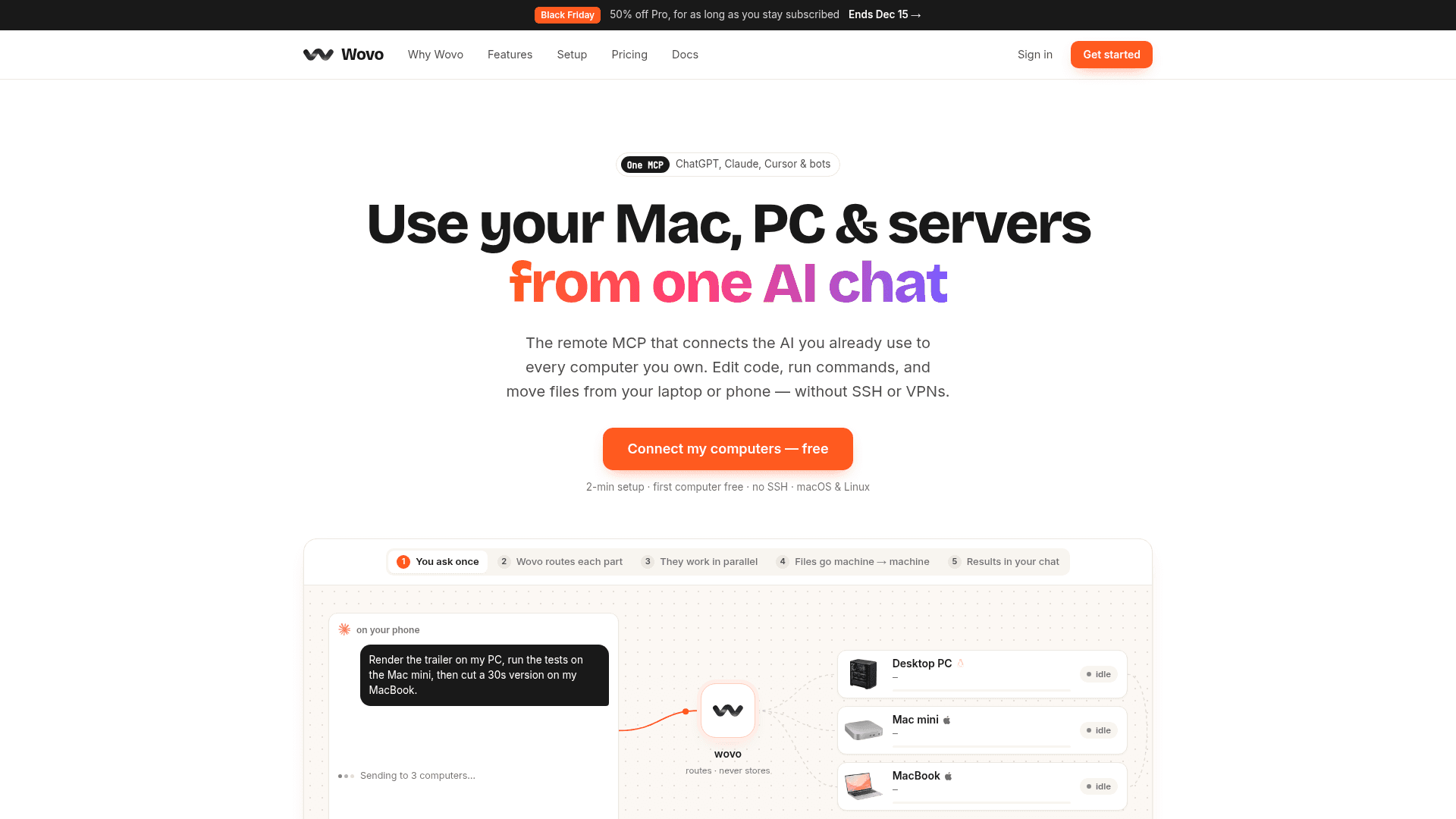
Wovo is a remote MCP server that connects AI apps you already use, such as ChatGPT, Claude, Cursor, and MCP-capable bots, to the computers you own. From a laptop or phone, the AI can edit code, run commands, and move files on other machines without SSH or a VPN. The macOS app is available for download, and Linux is installed through a CLI.
What It Is
Wovo gives any MCP-compatible AI an agent toolset on each connected computer. Chat apps that normally can only talk, and coding agents that act on a single machine, can instead work on any of your approved devices. You add one MCP URL to your AI host, sign in on each device, and then ask in chat, for example to fix a failing test on a Mac mini.
Agent Tools Over MCP
Each connected computer exposes the same toolset:
- A coding harness to read, edit, run, and test code, with git and a sandbox.
- Real browser testing that opens a local site, clicks through it, and returns screenshots.
- Computer Use on macOS, which sees and clicks desktop apps with your permission.
- Direct file transfer between machines over the LAN or peer-to-peer.
- Background jobs that keep running after the chat is closed.
- An outbound-only encrypted tunnel, so no open ports are needed.
Setup Path
The macOS app signs in with OAuth and needs no pairing code. Linux uses the CLI (an install script, then wovo login) with a one-time pairing code. The docs also describe GitHub cloud runners, which run one approved repository in an ephemeral, bounded cloud device. Windows is listed as coming soon. You then add the Wovo MCP endpoint to your AI host and choose which computers each AI connection may access.
Privacy Model
The site states that files and results stay on your machines. Wovo Cloud signs you in and routes requests, and it says it does not store files, project contents, or command output. Files between computers go directly, peer to peer. You can grant each AI app access to all computers or only some, and revoke it at any time.
Community Discussions
Be the first to start a conversation about Wovo
Share your experience with Wovo, ask questions, or help others learn from your insights.
Pricing
Free
Try it on one computer
- 1 remote computer (Mac or Linux)
- Works with ChatGPT, Claude, Cursor & bots
- Built-in encrypted tunnel — no SSH or VPN
- Coding harness, browser & macOS Computer Use
Pro
For your Mac, PC, and Linux servers
- Everything in Free, plus
- Up to 5 computers under one MCP URL
- Direct P2P & LAN file transfer between machines
- Run one prompt across multiple computers at once
- Background jobs that keep running after the chat closes
- On-demand GitHub runners (early access)
- Black Friday 50% off Pro, for as long as you stay subscribed (regular $12/month)
Capabilities
Key Features
- Remote MCP server for chat apps, agents, and bots
- Built-in coding harness with git and sandbox
- Real browser testing with screenshots
- macOS Computer Use
- Direct LAN and peer-to-peer file transfer
- Outbound-only encrypted tunnel with no SSH or VPN
- Durable background jobs that outlive the chat
- Run one prompt across multiple computers
- Per-AI-app device access controls
- GitHub cloud runners (early access)