y Coding Agent
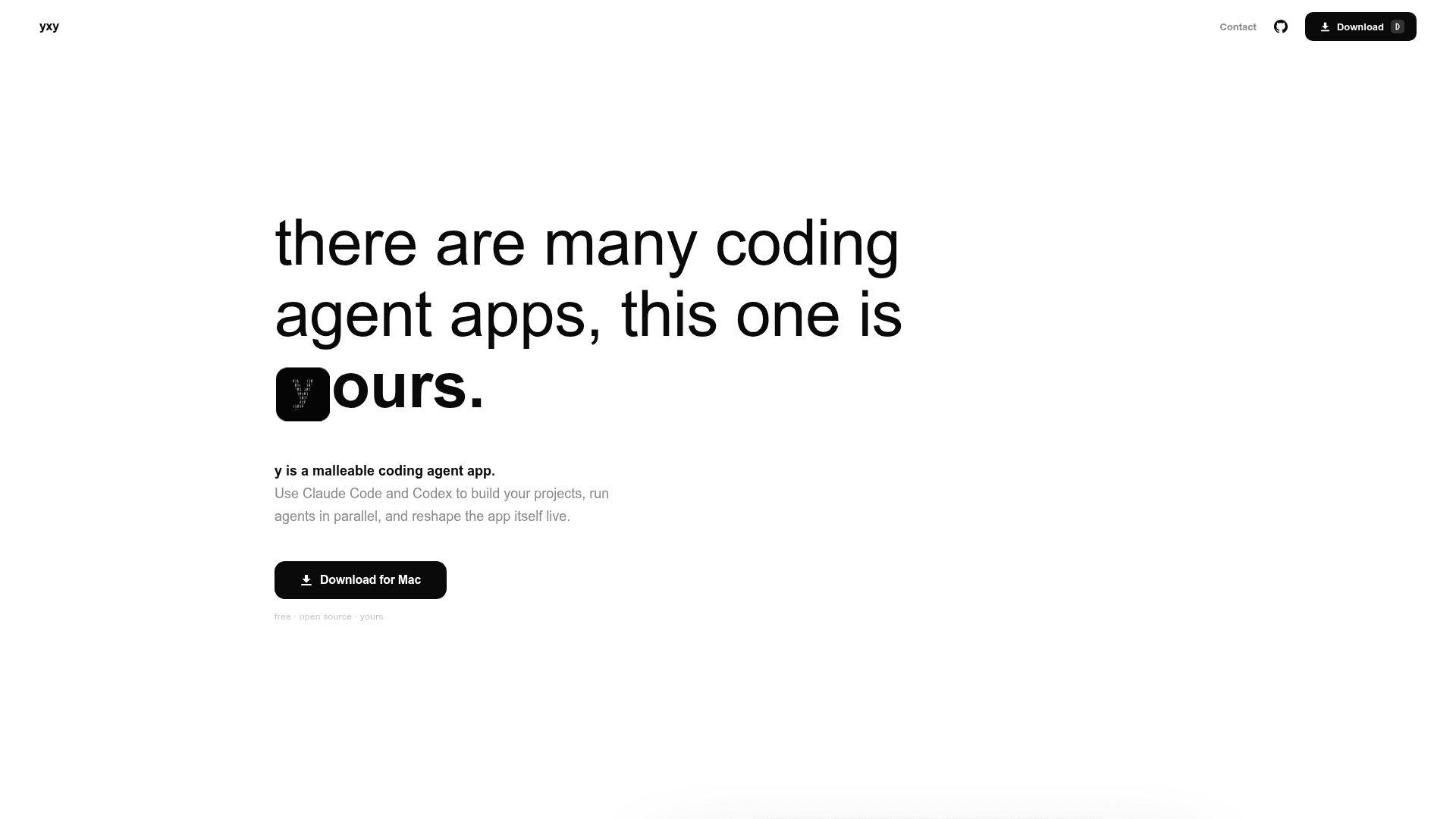
A malleable desktop coding agent app that lets you run Claude Code and Codex in parallel and reshape the app's own UI live.
At a Glance
Free and open source under the MIT license.
Engagement
Available On
Listed Jun 2026
About y Coding Agent
y is a free, open-source desktop coding agent app for macOS, built around the idea that software should be malleable while you use it. It provides a chat-first workspace for running Claude Code and OpenAI Codex locally, and uniquely allows users to modify the app's own interface in real time through a feature called Modify. The project is published under the MIT license and is currently at version 0.0.1.
What It Is
y is a local desktop application that orchestrates CLI-native coding agents — Claude Code and Codex — from a single unified interface. Rather than proxying agent calls through a hosted service, y runs agents on the user's machine using their own CLI credentials. The defining characteristic is its self-modifying architecture: a protected Kernel layer handles auth, state, and safety rails, while a Mutable Userland layer can be edited live by the user or by the Modify feature itself.
The Kernel / Userland Architecture
y is split into two distinct layers that make self-modification safe:
- Protected Kernel — handles auth, local engine adapters, app state, filesystem boundaries, terminal bridge, the Modify rail, and rollback snapshots. This layer cannot be modified by Modify.
- Mutable Userland — the chat UI and app surface that can be edited live. Changes compile, render, show a diff, and can be kept or discarded.
This split means the app can change its own interface without giving the modification agent control over trust boundaries or privileged APIs.
How Modify Works
Modify is a separate chat surface focused exclusively on changing the app interface, not the user's project code. A user can type a natural-language instruction such as "change the UI to white and add a browser to the app," and y rewrites its own Userland UI live — no restart, no config file. The generated diff is shown for review before the change is committed, and rollback to a known-good snapshot is built in if the new UI is not what was wanted.
Running Agents in Parallel
y supports multiple simultaneous agent sessions, each in its own isolated workspace. This means Claude Code and Codex can run side by side against different parts of a project without touching the same checkout. Model and effort settings remain visible in the composer, and each chat can target a different engine. The user's local CLI auth remains the source of truth; y orchestrates the experience without replacing the agent providers.
Privacy Model
The README states that y does not collect chat data, project files, terminal commands, or agent prompts. The only data collected is basic product analytics for app health signals such as sign-in state, feature usage, and feedback. All agent execution is local.
Current Status
y is under active development. The initial public release, v0.0.1, was published on June 23, 2026, targeting macOS Apple Silicon and Intel (macOS 13 or later). The current development focus is described in the README as launch-readiness: packaging, auth, analytics, local app-state durability, and the self-modifying Modify workflow.
Community Discussions
Be the first to start a conversation about y Coding Agent
Share your experience with y Coding Agent, ask questions, or help others learn from your insights.
Pricing
Free
Free and open source under the MIT license.
- Run Claude Code and Codex locally
- Parallel agent sessions
- Live self-modifying UI via Modify
- Diff-gated UI changes with rollback
- No chat data collection
Capabilities
Key Features
- Run Claude Code and Codex in parallel from one desktop app
- Isolated workspaces for parallel agent sessions
- Live self-modifying UI via Modify feature
- Diff-gated UI changes with review before applying
- Rollback to known-good UI snapshots
- Protected Kernel / Mutable Userland architecture
- Local agent execution using user's own CLI credentials
- File tree, terminal, and diff views while agent is working
- Chat-first interface
- No collection of chat data or project files