
Open-source system-wide ad-blocker and privacy guard for Windows, macOS, and Linux that filters traffic from browsers and desktop apps.
At a Glance
Free and open source (MIT) system-wide ad-blocker and privacy guard for Windows, macOS, and Linux.
Engagement
Available On
Alternatives
Listed Nov 2026
About Zen
Zen is an open-source ad-blocker and privacy guard from Irbis for Windows, macOS, and Linux. It runs a local proxy that filters HTTP(S) traffic from browsers and desktop applications, blocking ads, trackers, and malware servers. The latest release listed is v0.30.0.
What It Is
Zen is a desktop application that blocks unwanted content at the system level rather than inside a single browser. It starts a proxy server on your computer and sets it as the system proxy, so browsers and most apps send their traffic through it. Requests are checked against filter lists, and matching requests to ad, tracking, and malware servers are blocked.
How Filtering Works
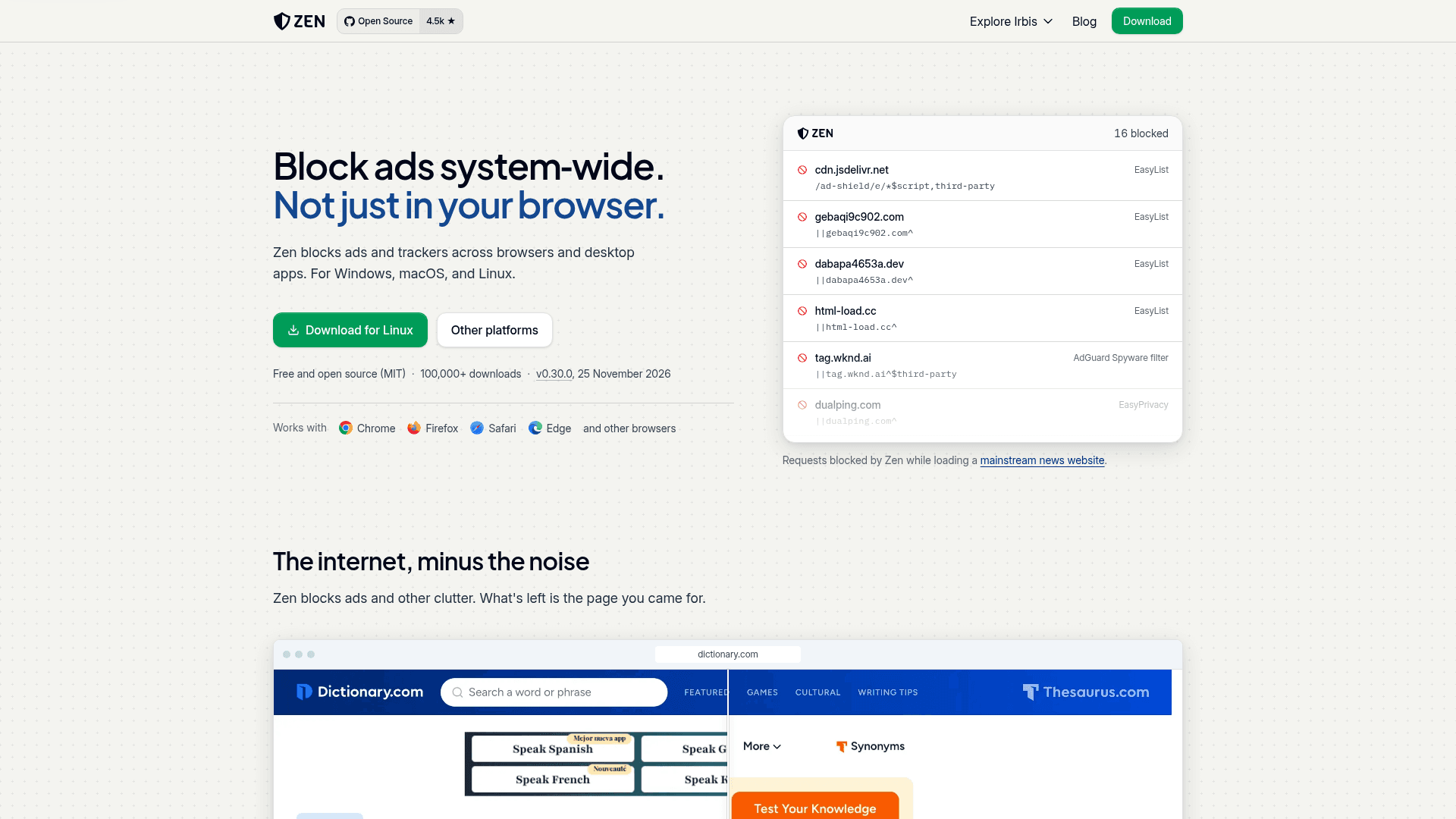
On web pages, Zen also hides empty ad slots and runs small scripts that disable ads and tracking built into the page. It ships with filter lists for ads, trackers, and malware enabled, plus 35 regional lists. Users can add any list in ad-block or hosts format, or write their own rules. A request history shows blocked requests and which filter and rule blocked each one. Zen states that filtering decisions are made locally and that it does not collect or send browsing data.
HTTPS Filtering and Root Certificate
On first run, Zen prompts you to install a locally generated root certificate so it can filter encrypted connections. The project states that the certificate and private key never leave the device and can be removed from settings. Apps with their own networking stack or certificate pinning may bypass Zen or need to be excluded in its settings.
Installation and Platforms
Installers are offered for Windows (x64, ARM64) and macOS (Apple silicon, Intel), along with portable builds. Package managers include WinGet, Homebrew, AUR, and Nix, and Linux has an install script. On Linux, the system proxy is configured automatically on GNOME and KDE; other desktop environments need manual proxy setup. Zen is MIT-licensed.
Community Discussions
Be the first to start a conversation about Zen
Share your experience with Zen, ask questions, or help others learn from your insights.
Pricing
Zen
Free and open source (MIT) system-wide ad-blocker and privacy guard for Windows, macOS, and Linux.
- System-wide ad and tracker blocking across browsers and desktop apps
- Pre-installed filters; add hosts files and EasyList-style filters
- Request history showing blocked requests
- Core licensed under MIT; some included code and assets are under different terms (see COPYING file)
- Zen VPN is a separate, coming-soon product and is not included
Capabilities
Key Features
- System-wide ad and tracker blocking across browsers and desktop apps
- Local proxy with HTTPS filtering via locally generated root certificate
- Filter lists for ads, trackers, and malware enabled by default
- 35 regional filter lists
- Custom filter lists in ad-block or hosts format and custom rules
- Element hiding and scriptlets to disable in-page ads and tracking
- Request history showing which filter and rule blocked each request
- Per-site and per-app exclusions
- Local filtering with no browsing data collection
- Package manager installs: WinGet, Homebrew, AUR, Nix