
ziggity
A fast, keyboard-driven terminal UI for Git written in Zig, featuring line-level staging, interactive rebase, async operations, and a 1.8 MB single static binary.
At a Glance
About ziggity
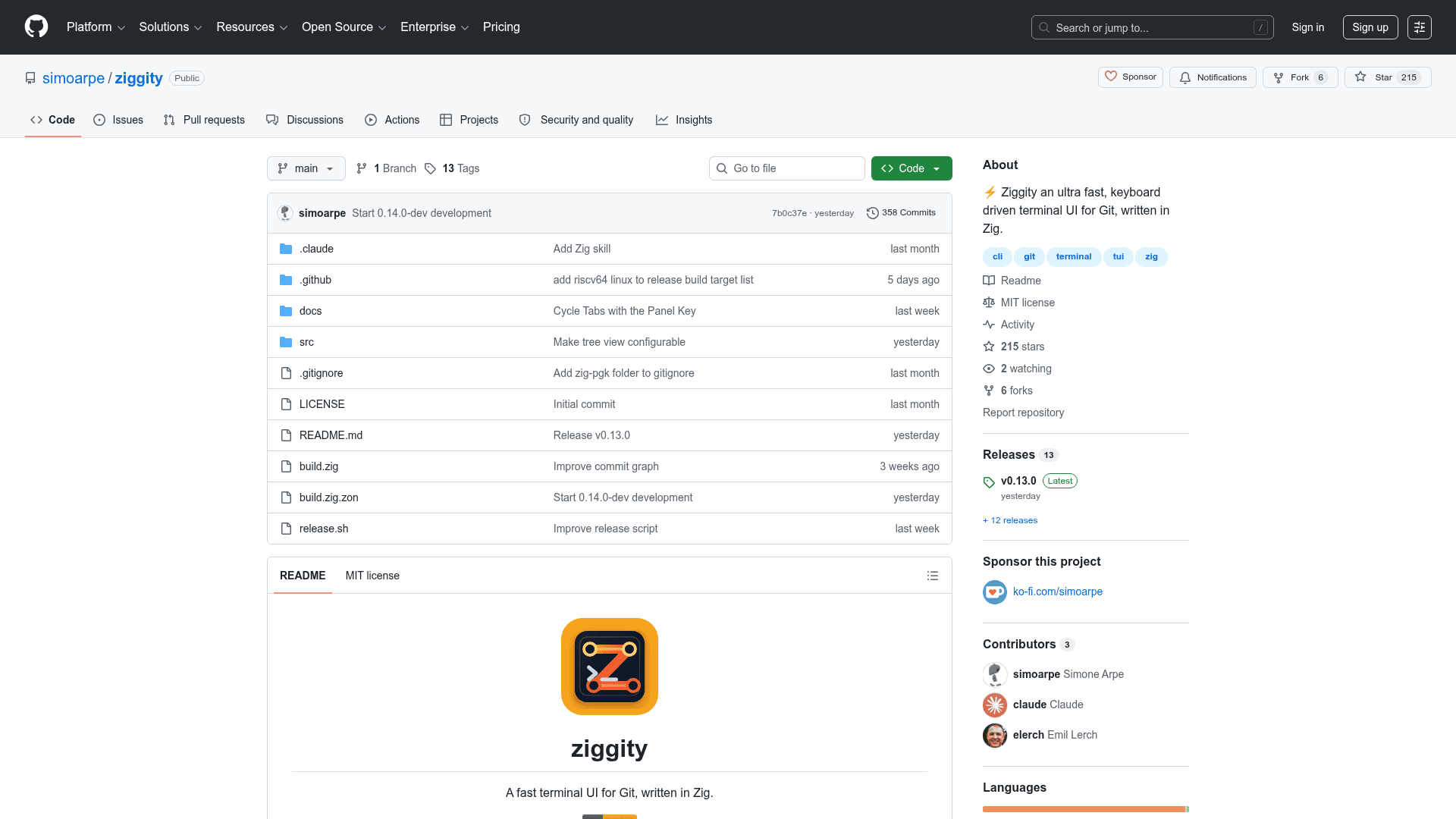
Ziggity is an open-source terminal UI for Git written from scratch in Zig by Simone Arpe, released under the MIT license. It compiles to a single static binary with no runtime dependencies beyond the git command already on your PATH, and ships prebuilt binaries for macOS, Linux, and Windows. The project draws inspiration from lazygit's workflow but is not a port — every design decision where the two tools differ is deliberate and documented.
What It Is
Ziggity is a keyboard-driven TUI that puts the entire Git workflow — status, files, branches, commits, stash, interactive rebase, and the commit graph — into one terminal window. It drives plain git subprocesses (no libgit2), parses machine-readable output in a single pass, and keeps every slow or network operation off the interface thread so navigation never blocks. The project targets developers who want a lazygit-style experience in a dramatically smaller and faster binary.
Performance and Binary Footprint
The README benchmarks ziggity 0.3.0 against lazygit 0.62.2 on an Apple Silicon laptop:
- Binary size: 1.8 MB vs 17.6 MB
- Process startup (median of 30 runs): 2.9 ms vs 19.2 ms
- Resident memory after opening a repo: 3 MB vs 18 MB
- Git subprocesses to load the repo: 26 vs 38
- CPU time to open and idle 10 s: 50 ms vs 140 ms
Ziggity fans out eleven parallel loaders at startup (status, files, branches, remotes, tags, worktrees, submodules, commit log, reflog, stash, and more), all launched within six milliseconds of each other. The commit log loads incrementally as you scroll, rendered previews are cached, and background refreshes are scoped to what an operation could have changed.
Workflow and Key Features
The tool covers the full Git workflow without ever dropping back to the raw terminal:
- Line-level staging:
entera file to stage or discard individual lines or hunks, with an optional split view showing unstaged and staged sides simultaneously. - Interactive rebase: a plan editor (
i) lets you compose drop/squash/fixup/edit/reword actions with range select, then runs the whole plan as one rebase. Cherry picking, custom patch building, autosquash, andrebase --ontoare all included. - Async network ops: fetch, pull, and push run off the interface thread with a spinner; in-app HTTPS credential prompts handle authentication without an external helper.
- Diffing mode: press
Won any branch or commit to mark it as a diff base; the title tracks the comparison in git's own notation (main..feature,main...featurefor merge-base view). - Word-level diff highlighting: changed words get a stronger background rather than whole-line coloring, matching the behavior of delta, GitHub, and VS Code.
- Recent repositories switcher (
ctrl+r): jump between repos without restarting. - Stash keep variant: snapshot everything including untracked files into a stash while leaving the working tree untouched.
- Commit editor: live character count nudging the 50/72 rule,
prepare-commit-msghook prefill, and draft survival across dialog closes.
Architecture and Deployment
Ziggity is written entirely in Zig 0.16.0 and uses the libvaxis library for its event loop, layout, and rendering. The source is organized into focused modules: app.zig for state and actions, git.zig for subprocess wrappers and parsers, tui.zig for rendering, and supporting modules for staging, rebase, diffing, credentials, and more. The build produces a fully static binary (musl on Linux) with no shared library dependencies. Configuration is INI-based, loaded from a path in ZIGGITY_CONFIG or a per-repo .ziggity.ini; all keybindings and theme colors are remappable.
Update: v0.13.0
The latest release is v0.13.0, published on 2026-07-28. The repository was created in June 2026 and has seen rapid iteration, reaching 215 stars and 6 forks within weeks. The feature parity roadmap against lazygit is described in the README as complete, with a small set of known gaps: redo after undo, moving a custom patch to a different commit, editing the live rebase todo mid-rebase, and rewording in an external $EDITOR. Active development continues in the main branch.
Community Discussions
Be the first to start a conversation about ziggity
Share your experience with ziggity, ask questions, or help others learn from your insights.
Pricing
Open Source
Free and open source under the MIT license. No paywalled features.
- Full terminal UI for Git
- Line-level staging and interactive rebase
- Async fetch, pull, push
- Commit graph, diffing mode, word-level highlights
- All features included — no paid tier
Capabilities
Key Features
- Line-level and hunk-level staging with optional split view
- Full interactive rebase with plan editor (drop, squash, fixup, edit, reword, reorder)
- Async fetch, pull, and push — never blocks the interface
- Word-level diff highlighting (changed words, not whole lines)
- Commit graph viewer (real git log --graph DAG) with first-parent navigation
- Diffing mode: mark any ref as base, two-dot and three-dot (merge-base) views
- In-app HTTPS credential prompts with masked token field
- Recent repositories switcher (ctrl+r) — switch repos without restarting
- Stash keep variant: snapshot everything while leaving working tree untouched
- Commit editor with live 50/72 character count and prepare-commit-msg hook prefill
- Mouse support: click, scroll, drag-to-select-and-copy text
- OSC 52 clipboard copy (works over SSH)
- Directory tree view for files and commit file lists
- Multi-selection with range select across files, commits, branches, stashes
- Cherry picking, custom patch building, autosquash, rebase --onto
- Conflict resolver with per-conflict ours/theirs/both selection
- GPG signature verification
- Bisect support
- Log filtering by message, author, or path
- Soft-wrap toggle for long diff lines (ctrl+w)
- Fully remappable keybindings and themeable colors
- Custom shell commands bound to keys
- Incremental commit log loading (never capped)
- Cached rendered previews for instant reselection
- Background periodic git fetch and working tree refresh
- Force push ladder: push → force-with-lease → force, each confirmed
- Conventional Commits prefix highlighting in commit list
- Worktrees and submodules support with in-place repo switching
- Single static binary, no runtime dependencies beyond git