
1DesignTool
A local desktop design studio that drives the coding agent CLIs you already have to generate designs as real files in a folder you own.
At a Glance
Free tier of the 1DesignTool desktop app; download free, no account, no subscription.
Engagement
Available On
Alternatives
Listed Nov 2026
About 1DesignTool
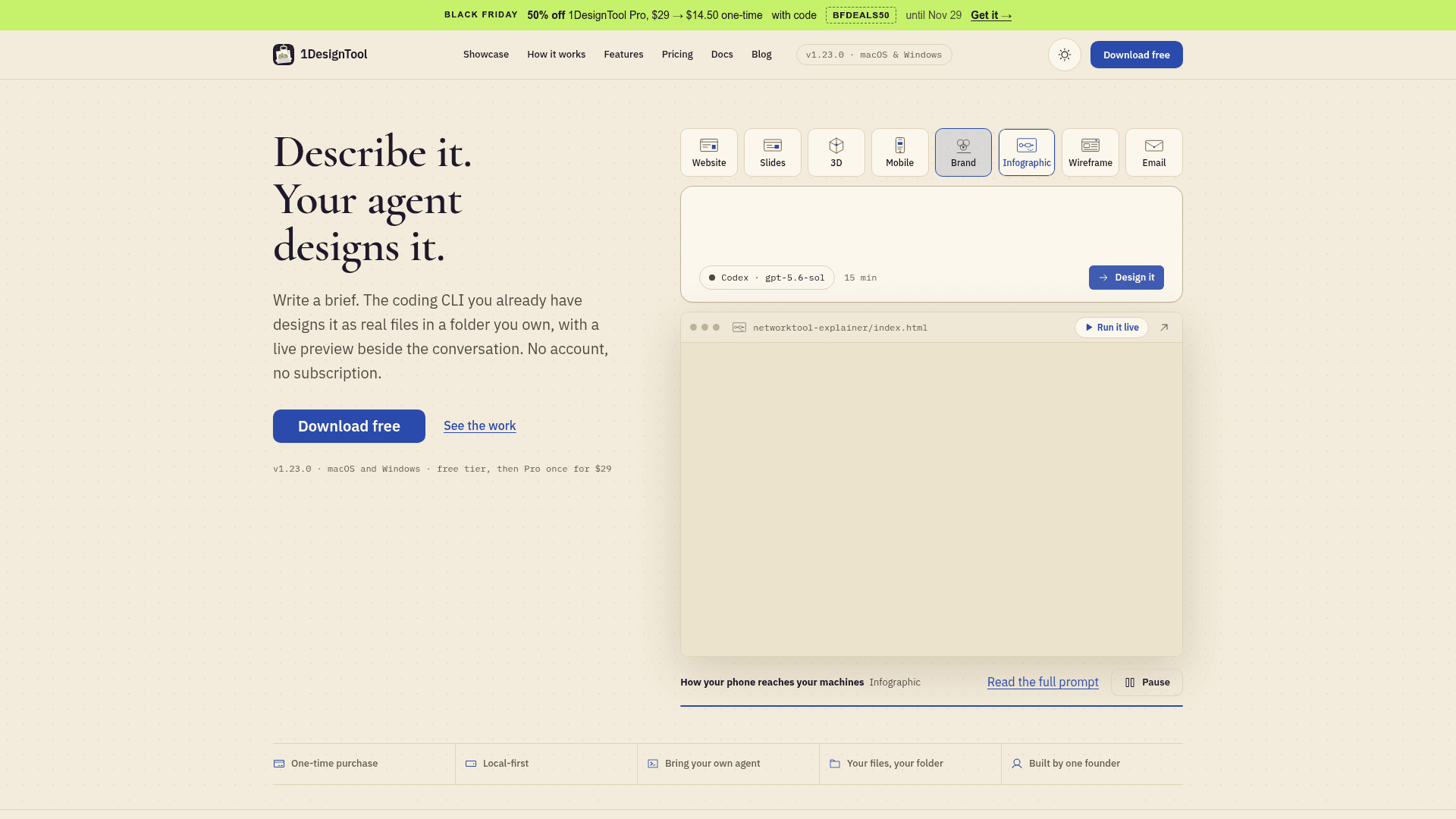
1DesignTool is a desktop app from StoicSoft for macOS and Windows. You write a brief, and a coding CLI already installed on your machine designs it as real files in a project folder you own, with a live preview beside the conversation. The homepage lists version 1.23.0 and says there is no account and no subscription.
What It Is
1DesignTool is a local-first design studio controlled by coding agents. It detects coding CLIs on your PATH and drives them, including Claude Code, Codex, Cursor Agent, Grok Build, OpenCode, Antigravity, Qwen Code, Kimi Code, Amp, Devin, Cline, Hermes Agent, Pi, Oh My Pi, Kiro CLI and Aider. The agent talks to its own provider, so no API key is pasted into the app. Output goes to a project folder on disk: HTML, CSS and JS, plus GLB, STL and other formats produced by the 3D, CAD and sprite types.
How a Run Works
A run moves through brief, visual direction (one of 17), a design-plan.md, a tokens.css file, the build (index.html), and a gate. The gate checks plan, lint, audit, contrast and a contact sheet, then returns pass or fail. For larger jobs a design council of visual, UX, copy and rights reviewers examines evidence and merges findings before repairs. Learned lessons and house styles become proposed cards that take effect only after a person accepts them.
Steering and Output Types
You can click an element in the preview and comment on it, adjust a Tweaks panel (accent, radius, padding, headline text), request variants and compare them blind, and browse version history to restore or fork. Messages can be queued while the agent works. Viewports can be compared side by side and a present mode hides the studio. The homepage lists nineteen types, such as websites, slides, mobile apps, wireframes, documents, 3D objects (GLB, OBJ), CAD parts (STL, STEP, 3MF), pixel sprites, HTML email, brand kits, infographics (PNG, PDF) and diagrams (SVG, Mermaid). The site also hosts a library of free GLB models made with the 3D template.
Codebase and MCP Integration
You can link a repository and design on its real screens. Edits are verified as applied or rolled back, and work happens on an isolated branch you review before adopting. 1DesignTool also runs an MCP server named onedesigntool, with tools such as project_create, design_generate, preview_screenshot, run_gate and apply_and_verify. Access is granted per credential and per project in Settings → MCP.
Network and File Handling
The app works offline for projects, previews, templates and design systems. Network use comes from the chosen agent CLI, license checks, update checks, stock-asset fetches (Openverse, Wikimedia, unDraw) and optional analytics, which are off by default. There is no 1DesignTool account or cloud project storage. Windows builds are unsigned, so SmartScreen may warn on first launch, and there is no Linux build.
Community Discussions
Be the first to start a conversation about 1DesignTool
Share your experience with 1DesignTool, ask questions, or help others learn from your insights.
Pricing
Free
Free tier of the 1DesignTool desktop app; download free, no account, no subscription.
- macOS and Windows
- Runs on your existing coding agent CLIs (Claude Code, Codex, Cursor Agent and more)
- Local-first; files in a folder you own
- No account, no subscription
Pro
One-time purchase of 1DesignTool Pro; Black Friday offer of $14.50 with code BFDEALS50 until Nov 29.
- One-time purchase
- Black Friday: 50% off, $29 → $14.50 with code BFDEALS50 until Nov 29
Capabilities
Key Features
- Drives installed coding agent CLIs
- Live preview beside the conversation
- 17 visual directions
- Plan, lint, audit and contrast gate
- Pick-and-comment on preview elements
- Tweaks panel
- Variants and blind compare
- Version history with restore and fork
- Multi-viewport and present mode
- Design council reviews
- Linked codebase with isolated branch edits
- MCP server for external agents
- Exports such as HTML, PDF, PNG, SVG, GLB, OBJ, STL, STEP, 3MF
- Works offline