
DaVinci Resolve MCP Server
MCP server that lets AI assistants control DaVinci Resolve through its official Scripting API.
At a Glance
MIT-licensed MCP server for controlling DaVinci Resolve via its Scripting API; free to use, copy, modify and distribute.
Engagement
Available On
Alternatives
Listed Nov 2026
About DaVinci Resolve MCP Server
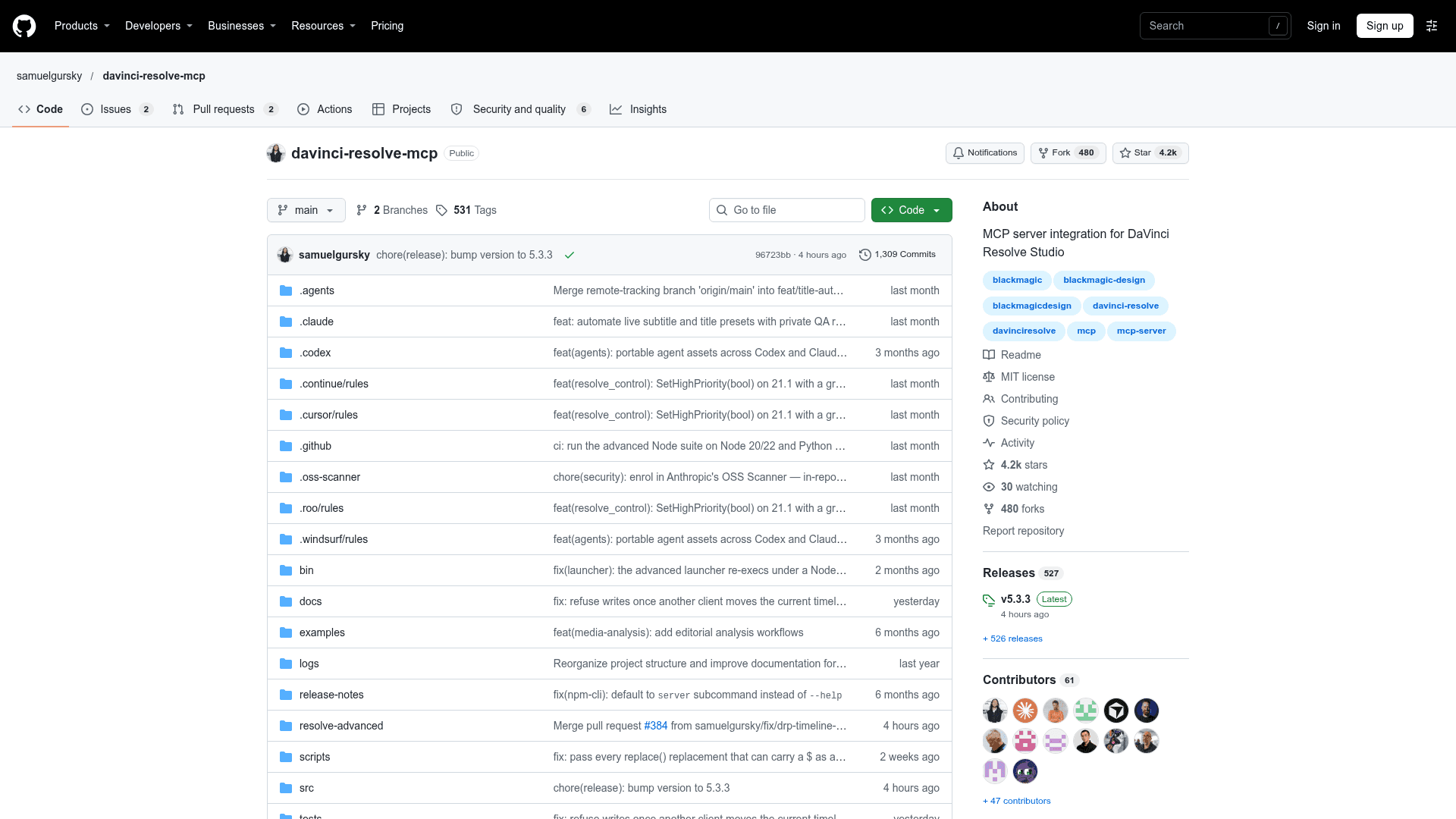
DaVinci Resolve MCP Server is an open-source Model Context Protocol server by Samuel Gursky that lets AI assistants drive DaVinci Resolve through the official Scripting API. It covers editing, media pool organization, render setup, review markers, grading, Fusion, Fairlight, project lifecycle tasks, and source-safe media analysis. The latest release listed is v5.3.3, and the project is MIT licensed.
What It Is
The project is an MCP server that exposes Resolve operations as tools to MCP clients such as Claude Desktop, Claude Code, Cursor, VS Code, Windsurf, Zed, Continue, Cline, Roo Code, OpenCode, Codex CLI and JetBrains IDEs. Users give natural-language instructions, for example creating a timeline from a bin, building a ProRes render plan, copying review markers, or adding a Fusion TextPlus overlay. A local browser control panel ships with it for inspecting Resolve state and reviewing analysis output.
Server Modes and Tooling
The default compound server groups related operations behind action parameters to keep context usage low (37 tools). A full granular mode offers 390 tools, one per Resolve API method. An optional second Node-based server, davinci-resolve-advanced-mcp, works on .drp, .drt and .drx files and applies database or XML-level changes with no Resolve running, including grading and QC tools, conform checks, and a YAML-driven pipeline.
Safety and Verification
- Source media is treated as immutable; analysis writes only to sidecar, scratch, or project analysis directories.
- Compound tool results carry an operation envelope with status, verification, changes and warnings.
- A verified-trap guard attaches known API limitations to results and refuses actions such as CopyGrades until the caller acknowledges the risk.
- Execution traces and exportable audit reports record multi-step operations.
- The README states what it does not do: choosing the best take, finishing music edits, judging cuts, or replacing an editor.
Setup and Requirements
Install with npx davinci-resolve-mcp setup or from source with python install.py. It requires DaVinci Resolve 18.5+ and Python 3.10+, with external scripting set to Local on Studio. The free edition can be reached through an in-app bridge script, documented as a path for Resolve 21.0.x. Optional extras such as ffmpeg, numpy, librosa and Whisper unlock audio and visual analysis features.
Community Discussions
Be the first to start a conversation about DaVinci Resolve MCP Server
Share your experience with DaVinci Resolve MCP Server, ask questions, or help others learn from your insights.
Pricing
Open Source (MIT)
MIT-licensed MCP server for controlling DaVinci Resolve via its Scripting API; free to use, copy, modify and distribute.
- MIT License (OSI-approved)
- Full Resolve Scripting API coverage
- Local browser control panel
- Works with Claude Desktop, Claude Code, Cursor, VS Code, Windsurf, Zed, Continue, Cline, Roo Code, OpenCode, Codex CLI, JetBrains IDEs
- Requires DaVinci Resolve Studio for external scripting (Blackmagic license is separate)
Capabilities
Key Features
- Full DaVinci Resolve Scripting API coverage
- Compound mode with 37 tools and full mode with 390 tools
- Media pool ingest, bin organization and metadata normalization
- Timeline editing, conform and marker review tools
- Color grading, CDL validation, DRX and LUT helpers
- Fusion comp and tool creation
- Audio and Fairlight probes and guarded writes
- Render planning and queue management
- Source-safe media analysis with transcription and visual analysis
- Local browser control panel
- Advanced offline server for .drp, .drt and .drx files
- Execution traces and audit reports
- Verified-trap guard for destructive API behaviors
- Extension authoring for Fuse, DCTL and scripts
- Free edition in-app bridge