
Screenplay
Open-source tool that lets AI agents film and edit polished screen recordings of websites and desktop apps from a scripted scenario.
At a Glance
Screenplay core (CLI and MCP server) is released under the MIT license and is free to use, modify and distribute. It contains no AI and needs no model key.
Engagement
Available On
Listed Nov 2026
About Screenplay
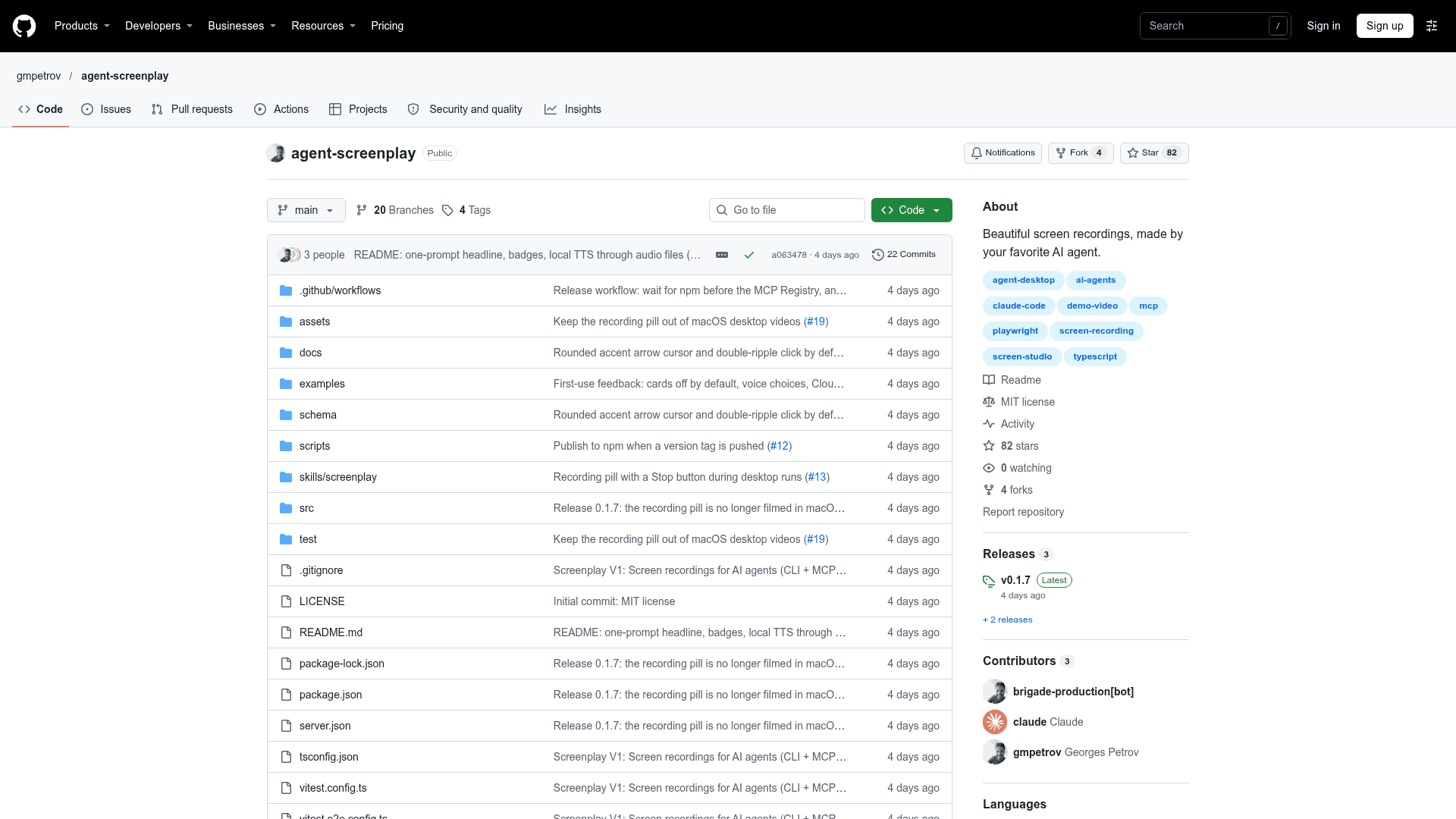
Screenplay is an open-source MIT-licensed tool from GitHub user gmpetrov that lets AI coding agents produce edited screen-recording videos of any website or desktop app. The agent explores the product and writes a short JSON scenario; Screenplay plays it, films it, and edits it into an MP4. It connects to Claude Code, Codex, Cursor and other MCP clients.
What It Is
Screenplay is an MCP server and CLI that handles the filming and editing side of demo videos. According to the README it contains no AI and needs no model key: the connected agent writes the scenario, while Screenplay records and edits. Edits are in the style of Screen Studio, with a smooth cursor, automatic zooms that follow the action, click effects, callouts, spotlight, captions, title cards, and optional voice-over.
How a Recording Works
A scenario is a JSON file with a start URL (or desktop app name), style settings, and steps such as click, type, press, hover, scroll, select, wait, callout, highlight and zoomTo. Targets are named the way people see elements, for example text, role, label or placeholder. Web scenarios are played with Playwright in headless Chromium; desktop apps are driven through the operating system's accessibility APIs by agent-desktop and filmed with ffmpeg. Because Screenplay records the position and timing of each action, zooms are framed on the element itself. Commands include check (rehearse without filming), record (produces an MP4 and a storyboard image) and render (re-edit the last take without filming again).
Styling, Voice and Sign-in
A browser-based style editor sets backgrounds (gradient presets, custom gradients, colors or images), padding, corner radius and shadow, saved per video or for all videos. Output is 1920×1080 at 30 fps by default, up to 4K and 24 to 60 fps, with optional GIF. Voice-over is off by default and can use Cartesia, ElevenLabs, or your own audio files. A login command saves a browser session for authenticated sites. Because check and record really perform the steps, the README advises pointing them at a demo or staging account.
Setup Path
Running npx agent-screenplay init downloads Chromium, registers the MCP server with detected agents and installs a guide for writing good scenarios. It requires Node 20+. Desktop recording needs a real screen, with documented permission requirements on macOS and an X11 session on Linux.
Community Discussions
Be the first to start a conversation about Screenplay
Share your experience with Screenplay, ask questions, or help others learn from your insights.
Pricing
Open Source (MIT)
Screenplay core (CLI and MCP server) is released under the MIT license and is free to use, modify and distribute. It contains no AI and needs no model key.
- MIT-licensed core CLI and MCP server
- Screen recordings of websites and desktop apps with automatic zooms, cursor, callouts, captions
- Works with Claude Code, Codex, Cursor and any MCP client
- Voice-over is optional: Cartesia or ElevenLabs API keys (external costs) or your own audio files
- Bundled third-party components under their own licenses: Inter (SIL OFL), ffmpeg-static (GPL), agent-desktop (Apache-2.0)
Capabilities
Key Features
- Scenario-driven screen recording from JSON steps
- Automatic spring zooms framed on target elements
- Smooth cursor with click effects
- Callouts, spotlight highlights, captions, title and end cards
- Optional voice-over via Cartesia, ElevenLabs or custom audio files
- Web recording with Playwright and desktop app recording via agent-desktop
- Browser-based style editor with gradients, padding, radius and shadow
- Saved login sessions for authenticated sites
- MP4 output up to 4K, 24 to 60 fps, optional GIF
- MCP server and CLI (guide, check, record, render, style)