
agentglass
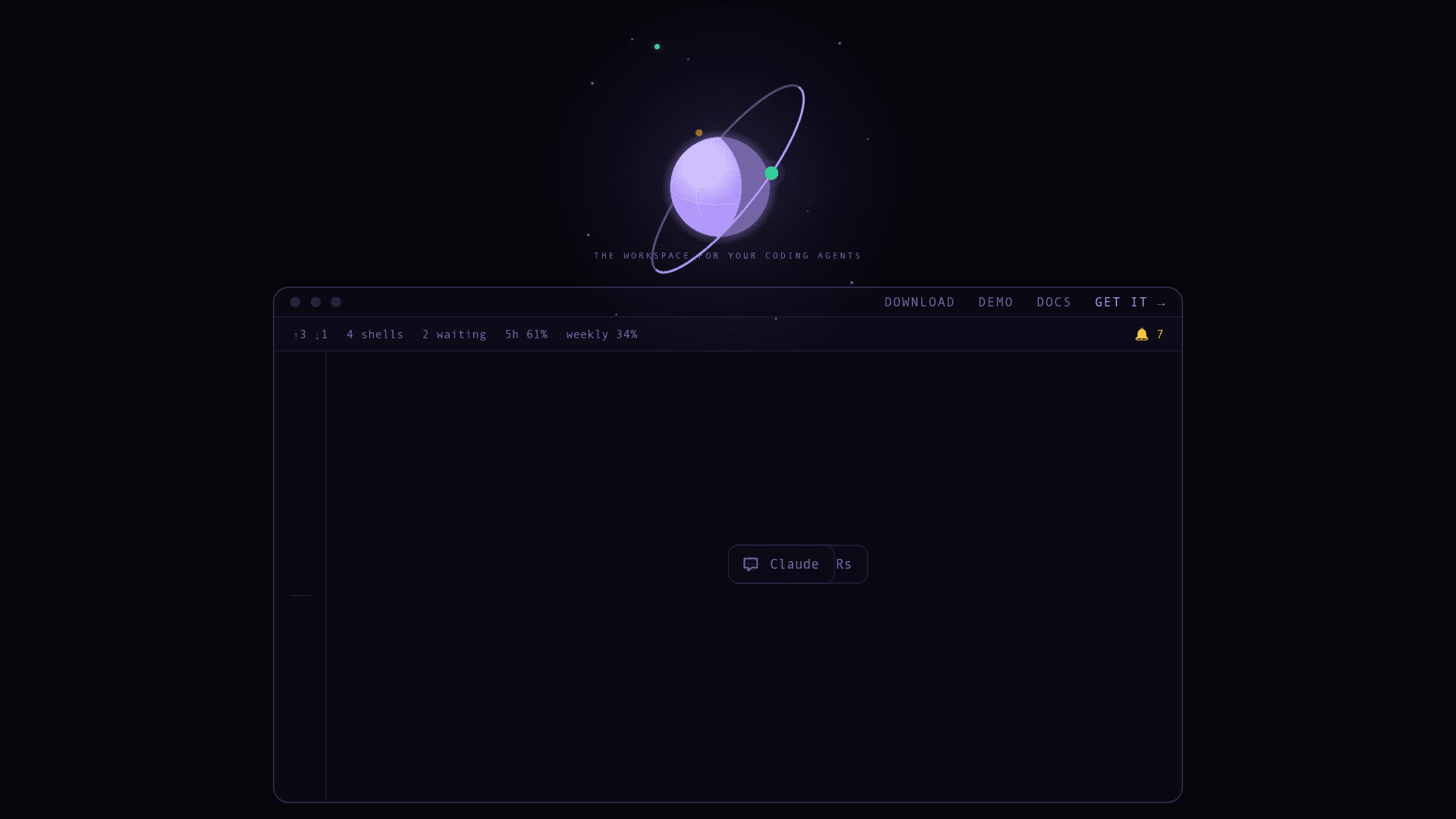
A desktop workspace that brings coding agents' terminals, pull requests, diffs, browser and approval gates into one window on your own machine.
At a Glance
MIT-licensed desktop app that runs locally on your own machine, with no account and no cloud.
Engagement
Available On
Listed Nov 2026
About agentglass
agentglass is an open-source desktop app built by SirAllap (David Pallares) that gathers the work of CLI coding agents into one window. It attaches to Claude Code, Codex, Gemini CLI and OpenCode sessions already running in tmux and your repositories, and shows their terminals, diffs, pull requests, costs and pending approvals. The latest release listed is v1.1.1, with builds for Linux, macOS, Windows and an Android companion app.
What It Is
agentglass is a local workspace for people running several coding agents at once. It is a desktop app with its own server bundled inside, so there is nothing to run in a terminal and no port to open. The agents keep running where they already run; closing agentglass does not stop them, and it does not proxy them. Data is stored in a SQLite file on your own disk, with no account, cloud or telemetry according to the project.
Holding and reviewing agent work
A transcript scanner reads ~/.claude/projects so existing Claude Code sessions are listed without setup. Optional hooks, written from Settings, add live streaming and PreToolUse gating. A gated tool call, such as rm -rf, git push --force or kubectl delete, is held until you allow it once, for the session or always for the project. The hold shows the literal command, repo, agent, model and wait time. Approvals can be given from the desk or a paired phone.
Other views cover:
- Worktrees: a task or GitHub issue becomes a branch, directory and agent, several in parallel.
- Diffs and source control: word-level diffs grouped by agent and worktree, with staging, commit, branch, stash and conflict resolution.
- Pull requests: checks, conversation, files and an inline review composer.
- Cost and token tracking per session, model and project.
- Docker containers and logs, ports, a file browser and system usage.
- A browser panel agents can drive from a CLI and an MCP server.
Phone and plugins
An Android companion app pairs over your own network by a scanned code and shows terminal panes, approvals, pull requests and changes at a scope you grant: read, answer or full. Plugins are separate processes with a scoped, revocable token, installed from an in-app catalogue or a git URL. A plugin cannot release an approval gate.
Setup path
Install from the release files (AppImage, deb, dmg, exe or apk) and launch. Git, the Claude Code CLI and Python 3 are needed; tmux, the GitHub CLI and Docker are needed per feature. macOS builds are unsigned, and Windows builds pass CI but have not been verified on real hardware, per the project. It can also be run from source with Bun.
Community Discussions
Be the first to start a conversation about agentglass
Share your experience with agentglass, ask questions, or help others learn from your insights.
Pricing
Open Source
MIT-licensed desktop app that runs locally on your own machine, with no account and no cloud.
- MIT License
- Desktop app for Linux, macOS, Windows and Android companion
- No account, no cloud, no telemetry
- Data stored in a local SQLite file
- Terminals, diff viewer, pull request review, built-in browser for agents, Docker view, cost tracking
Capabilities
Key Features
- Attaches to agents running in tmux and starts new ones
- Worktree per task or GitHub issue
- Approval gates for dangerous tool calls
- Live cost, token and tool-call tracking
- Diff viewer and source-control panel
- Pull request review with checks and inline composer
- Browser panel agents can drive via CLI and MCP server
- Docker, ports, file browser and system monitoring
- Android companion app paired by scanned code
- Plugin system with scoped revocable tokens
- Orchestrator agent with policy settings
- Local SQLite storage with no account or telemetry