
Agents Commander
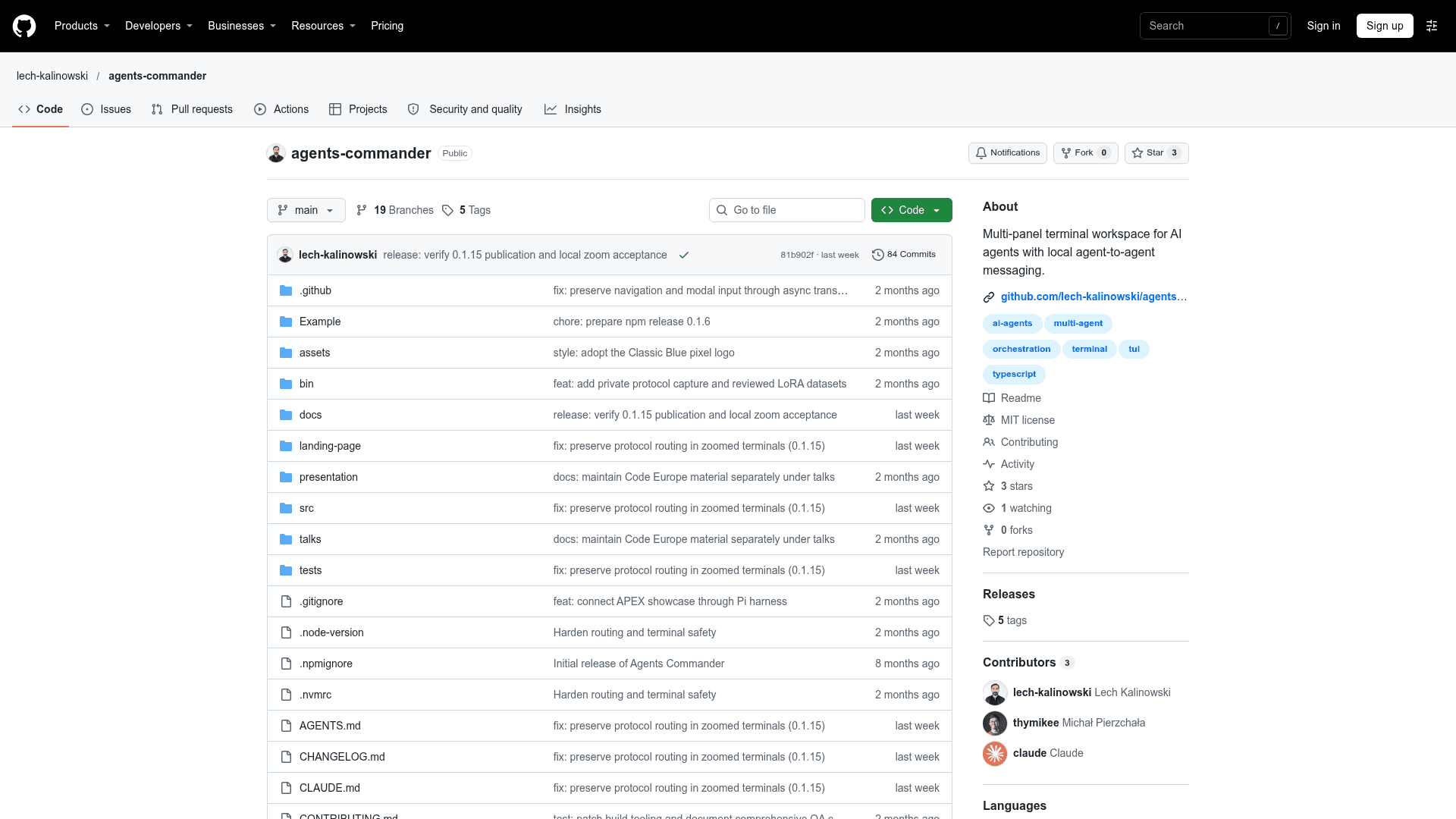
Multi-panel terminal workspace for running AI agent CLIs side by side with local agent-to-agent messaging.
At a Glance
Agents Commander core terminal application, open source under the MIT License, including commercial use.
Engagement
Available On
Alternatives
Listed Nov 2026
About Agents Commander
Agents Commander is an open-source, MIT-licensed terminal application by Lech Kalinowski that runs AI agent CLIs such as Claude Code, Codex CLI, Antigravity CLI and OpenCode in side-by-side panels. A marker-based protocol lets those agents send tasks and replies to each other. The README describes version 0.1.15, which requires Node.js 22+, Python 3, and macOS, Linux, or WSL2.
What It Is
Agents Commander is a text-based terminal UI that combines file-browser panels with PTY-backed agent terminals in one workspace of up to 100 active panels. Keystrokes are forwarded to the agent in the focused panel. It also offers plain interactive shell panels, a built-in text editor, file copy/move/delete, and two themes (classic-blue and midnight).
How Agent-to-Agent Messaging Works
After launching agents, the user presses Ctrl+P (or uses F2 then P for bulk setup) to give each session its own private capability key and teach it the marker format. Agents then emit SEND, REPLY, BROADCAST, STATUS and QUERY frames, which Commander scans for and routes to target panels using addresses such as codex:2, built from the adapter name and the stable panel ID. Senders receive an ACK. Sequence counters and replay guards suppress repeated or stale frames. Delivery means input was submitted to the target terminal, not that the model completed the task. F12 shows an in-memory activity ledger of routed messages.
Templates, Orchestration and Capture
Ctrl+O sends a task to any panel manually. Ctrl+B opens a library of 121 built-in prompt templates across 14 categories, and custom templates can be added as Markdown files in ~/.agents-commander/templates/. Opt-in semantic capture and a reviewed dataset-export workflow can produce prompt/completion JSONL for LoRA/SFT. Nothing is recorded by default.
Setup and Hardware Options
Install with npm or build from source, then run a doctor check before launching. A deterministic offline demo needs no agent accounts or API credentials. Experimental, opt-in Codex Micro controller support is available natively on macOS.
Community Discussions
Be the first to start a conversation about Agents Commander
Share your experience with Agents Commander, ask questions, or help others learn from your insights.
Pricing
Open Source (MIT)
Agents Commander core terminal application, open source under the MIT License, including commercial use.
- MIT License, including commercial use
- Local terminal application; requires Node.js 22+, Python 3, and macOS, Linux, or WSL2
- Offline deterministic demo needs no AI agent CLI, API credentials, or network access
- Third-party agent CLIs and provider/API access are external costs not sold by this tool
Capabilities
Key Features
- Up to 100 active panels (file browsers or PTY-backed agent terminals)
- Adaptive paged layout with density control and fullscreen
- Agent-to-agent SEND, REPLY, BROADCAST, STATUS and QUERY protocol
- Per-session capability keys and replay protection
- Bulk launch of one profile in many panels and bulk protocol setup
- 121 built-in prompt templates plus custom templates
- Manual orchestration of tasks to any panel
- Integrated file manager and built-in text editor
- Routed-message activity ledger
- Opt-in semantic capture and LoRA/SFT dataset export
- Offline deterministic demo mode and doctor diagnostics
- Experimental Codex Micro hardware controls
- Plain shell panels