
CCB (Claude Codex Bridge)
A multi-agent terminal workspace that coordinates Codex, Claude, Gemini and other CLI coding agents in visible, controllable workflows.
At a Glance
CCB core is licensed under AGPL-3.0 and free to use; closed-source commercial use requires a separate license.
Engagement
Available On
Listed Oct 2026
About CCB (Claude Codex Bridge)
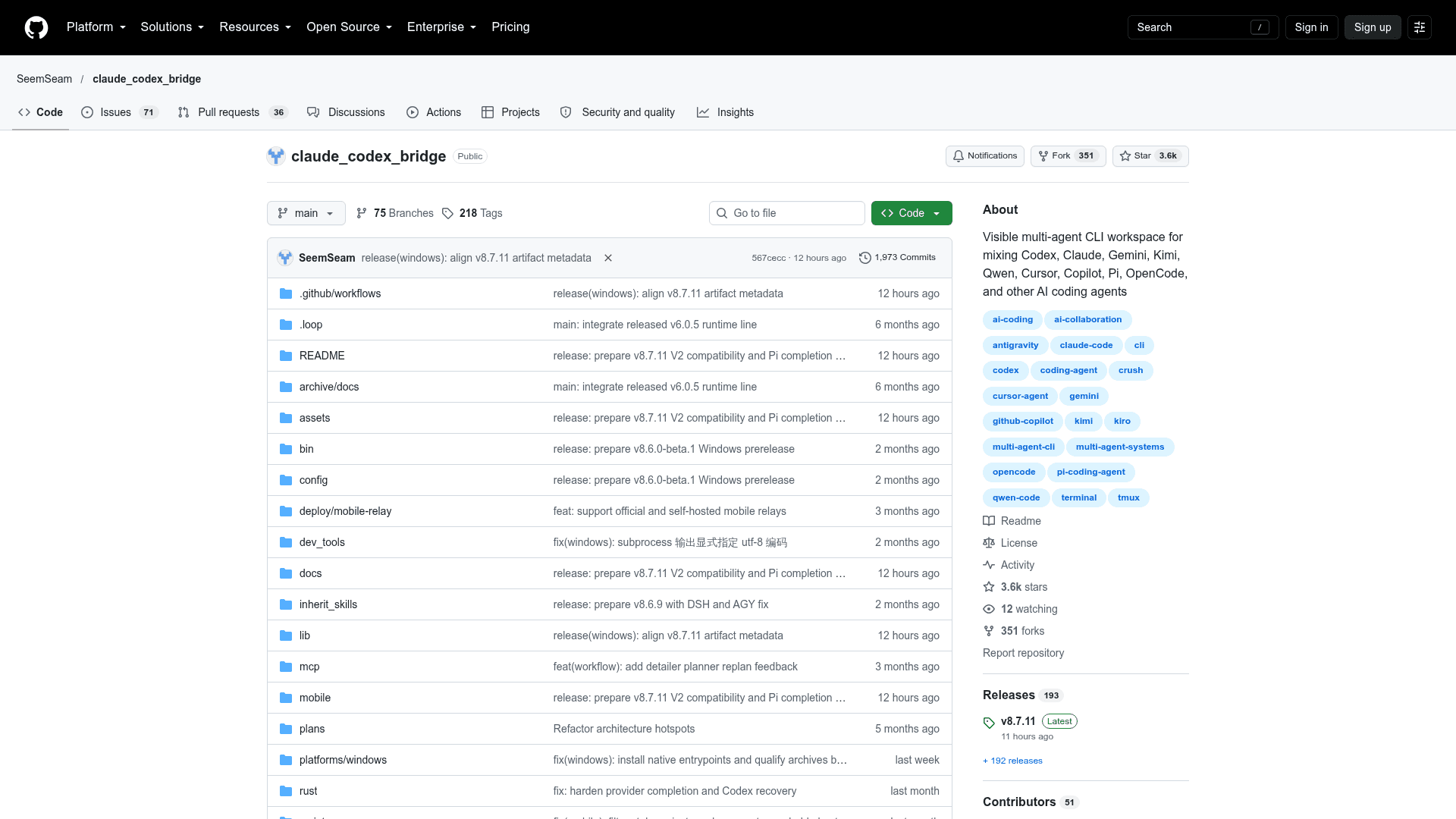
CCB (Claude Codex Bridge) is an open-source multi-agent TUI from SeemSeam that coordinates CLI coding agents such as Codex, Claude and Gemini from one command. Agents run in visible terminal panes that users can take over directly, while a background daemon keeps project state alive. The latest release listed is v8.7.11.
What It Is
CCB is a terminal workspace and collaboration layer for CLI AI agents. Per the README, it supports 16 CLI provider families, including Codex, Claude, Gemini, Pi, OMP, Kimi, OpenCode, Grok, Qwen, Cursor, Copilot, Crush, Kiro, Antigravity and Droid. Agents can pass work to each other through /ask, enabling collaboration graphs such as A -> B -> C, A,B -> C and A -> B,C.
How the Workflow Runs
Running ccb in a project directory opens a workspace. A blank project starts with a single agent named demo, using the first supported CLI found on the machine. Larger topologies are defined in .ccb/ccb.config or edited in a local Config UI (opened from the sidebar Settings icon or ccb config ui) that edits windows, pane splits, providers, models and thinking levels, validates changes, and supports reload dry-runs. Project-wide shared memory lives in .ccb/ccb_memory.md.
Message Queues and Input Protection
Requests and returned results share one chronological FIFO queue per target agent. In human/agent mode, incoming messages wait while a user is composing a draft, for up to 180 seconds before the draft is cleared and delivery proceeds. The README recommends testing these modes with Claude, Codex and OMP in managed tmux panes.
Mobile, Rich Mode and Roles
An Android app, installed through ccb update mobile, acts as a remote controller. It supports agent chat, voice input, a terminal view and file transfer, and the gateway binds to loopback by default. Rich mode (ccb update rich) adds a file browser and media preview in the terminal. CCB also supports the Agent Roles Spec for installable role packs.
Setup Path
Install with npm install -g @seemseam/ccb@latest, or use release packages or a source install. A native Windows x64 beta is available separately. Updates use ccb update, which can also check installed provider CLIs.
Community Discussions
Be the first to start a conversation about CCB (Claude Codex Bridge)
Share your experience with CCB (Claude Codex Bridge), ask questions, or help others learn from your insights.
Pricing
Open Source (AGPL-3.0)
CCB core is licensed under AGPL-3.0 and free to use; closed-source commercial use requires a separate license.
- Licensed under AGPL-3.0
- Free to use; modifications distributed or run as a service must be released under AGPL-3.0
- Closed-source commercial use requires a separate license (contact maintainer)
- Underlying provider CLI/API costs are external
Capabilities
Key Features
- Visible multi-agent terminal workspace with direct takeover
- Cross-provider agent-to-agent communication via /ask
- Background daemon that keeps project state alive
- Per-agent FIFO message queues with human draft protection
- Local Config UI for windows, panes, providers, models and thinking levels
- Android mobile remote control with voice, terminal and file transfer
- Rich media terminal with file browser and previews
- Agent Roles Spec role packs
- Shared project memory file
- Built-in ask, ccb-clear, ccb-compact and ccb-diagnose control skills
- Transactional updates and provider CLI update checks