
Apache Maka
Apache Maka (Incubating) is a local-first AI agent workspace that records model messages, tool calls, and execution events as a durable, recoverable append-only log on your machine.
At a Glance
About Apache Maka
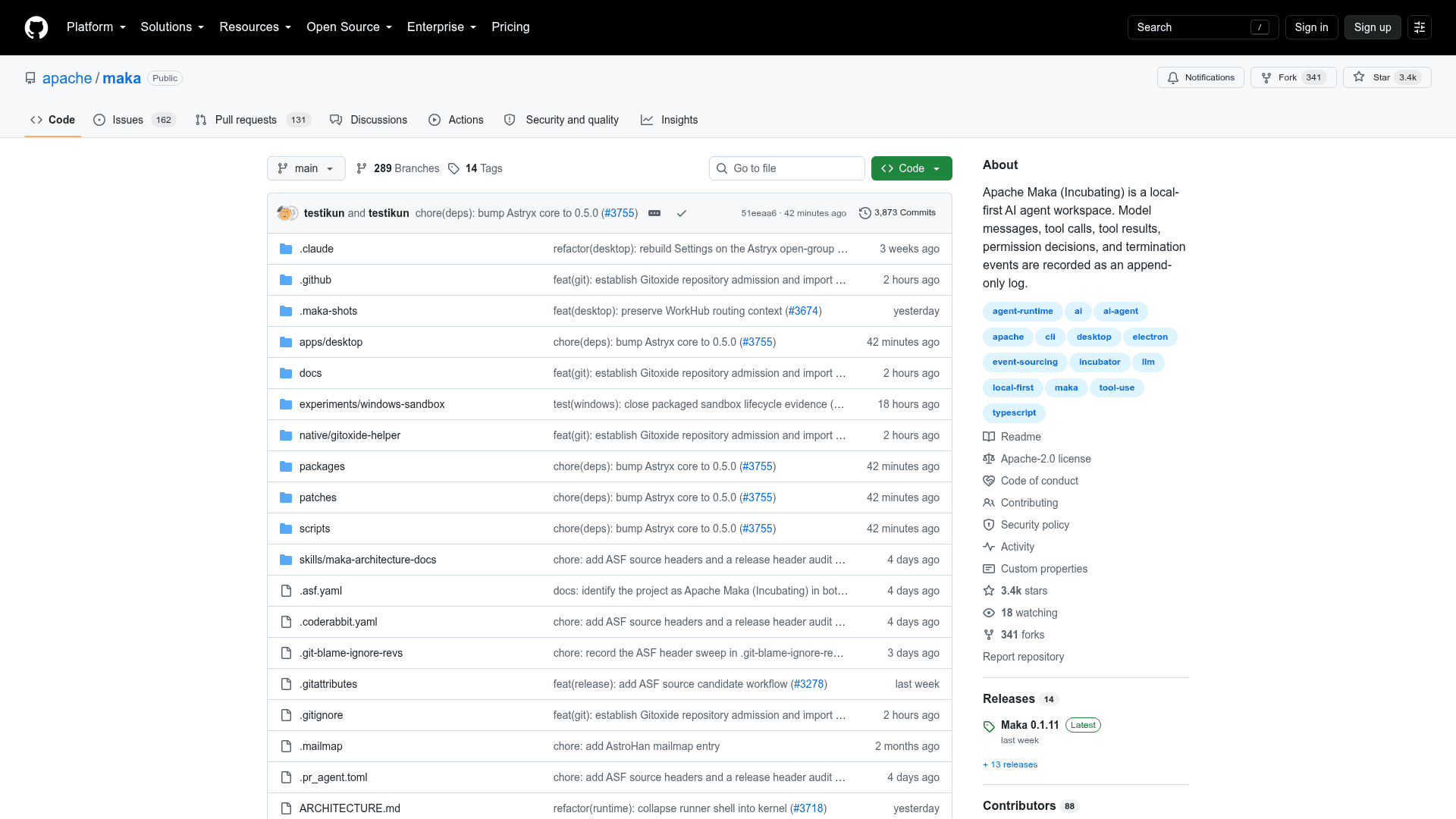
Apache Maka (Incubating) is an open-source, local-first AI agent workspace currently undergoing incubation at The Apache Software Foundation. It runs on your machine, keeps all session data local by default, and records every model message, tool call, tool result, permission decision, and termination event as an append-only log — making agent runs auditable and recoverable. The project is written in TypeScript, built on Electron and React for the desktop surface, and licensed under Apache 2.0.
What It Is
Maka is an agent runtime workspace that lets you connect your own model — a cloud API, a local model, or a compatible gateway — and run AI agents against real projects on your own hardware. Unlike cloud-hosted agent tools, Maka stores sessions, settings, and run records locally by default. The core design principle is that the execution record is the source of truth: the UI and the next model call are views of that record, not the only copy. This means shorter context windows don't delete history — Maka can omit old tool output from the next prompt while preserving the saved evidence.
Architecture and Surfaces
Maka exposes three entry points that all route through a single Runtime Host:
- Desktop — An Electron + React application with streaming sessions, tool timelines, session branching, search, and crash recovery. Currently targets macOS Apple Silicon (arm64); Windows is an unsigned preview; Linux support is listed as coming soon.
- TUI / CLI — A terminal interface (
maka,maka run) that shares workspace and model connections with the Desktop build. Supports interactive and non-interactive turns, including a--graphmode that runs durable multi-step graph tasks using isolated Git worktrees. - Eval — A reproducible benchmark runner (
maka eval run) for declarative multi-arm experiments across Maka and external agent subjects, producing immutable per-cell attempt records with scores, normalized usage, attributable cost, duration, and artifacts.
The backend spine flows from Desktop/TUI/CLI → Runtime Host → SessionManager → AgentRun → Model + Tool Runtime → Runtime Event Log, with context, session, and UI projections derived from that log.
Agent Runtime Capabilities
The built-in agent runtime includes:
- Multiple model connections with streaming output, thinking, usage tracking, and provider error classification
- Built-in tools:
Read,Write,Edit,Bash,Glob,Grep - Optional Computer Use and catalog skills (off by default)
- Sandbox boundary enforcement: tools that leave the sandbox require explicit approval; runs can be aborted; failures are classified
- Durable execution record with crash recovery and optional resume of interrupted turns (
MAKA_RUNTIME_SAFE_BOUNDARY_RESUME=1) - Local memory and web search when configured
- Experimental IM bot (chat app) support
Local Data Model and Privacy
All workspace data lives under Electron userData by default, in a runtime.sqlite database alongside connection catalog, credential vault, settings, and artifacts directories. API keys are stored in a local plaintext file readable only by the OS account; the renderer never sees them. The project's SECURITY.md and privacy documentation describe the full data boundary in detail.
Update: v0.1.11
The latest release is Maka 0.1.11, published on 2026-08-18. The repository notes that Apache Maka has not yet made an official Apache Software Foundation release — everything currently published was produced before or during incubation and has not been reviewed or voted on by the Incubator PMC. The README explicitly recommends building from source rather than using prebuilt downloads until an approved ASF source release exists. The project is under active development, with data formats, CLI commands, and experimental capabilities subject to change.
Open-Source Deployment Model
Maka is fully open source under Apache License 2.0, hosted at github.com/apache/maka. It requires Node.js 22.19 or newer (CI uses Node.js 24), npm 11, Git, and ripgrep for the Grep tool. The standard setup is a source checkout followed by npm ci and npm run dev. Because Maka does not bundle a shared model account, users must configure their own model connection on first launch via Settings → Models.
Community Discussions
Be the first to start a conversation about Apache Maka
Share your experience with Apache Maka, ask questions, or help others learn from your insights.
Pricing
Open Source
Fully open-source under Apache License 2.0. Free to use, modify, and distribute.
- Full agent runtime with Desktop, TUI, and CLI surfaces
- Built-in tools: Read, Write, Edit, Bash, Glob, Grep
- Durable execution log and crash recovery
- Reproducible evaluation framework
- Local-first data storage
Capabilities
Key Features
- Local-first agent workspace — all data stays on your machine by default
- Durable append-only execution log for model messages, tool calls, and results
- Multiple model connections: cloud API, local model, or compatible gateway
- Built-in tools: Read, Write, Edit, Bash, Glob, Grep
- Sandbox boundary enforcement with per-tool approval and abort support
- Crash recovery and optional resume of interrupted agent turns
- Session branching, search, retry, and regeneration from any turn
- TUI/CLI entry point sharing workspace and model connections with Desktop
- Reproducible benchmark evaluation with declarative multi-arm experiments
- Durable Graph mode for multi-step tasks using isolated Git worktrees
- Local memory and web search support when configured
- Experimental IM bot (chat app) integration
- Artifact lists and previews in the Desktop workspace
- Workspace instructions and sandbox settings management