
AppuBot
AppuBot is an app that gives you AI teammate bots that use real apps on your computer or a cloud computer and report back via Telegram.
At a Glance
AppuBot app on your own computer; no account, no card.
Engagement
Available On
Alternatives
Listed Nov 2026
About AppuBot
AppuBot is made by Sarthak Gupta and gives users AI teammates, called bots, that sign in to apps and websites and use them the way a person would. Bots run on the user's own Mac, Windows or Linux computer, or on an optional cloud computer, and users can chat with them in the app or on Telegram. The app is free to download and works with AI accounts the user already has.
What It Is
AppuBot is a desktop and mobile agent app for delegating real work to bots. Each bot is given a name, a look, a job and an underlying AI, such as Claude Code, Codex (ChatGPT), Cursor, Grok, GitHub Copilot or OpenCode. Bots use computer use to look at an app window, then click, type and scroll in it, and they ask for approval before anything important. Results come back as things like PDFs, spreadsheets or replies.
How Bots Work
- Teach mode: the user does a task once on their Mac while AppuBot records clicks, keys and screenshots, and the bot writes a skill it can run on its own next time.
- Memory: bots keep context in a memory the user can read and edit.
- Routines and multiple bots: several bots can run in parallel, hand work to each other, and run scheduled routines. A Chief of Staff bot can spin up new bots and send a daily summary.
- Job templates: example bots include Accounting, Inbox Manager, Research, Recruiter, Social Media, Expense Manager and QA Tester.
Telegram and Cloud
Users connect a Telegram bot token in Settings > Channels. The first message shows a code on the computer that must be sent back to approve the account, so only approved accounts can talk to the bot. Messages, photos, voice notes and files reach the bot, and replies come back in the same chat.
AppuBot Cloud is an optional add-on that gives bots a Linux desktop with a browser in the cloud so they keep working while the laptop is closed. Users can watch the screen and take over at any time.
Setup Path
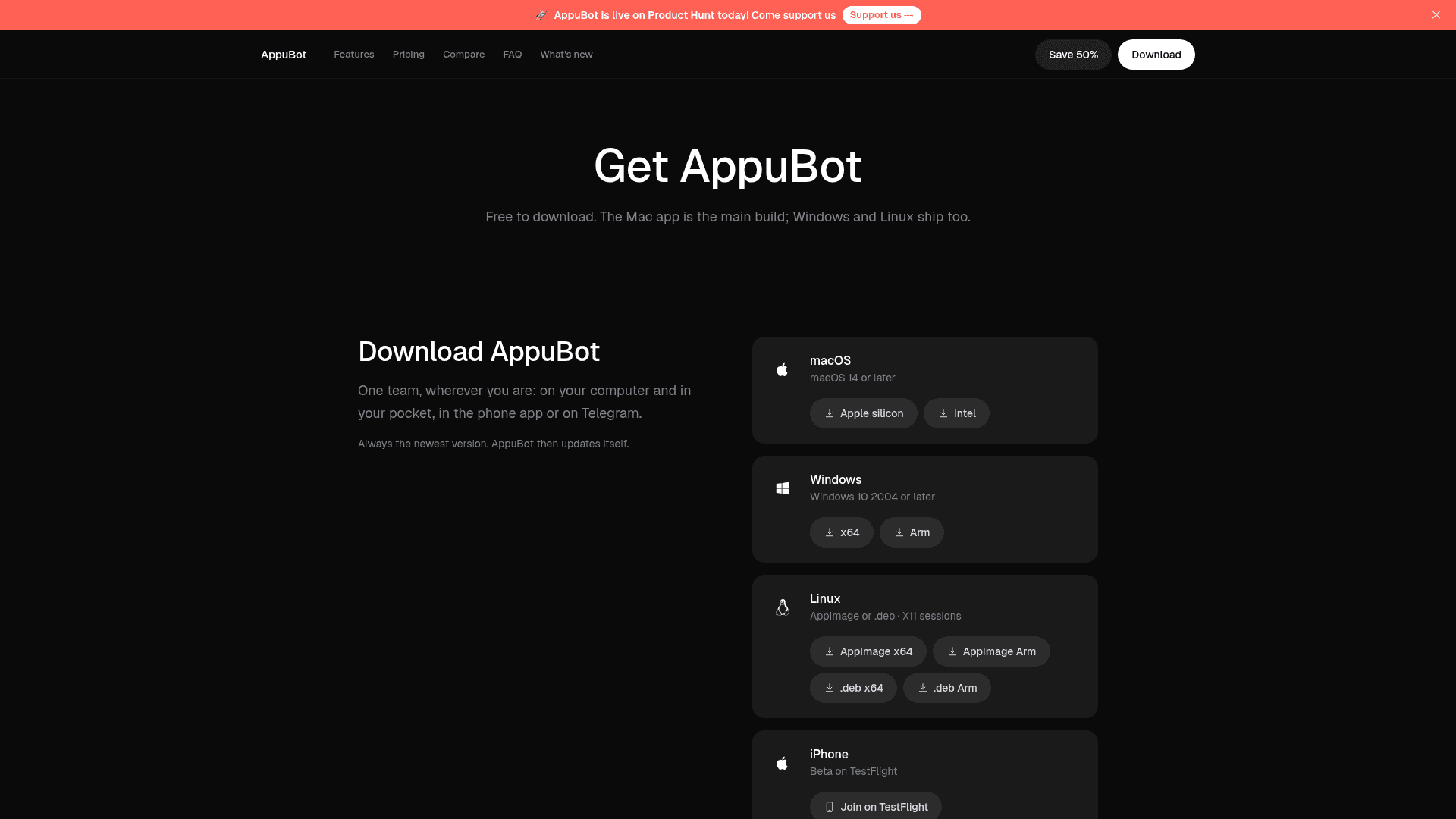
Users install the app, which detects signed-in AI accounts and requests the permissions it needs. They then create a bot, chat with it in the app or on Telegram, and receive the result. The vendor states that the local app needs no AppuBot account or API key and that conversations are not sent through AppuBot's own servers; only data sent to the chosen AI provider and anonymous usage counts leave the computer.
Community Discussions
Be the first to start a conversation about AppuBot
Share your experience with AppuBot, ask questions, or help others learn from your insights.
Pricing
Free
AppuBot app on your own computer; no account, no card.
- Your own computer
- Unlimited bots on your own computer
- Computer use in your real apps
- A Telegram line to every bot
- Routines, teach mode and memory
Starter
A few bots, routines and Telegram, running in the cloud around the clock.
- 4 GB memory · 2 vCPU
- 12 GB storage
- Sleeps when idle, wakes in seconds
- No hour limits
- Launch offer: generous Claude allowance
- Unlimited bots, about 3–4 working at once
- Phone and desktop apps
Pro
Bots that spend the day in a browser and your apps, on a cloud computer.
- 8 GB memory · 4 vCPU
- 20 GB storage
- Sleeps when idle, wakes in seconds
- No hour limits
- Launch offer: higher Claude allowance
- Unlimited bots, about 8 working at once
- Phone and desktop apps
Max
Many bots at once, heavy websites, long jobs and big files, all in the cloud.
- 16 GB memory · 4 vCPU
- 40 GB storage
- Sleeps when idle, wakes in seconds
- No hour limits
- Launch offer: much higher Claude allowance
- Unlimited bots, about 15 or more working at once
- Phone and desktop apps
Ultra
The biggest computer in the cloud, for bots that never stop.
- 32 GB memory · 4 vCPU
- 80 GB storage
- Sleeps when idle, wakes in seconds
- No hour limits
- Launch offer: highest Claude allowance
- Unlimited bots, about 30 or more working at once
- Phone and desktop apps
Work Team
Shared cloud computer for teams, up to 5 people.
- 8 GB memory
- Up to 5 people
- Base $49/month plus $20 per extra member
Work Business
Shared cloud computer for teams, up to 15 people.
- 16 GB memory
- Up to 15 people
- Base $79/month plus $20 per extra member
Work Scale
Shared cloud computer for teams, up to 30 people.
- 32 GB memory
- Up to 30 people
- Base $109/month plus $20 per extra member
Capabilities
Key Features
- AI teammate bots with names, jobs and chosen AI
- Computer use in real desktop apps
- Teach mode that records a task and writes a skill
- Editable bot memory
- Routines
- Telegram channel with code-based approval
- Multiple bots working in parallel and handing off work
- Optional AppuBot Cloud computer with live view and takeover
- Approval prompts before important actions
- Phone and desktop apps