
Atat
A native Mac launcher that triggers your existing AI CLI agents (Claude Code, Codex, Grok, etc.) from any text field using @@, attaching screen context and returning answers inline.
At a Glance
Download and use Atat for Mac at no cost.
Engagement
Available On
Alternatives
Listed Aug 2026
About Atat
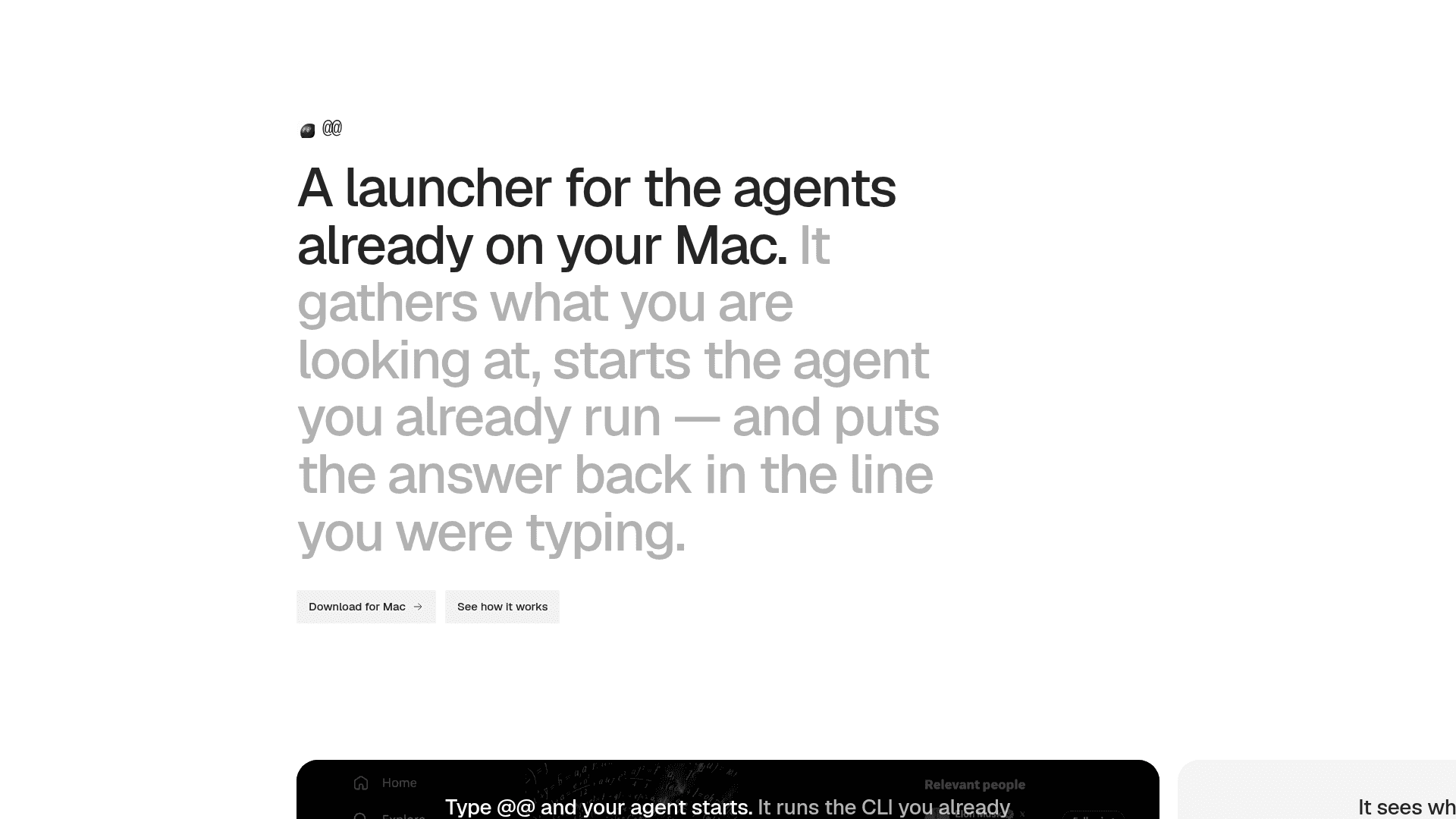
Atat is a lightweight native Mac app that acts as a universal launcher for AI CLI agents you already have installed. Triggered by typing @@ in any text field — whether in a native app or a browser — it captures your screen context, runs your chosen agent, and drops the answer back into the line you were typing. At just 13 MB, it is built in Swift with no Electron or bundled browser.
What It Is
Atat sits between your keyboard and your existing AI command-line tools. Rather than opening a separate chat interface, it intercepts the @@ shortcut anywhere on your Mac, gathers context (the active display, selected text, clipboard history, or Finder selection), passes it to the CLI agent you already run, and injects the result back into the field you left. It is designed to be invisible: it never steals focus, and Escape always cancels.
Supported Agents and Bring-Your-Own Model
Atat does not bundle its own model. Instead, it drives CLIs you already have installed. The homepage lists Claude Code, Codex, Grok, Cursor, Pi, Hermes, and OpenCode as supported agents, and notes that anything with a CLI interface can be added. This means your API keys, model choices, and billing stay with the agent provider — Atat is purely the launcher and context-assembly layer.
Context Assembly and Screen Awareness
One of Atat's core design choices is automatic screen capture. Typing @@ in a text field quietly captures the display you are working on and attaches it to the prompt before the agent runs. Beyond automatic capture, users can:
- Select text in any app to trigger contextual actions (rewrite, translate, explain) that replace the selection in place
- Take area, window, or full scrolling-page screenshots via
⌘⇧3,⌘⇧4, and⌘⇧5 - Annotate and crop images, or trim and export video/GIF before sending
- Open a searchable local clipboard history with
⌘⇧Vand send any past item to the agent
Finder and Terminal Integration
Atat extends its @@ trigger into macOS Finder: tapping @@ in a Finder window sets the working directory to that window and attaches any selected files to the agent context. For longer or more interactive tasks, ⌘Return launches the agent in the user's own terminal, already pointed at the correct working directory, so the full interactive session is available without re-navigating.
Privacy and Local-First Design
All prompts and history are stored locally on the Mac and sent nowhere by Atat itself. The clipboard history is local and searchable. Because Atat drives external CLI agents rather than proxying through its own servers, the data path is directly from the Mac to whichever agent provider the user has configured.
Update: Version 0.4.1
The current release available for download is version 0.4.1, distributed as a direct .dmg from the Atat update server. The product is in active development, with the homepage reflecting a focused, minimal feature set centered on the @@ launcher workflow.
Community Discussions
Be the first to start a conversation about Atat
Share your experience with Atat, ask questions, or help others learn from your insights.
Pricing
Free
Download and use Atat for Mac at no cost.
- @@ launcher from any text field
- Automatic screen capture
- Bring your own CLI agent
- Local clipboard history
- Finder integration
Capabilities
Key Features
- @@ shortcut triggers AI agent from any Mac text field
- Automatic screen capture attached to every prompt
- Bring your own CLI agent (Claude Code, Codex, Grok, Cursor, etc.)
- Contextual selection actions (rewrite, translate, explain)
- Area, window, and scrolling-page screenshot capture
- Image annotation and crop; video trim and GIF export
- Searchable local clipboard history (⌘⇧V)
- Finder integration: working directory and file selection passed to agent
- ⌘Return launches interactive agent in your own terminal
- Refine results by adding a sentence and re-running with context intact
- Never steals focus; Escape always cancels
- Local prompt history, stored on-device only
- Native Swift app, 13 MB, no Electron