
Atlas fro. InsaneArts
Open-source macOS tool that gives AI agents a hidden second desktop to click, type and test apps while you keep working.
At a Glance
Atlas is free and open source under the MIT license, with no subscription.
Engagement
Available On
Listed Nov 2026
About Atlas fro. InsaneArts
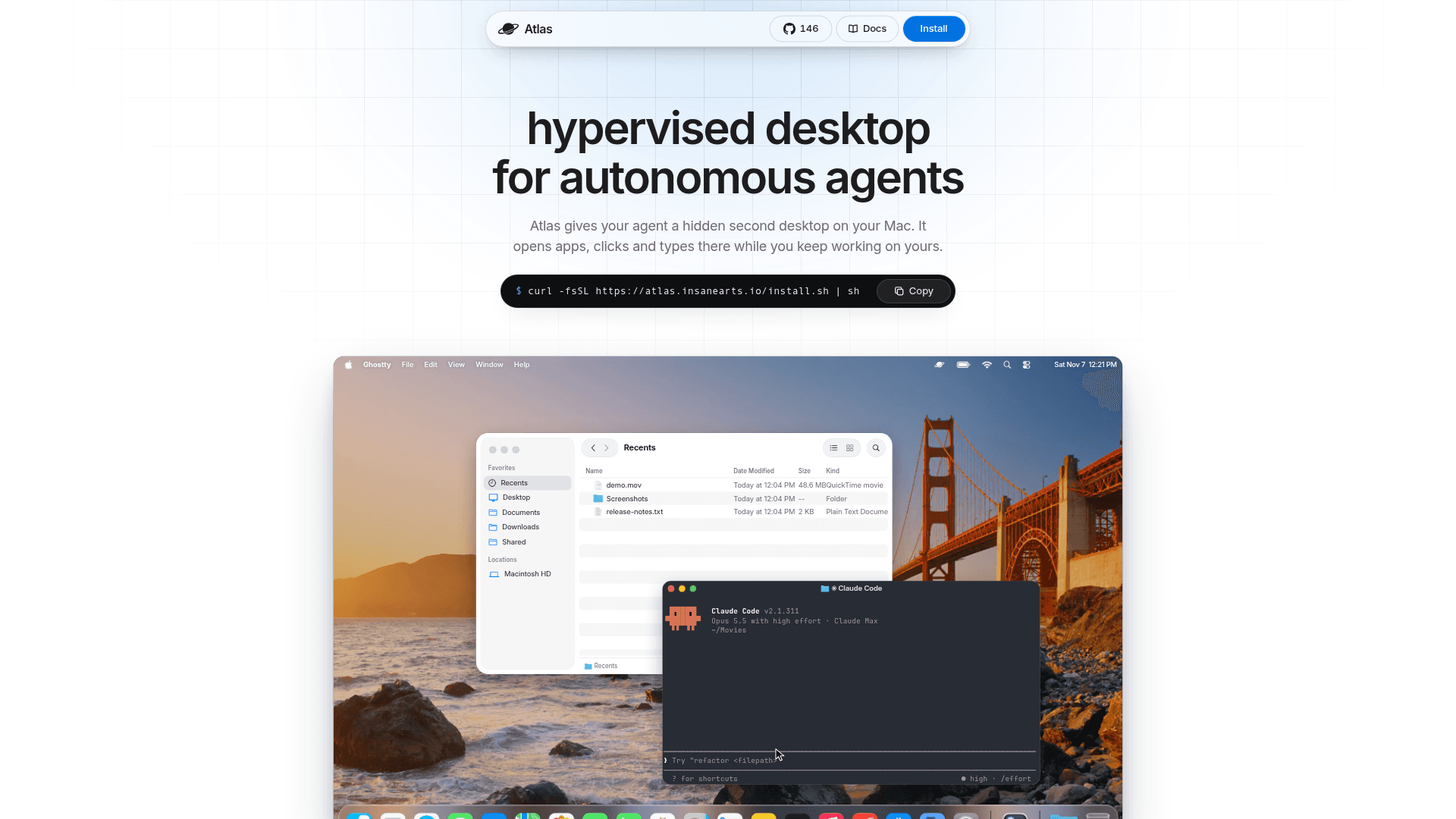
Atlas is an open-source macOS tool from InsaneArts that gives an autonomous agent its own hidden second desktop. The agent opens apps, clicks and types there while the user keeps working on their own screen, mouse and keyboard. It is released under the MIT license and requires macOS 14 or later.
What It Is
Atlas sets up a "helper", a second macOS login account on the same Mac that runs in the background with its own windows, menu bar, Dock, settings and files. It is not a virtual machine and not a security sandbox, so apps run at full speed on the Mac's hardware, and the docs advise giving agents the same trust you would give them in a terminal. Agents act only in the helper through its own input service, with no fallback to the user's screen, and return screenshots of each step.
How the Workflow Works
Setup is a one-line install script, followed by choosing a helper account and granting macOS permissions (Screen Recording and Accessibility). The user then asks a connected agent for a task, for example checking a build in Dark mode, signing up on a local web app in Chrome, reproducing a bug, running an installer or using Calendar or Notes. Progress can be watched from the menu bar panel, the full viewer, or a view embedded in the Claude and Codex apps. Take Control hands the helper to the user, and Stop cancels agent input until the user resumes. When several agents are connected they queue and act one at a time.
Agents and Files
Atlas works with Claude, Codex, Cursor, opencode and Pi, connected through Settings > Agents or atlas agents install. The helper starts without the user's files or sign-ins. An agent copies in only what a task needs, brings results back with atlas collect, and atlas cleanup --apply undoes the copies. Credentials and keychains are never copied. The project states it has no telemetry and goes online only to install and update.
Documented Limits and Measurements
Native Save and Open panels and Safari web views need a connected Screen Sharing session, and dragging files onto apps is not supported. The helper's sound plays on the Mac's speakers. The vendor's own benchmarks compare token use against agents' built-in Computer Use and report lower context use with Claude and a smaller gap with Codex.
Community Discussions
Be the first to start a conversation about Atlas fro. InsaneArts
Share your experience with Atlas fro. InsaneArts, ask questions, or help others learn from your insights.
Pricing
Open Source
Atlas is free and open source under the MIT license, with no subscription.
- MIT license
- Open source on GitHub
- No subscription
- Requires macOS 14 or later and an administrator account for setup
- Works with Claude Code, Claude Desktop, Codex, opencode and Pi
Capabilities
Key Features
- Hidden second macOS desktop for agents
- Agent input isolated from the user's screen, mouse and keyboard
- Take Control and Give Back handoff
- Stop button that blocks agent actions until resumed
- Menu bar panel, full viewer and in-app embedded view
- Terminal viewer for Rex or Kitty panes
- Queueing so one agent acts at a time
- Selective file copy-in with atlas collect and atlas cleanup
- Screenshots returned from each step
- No telemetry
- CLI with update and uninstall commands