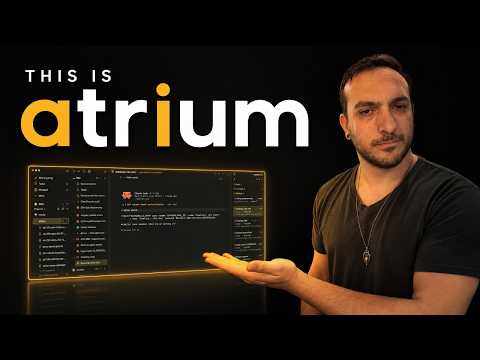
atrium
A native macOS and Windows workspace that keeps CLI coding agents visible, recoverable, and controllable from a UI or CLI.
At a Glance
About atrium
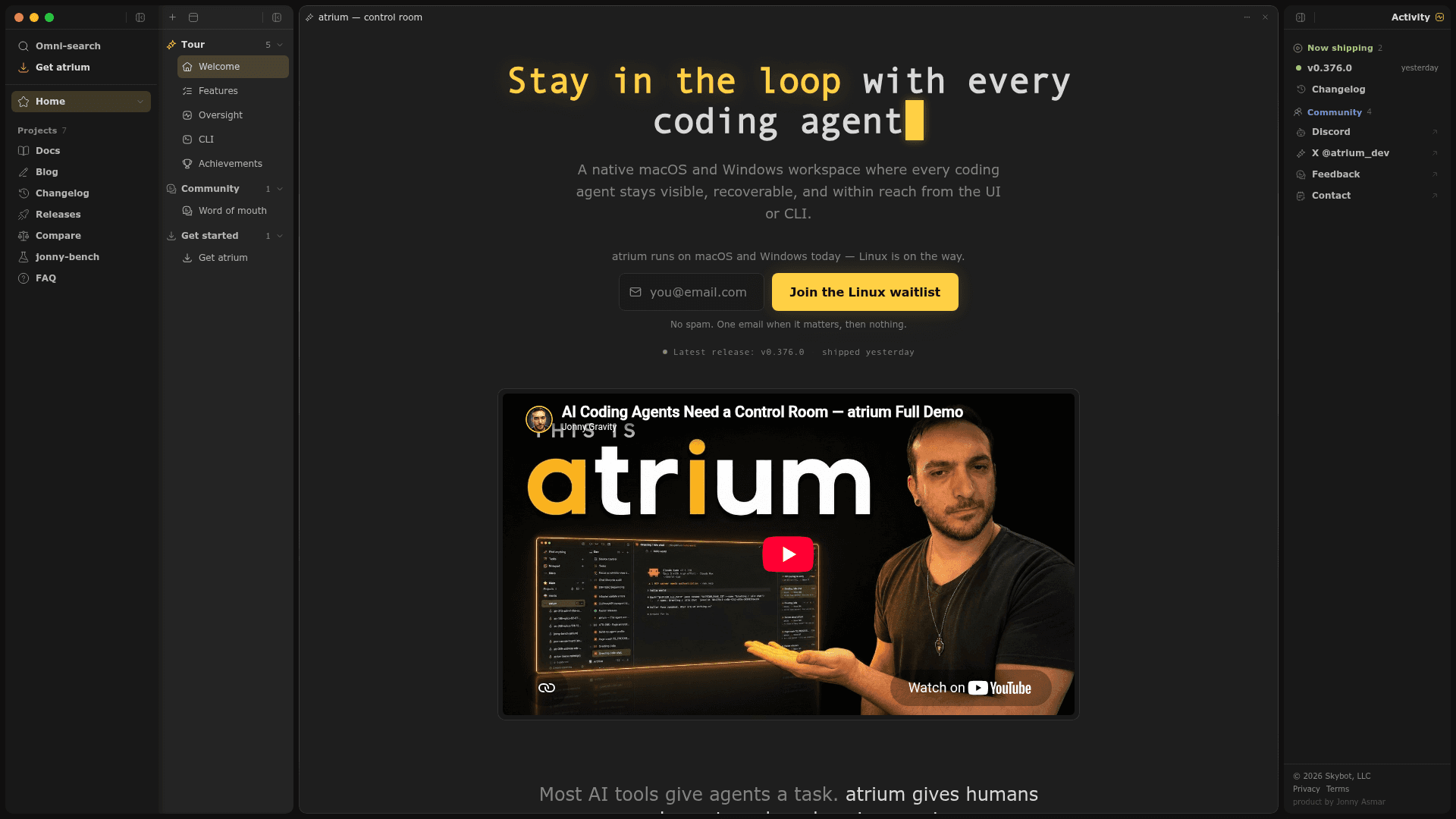
atrium is a native macOS and Windows desktop workspace from Skybot, LLC (product by Jonny Asmar) for running CLI coding agents alongside terminals, editors, and browsers. Its layout, scrollback, and agent sessions persist across quits, crashes, and reboots. It is currently in public beta, and the latest release listed on the site is v0.376.0.
What It Is
atrium is a workspace shell around the AI coding CLIs you already use, not an IDE or a reimplementation of any agent. Workspaces hold projects, projects hold rooms, and rooms tile panes such as terminals, agent chats, Monaco editors, Chromium browsers, git source control, search, notes, and task cards. Agents run as the vendor's real CLI, either in a terminal pane (PTY) or in a chat pane using the tool's own protocol.
Agents and control
Adapters support Claude Code, Codex, Antigravity, Cursor Agent, Kimi Code, OpenCode, Pi, Grok, Hermes, Oh My Pi, Muse Code, and Goose, with support varying by tool. A declarative SDK lets third parties build adapters. A sidebar tracks agents as working, waiting, or blocked across rooms. Users can interrupt, steer, and resume agents, and agents can message each other. Tasks on a kanban board can launch bound agents on the current branch or in a fresh worktree. MCP connectors can be attached to sessions, and launch profiles save model, permissions, environment, and CLI arguments.
Persistence, history, and automation
Pane layouts, scrollback, and sessions are journaled to disk and restored after restarts. A searchable Vault indexes session history, a Timeline feed records prompts, commits, tasks, and notes, and workspace memory keeps facts across sessions. The whole app is scriptable through the atrium CLI with JSON output, including browser panes, plus an atrium:// protocol and lifecycle hooks.
Multi-machine and privacy model
Work can run on Linux servers over SSH or on paired Mac or Windows computers over Tailscale, with files and sessions staying on the owning machine. An iPhone and iPad app is in private TestFlight beta. The docs state state is local-first under ~/.atrium/, agent conversations do not pass through atrium servers, and core telemetry can be disabled. The adapter SDK is MIT-licensed while the app itself is closed source. A Linux desktop client is on the roadmap with no committed date.
Community Discussions
Be the first to start a conversation about atrium
Share your experience with atrium, ask questions, or help others learn from your insights.
Pricing
Public Beta
atrium is free during public beta; a paid model is planned for later, with pricing to be tiered by org size. The atrium app is closed source; only the adapter SDK is MIT-licensed.
- Free during public beta
- Anyone can download from the releases page
- macOS 12+ and Windows 10/11 desktop client
- Paid model planned later, tiered by org size (no prices published)
Capabilities
Key Features
- Workspaces, projects, rooms, and tiling panes
- Session, layout, and scrollback restore after crashes and reboots
- Twelve built-in agent adapters plus adapter SDK
- Single sidebar showing agent status across rooms
- Kanban tasks that launch agents on branches or worktrees
- Inter-agent messaging
- MCP connectors for agent sessions
- Chromium browser panes with annotations and scripted control
- Monaco editor and repo search
- Source control pane with worktrees and diff review
- Searchable session history Vault and Timeline
- Workspace memory
- Full CLI with JSON output and atrium:// protocol
- Remote locations over SSH or Tailscale pairing
- Background agents and recurring tasks via HQ directors
- Local voice dictation
- iPhone and iPad companion (private beta)
Integrations
Demo Video