
AutoRAG
Self-evolving librarian agent that searches local files, chats, mail and other datasources in place and answers with numbered citations.
At a Glance
AutoRAG Agent core (librarian engine, CLI, Lite retrieval) is licensed under Apache License 2.0; model provider costs are external when using your own key.
Engagement
Available On
Alternatives
Listed Oct 2026
About AutoRAG
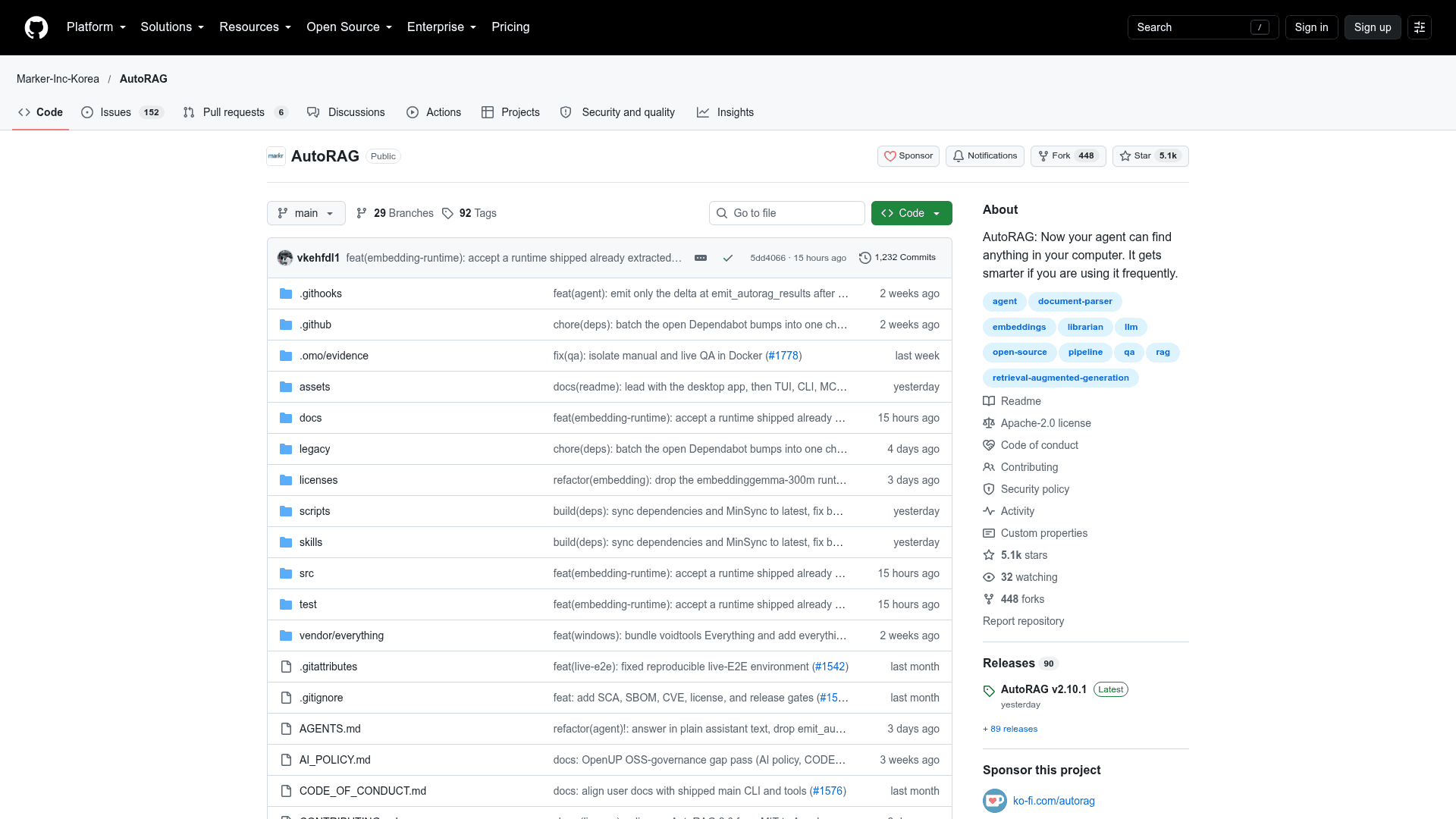
AutoRAG, from Marker-Inc-Korea, is an open-source librarian agent that searches a user's files and connected datasources and answers questions with cited sources. The repository now hosts AutoRAG 2.0 (AutoRAG Agent), published as the @autorag/librarian package. The original Python RAG AutoML tool lives in the legacy/ directory and is described as maintained in maintenance mode.
What It Is
AutoRAG Agent is a retrieval agent built on the Pi agent framework. A single configured model searches across several retrieval methods, opens source documents directly with bash to verify facts, and returns a plain answer whose inline citations are resolved into numbered, source-backed results. It is available as a CLI, a terminal UI, a TypeScript API, an MCP server, and agent skills. A desktop app, whose source lives in a separate repository, wraps the same engine in a file manager.
How Retrieval Works
The README describes federating data in place instead of copying it into a central vector database. Retrieval methods include BM25 lexical search, semantic vector search, hybrid search with Reciprocal Rank Fusion, Jikji find-first discovery, and file-name search (Everything on Windows, FSearch on macOS/Linux). Results are merged and deduplicated, then the agent reads promising files directly. Cited evidence judged to support an answer is stored in a local memory file and offered as advisory context for later searches.
Datasources and Document Parsing
Connected sources include local documents, KakaoTalk, Discord, WhatsApp, Telegram, Slack, Notion, email archives, Obsidian vaults, GitHub issues and pull requests, GitHub Gists, cloud drives via rclone, photos and screenshots, RSS, and macOS Spotlight. Documents such as HWP/HWPX, PDF, DOCX, XLSX, PPTX, EML and plain text are parsed in-process without Java. OCR for images and scanned pages is optional and off by default.
Local-First and Model Options
Embeddings run locally with the qwen3-embedding-0.6b model, and the README states file contents are not sent to a remote embedder. The librarian needs one chat model, which can come from a user's own provider or a hosted AutoRAG model provider. AutoRAG Lite offers the same indexing and retrieval engine without an LLM, exposed through an MCP server for tools such as Claude Code and Codex.
Setup Path
Install with bun install -g @autorag/librarian or npm (Node.js 24 or later, or Bun). Then run autorag init --search-paths <folder>, autorag refresh, and autorag search "<question>", or launch autorag tui to sign in and choose a model.
Community Discussions
Be the first to start a conversation about AutoRAG
Share your experience with AutoRAG, ask questions, or help others learn from your insights.
Pricing
Open Source (Apache-2.0)
AutoRAG Agent core (librarian engine, CLI, Lite retrieval) is licensed under Apache License 2.0; model provider costs are external when using your own key.
- Apache License 2.0
- Local embedding with qwen3-embedding-0.6b; file contents never sent to a remote embedder
- AutoRAG Lite model-free retrieval engine
- Bring your own model: connect your own provider key and pay the provider directly
Capabilities
Key Features
- Cited answers with numbered, source-backed results
- BM25, semantic vector and hybrid search with Reciprocal Rank Fusion
- In-place federation across local files and external datasources
- Direct reading of source files to verify answers
- Retrieval memory of judged evidence across searches
- Local embedding gateway with no remote embedder required
- In-process parsing of HWP, PDF, DOCX, XLSX, PPTX and EML
- Optional OCR for images and scanned pages
- Interactive terminal UI with steerable searches
- AutoRAG Lite model-free retrieval over MCP
- Duplicate and near-duplicate document scanning
- TypeScript API with streaming search
- Agent skills for setup and querying
- Desktop app with Quick Look previews, tabs and split panes