
BetterBugs
Bug reporting tool that captures screenshots, records screens, and uses AI to debug issues with automatic developer logs and integrations.
At a Glance
About BetterBugs
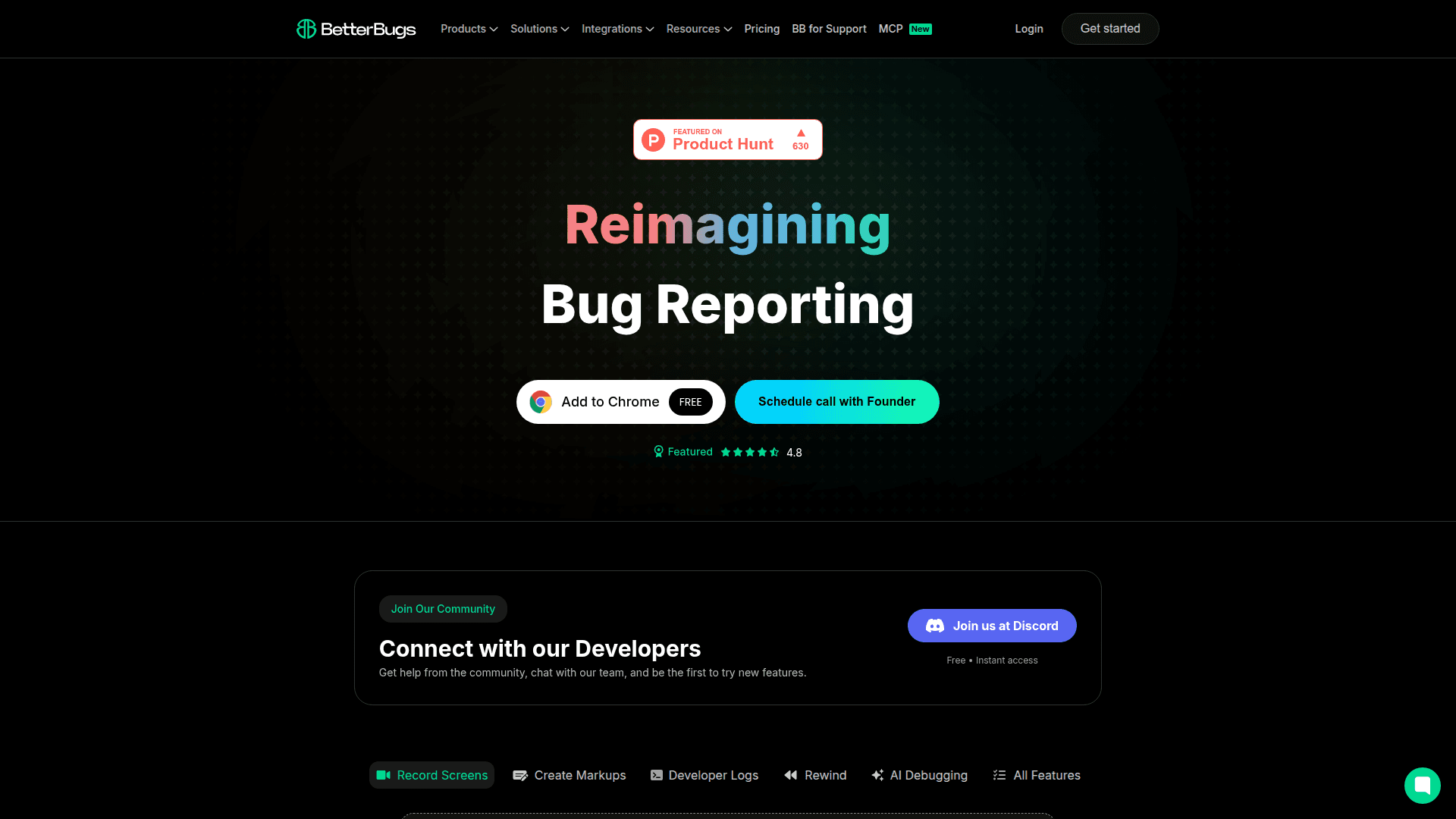
BetterBugs is a bug reporting and debugging tool designed to streamline the software testing process for QA engineers, developers, and support teams. It captures screenshots and screen recordings with a single click while automatically collecting developer logs, network requests, console errors, and device information. The platform uses AI to generate reproduction steps and debug issues, making bug reporting up to 10 times faster than traditional methods.
- Screen Recording & Screenshots - Capture screens effortlessly with one click, including webcam and microphone support for comprehensive bug documentation.
- Rewind Sessions - Automatically records the last 2 minutes of activity in the background, so you never miss capturing a bug when it happens.
- Developer Logs - Automatically captures console logs, network requests, page navigation steps, cookies, session storage, and local storage data alongside every bug report.
- AI Debugger - Uses artificial intelligence to analyze bugs and generate reproduction steps, helping developers understand and fix issues faster.
- Video Annotations & Blurring - Annotate screenshots and videos with markups, and blur sensitive information before sharing with team members.
- Project Tool Integrations - Integrates with popular project management tools including Jira, Slack, Linear, ClickUp, Asana, GitHub, MS Teams, Trello, Sentry, and Azure Boards.
- Two-Way Sync - Supports bidirectional synchronization with Jira for status and comments, keeping bug tracking seamless across platforms.
- Automation - Set up workspace and project-level automation rules to streamline bug reporting workflows with integrated tools.
- Team Collaboration - Create private sessions and projects, manage team access control, and invite unlimited guest users for collaborative debugging.
- Web & Mobile SDK - Embed bug reporting capabilities directly into web and mobile applications for seamless user feedback collection.
To get started, install the free Chrome extension and begin capturing bugs immediately. Create markups on screenshots, record screen sessions, and share detailed bug reports with your team through integrated project management tools.
Community Discussions
Be the first to start a conversation about BetterBugs
Share your experience with BetterBugs, ask questions, or help others learn from your insights.
Pricing
Free
Essential features for small teams
- Unlimited sessions & projects
- Device information
- Developer logs
- App storage data
- Integrate all project tools
Team Trial
Try Team plan free for 10 days
- All Team plan features
Team
Better fit for growing teams
- Everything in Free
- Video annotations and blurring
- AI repro steps
- Unlimited integrations with PM tools
- AI Debugger
- Jira 2-way sync
- Support for Sentry integration
- Integrate using Webhook
- Automation with project tools
- Private projects and sessions
- Unlimited guest users
- Upto 100 Recording Links / month
- Privacy Settings for Data Capture
- Include Attachments for Sessions
- Web SDK
- Mobile SDK
- Include Additional Team Members
- Team Access Control for Changing Roles
Enterprise
Custom workflows and premium support
- Everything in Team
- Unlimited AI repro steps
- SAML SSO
- Workspace analytics
- Custom data retention policy
- On-premise data storage
- Priority support
- Audit Trail
- Unlimited recording links
Capabilities
Key Features
- Screen recording
- Screenshot capture
- Rewind sessions (last 2 minutes)
- Video annotations
- Video blurring
- Developer logs capture
- Console logs
- Network requests capture
- Page navigation steps
- Device information
- Cookies capture
- Session storage data
- Local storage data
- AI Debugger
- AI reproduction steps
- Custom metadata
- Custom tags for sessions
- Status management
- Private sessions
- Private projects
- Team access control
- Workspace analytics
- SAML SSO
- Custom data retention policy
- On-premise data storage
- Audit trail
- Web SDK
- Mobile SDK
- Webhook integration
- Automation with project tools