UXFix
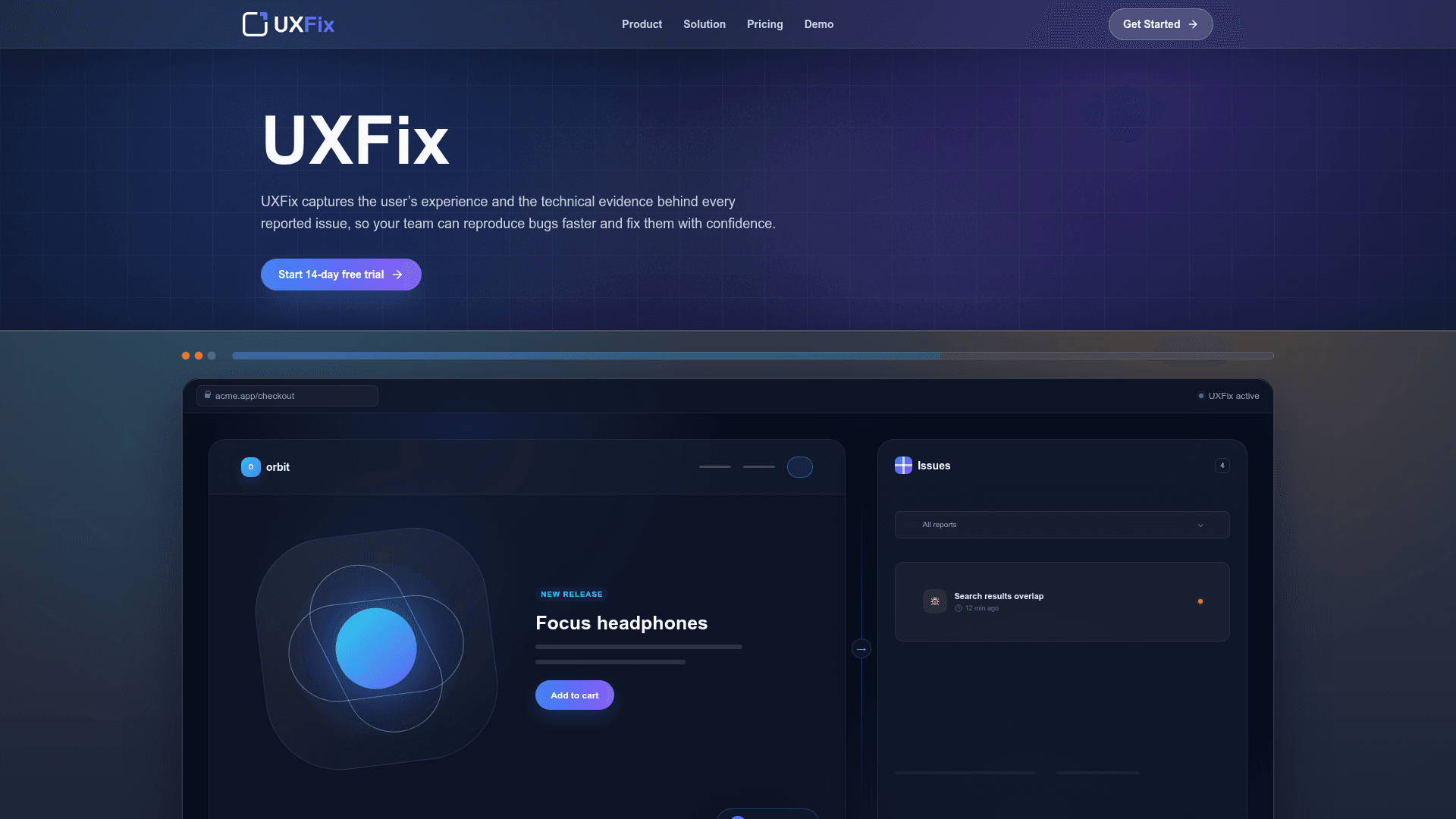
UXFix captures user experience and technical evidence behind every reported issue, enabling teams to reproduce bugs faster and fix them with confidence using session replay and AI-powered summaries.
At a Glance
14-day free trial of the Starter plan.
Engagement
Available On
Alternatives
Listed Aug 2026
About UXFix
UXFix is an in-app bug reporting tool that automatically captures session replays, console errors, failed network requests, and other technical evidence whenever a user submits a report. It targets development and product teams who need full context to reproduce and resolve issues without back-and-forth with users. The tool is available as a lightweight script that can be added to any web product.
What It Is
UXFix sits in the category of user feedback and bug reporting tools, but distinguishes itself by pairing the user's subjective report with objective technical evidence. When a user clicks "Report an issue" from within the app, UXFix automatically attaches a session replay of the moments leading up to the report, along with console errors, failed network requests, page details, and viewport information. An AI-powered summary is then generated to give the development team a clear, concise description of the issue without requiring them to manually parse raw logs.
How the Workflow Fits Together
The tool is designed around a four-step flow:
- Install: Add one lightweight script to the site and connect UXFix to the product.
- Report: Users report a problem directly from the page where it occurred, with a single click.
- Inspect: The team replays the user's experience and reviews the automatically captured technical evidence.
- Resolve: The AI-generated summary and captured context are used to understand the issue, which can then be sent to a task management workflow—currently starting with Jira integration.
Core Capabilities
- Session replay: Watch the exact moments leading up to a bug report, including what the user saw, clicked, and experienced.
- Technical evidence: Console errors, failed network requests, page details, and viewport data are automatically attached to every report.
- AI-powered summaries: Each bug report is automatically summarized so teams can quickly understand and act on the issue.
- Connected workflow: Reports can be sent directly to Jira, fitting into existing task management processes.
Target Audience and Deployment
UXFix is aimed at small-to-medium product and engineering teams that want to reduce the time spent reproducing bugs. It is delivered as a web-embedded script, making it accessible to any team running a web application. Both available plans include a private workspace, in-app bug reporting, session replay, and technical evidence capture. The higher-tier plan adds AI-powered summaries, Jira integration, and increased capacity for reports, seats, and domains.
Current Status
UXFix is actively available with a 14-day free trial on both plans. The product page references a YouTube demo video and lists a contact email (info@uxfix.io) for setup and workflow questions. Social presence includes LinkedIn, Facebook, and Instagram. The copyright footer reads © 2026 UXFix, indicating the product is in active commercial operation.
Community Discussions
Be the first to start a conversation about UXFix
Share your experience with UXFix, ask questions, or help others learn from your insights.
Pricing
Starter Trial
14-day free trial of the Starter plan.
- In-app bug reporting
- Session replay and technical evidence
- 50 reports per month
- 1 team seat
- 1 allowed domain
Starter
Essential replay and evidence for small teams.
- In-app bug reporting
- Session replay and technical evidence
- 50 reports per month
- 1 team seat
- 1 allowed domain
Standard
The complete workflow with summaries, Jira, and more capacity.
- In-app bug reporting
- Session replay and technical evidence
- AI-powered bug summaries
- Jira task-management integration
- 150 reports per month
- 3 team seats
- 3 allowed domains
Capabilities
Key Features
- In-app bug reporting
- Session replay
- Technical evidence capture (console errors, failed network requests, page details, viewport info)
- AI-powered bug report summaries
- Jira integration
- Private workspace
- Lightweight script installation
Integrations
Demo Video