
Blueprint
An agent skill that reads your code and renders interactive sequence diagrams as self-contained HTML files, with zero dependencies.
At a Glance
Fully free and open source under the MIT license. Clone and use with no restrictions.
Engagement
Available On
Alternatives
Listed Jul 2026
About Blueprint
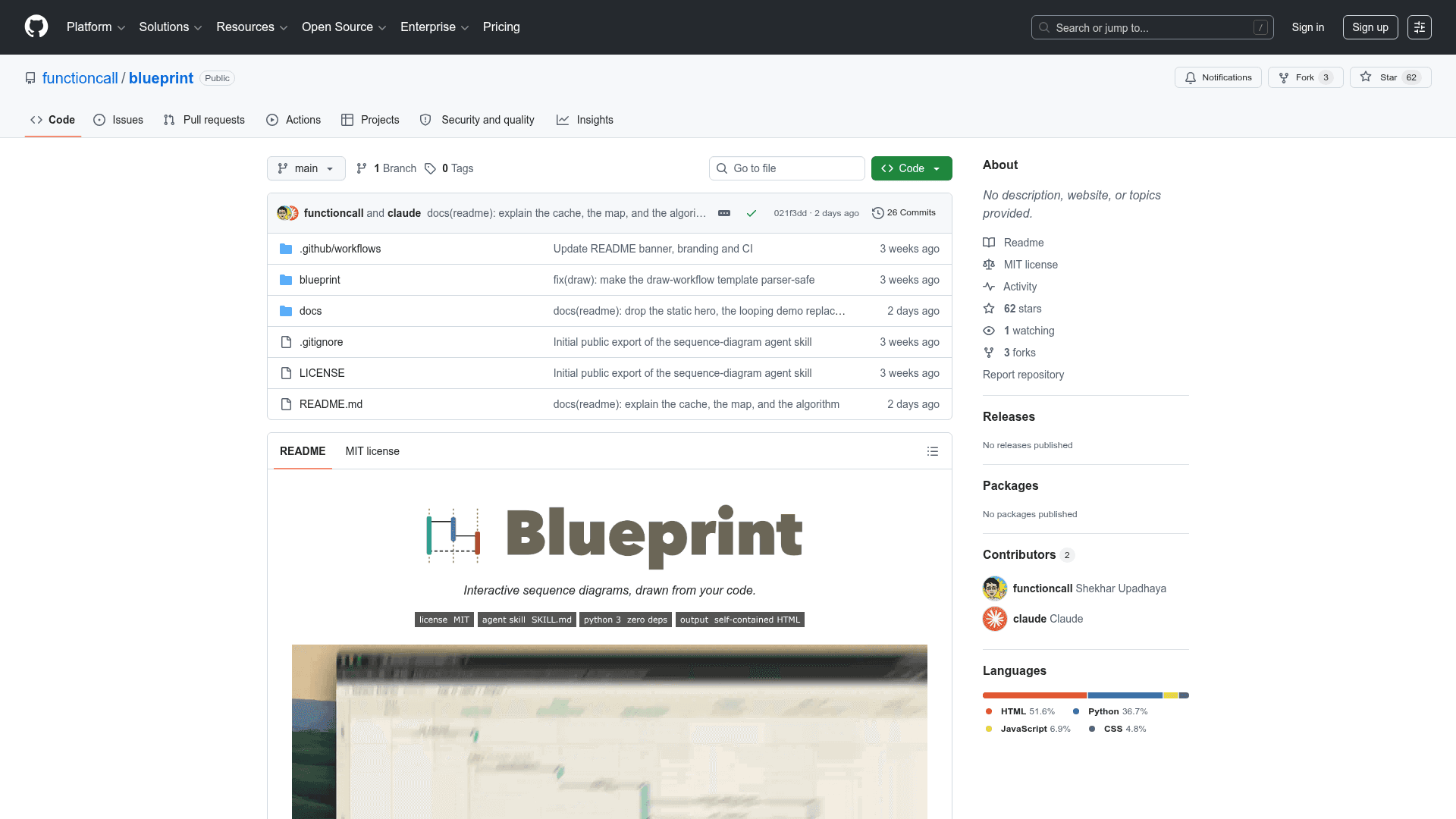
Blueprint is an open-source agent skill that generates interactive sequence diagrams directly from your codebase. Created by Shekhar Upadhaya under the MIT license, it works as a SKILL.md plus a single Python script with zero external dependencies, producing self-contained HTML output. It runs inside Claude Code, Codex, Cursor, Gemini, or any coding agent that supports skills.
What It Is
Blueprint sits at the intersection of code intelligence and documentation tooling. You describe a flow — checkout, login, webhook handling — and your coding agent reads the relevant source files, writes a JSON spec, and renders an interactive sequence diagram. The layout and color scheme are fixed by design, so every diagram comes out visually consistent without any manual styling work. The output is a single index.html file that can be opened in any browser, exported to PNG, or committed alongside the code.
How the Workflow Operates
Blueprint supports two modes of use:
- Single flow: Hand-author a JSON spec or describe the flow to your agent, then render.
- Whole-repo (project mode): Point the agent at a repository and it scouts every flow, gates on your approval, draws each flow in parallel (one agent sub-task per flow), merges results, validates, and renders.
The project mode is cache-aware: it stores the git SHA it was built from in the master JSON. On subsequent runs it diffs that SHA against HEAD, identifies which source paths actually moved, and redraws only the stale flows — leaving the rest byte-for-byte unchanged. The README describes this as: "Twelve flows, one changed route, one flow redrawn."
What the Output Includes
The rendered diagram is more than a static picture:
- Scenario switcher — a dropdown to flip between all mapped flows in one file, with consistent swimlane actors and colors across scenarios.
- Colour lenses — highlight a single path end-to-end, or shade arrows by cost or latency against real numbers.
- Row detail panel — click any row to see why the call happens, what it changes, what can break, and which files back it up.
- PNG export — one click saves the full diagram including swimlane headers.
- UML arrow types, network-call and data-store markers, phase bands, and
opt/alt/loopboxes.
The JSON as a Codebase Map
Beyond the rendered HTML, Blueprint produces agent_docs/diagrams/architecture.json. Each flow entry names the source paths it covers and the file behind each call. The README notes this doubles as a navigable map of the codebase — useful for handing to a new agent before it starts a task, onboarding a new engineer, or returning to a project after months away.
Installation and Setup
Installation is intentionally agent-driven: give your agent the repo link and say "Install this skill from its SKILL.md." The agent copies the folder into your skills directory. Manual installation is also supported via git clone and cp. Python 3 standard library only — nothing to install beyond Python itself.
Current Status
The repository was created in June 2026 and last pushed in July 2026, indicating active early development. It is MIT-licensed, publicly available on GitHub under the functioncall organization, and has accumulated 52 stars and 3 forks since launch.
Community Discussions
Be the first to start a conversation about Blueprint
Share your experience with Blueprint, ask questions, or help others learn from your insights.
Pricing
Open Source
Fully free and open source under the MIT license. Clone and use with no restrictions.
- MIT licensed
- Zero dependencies (Python 3 standard library only)
- Self-contained HTML output
- Full project mode with caching
- All diagram features included
Capabilities
Key Features
- Interactive sequence diagrams from code
- Zero-dependency Python script
- Self-contained HTML output
- Agent skill (SKILL.md) format
- Whole-repo project mode with caching
- Git SHA-based incremental redraw
- Scenario switcher dropdown
- Colour lenses for path highlighting
- Click-to-expand row detail panel
- PNG export
- UML arrows and markers
- opt/alt/loop boxes
- Phase bands
- Sticky swimlane header
- JSON architecture map output
- Works with Claude Code, Codex, Cursor, Gemini