EveryDev.ai
Sign inSubscribe
Home
Tools

2,789+ AI tools

  • New
  • Trending
  • Featured
  • Compare
  • Arena
Categories
  • Agents1914
  • Coding1362
  • Infrastructure645
  • Marketing508
  • Projects459
  • Research417
  • Design399
  • Analytics362
  • MCP249
  • Security249
  • Testing243
  • Data235
  • Integration181
  • Prompts171
  • Learning164
  • Communication163
  • Extensions158
  • Voice140
  • Commerce128
  • DevOps113
  • Web83
  • Finance24
AI Tools by Topic
  • AI Coding Assistants
  • Agent Frameworks
  • MCP Servers
  • AI Prompt Tools
  • Vibe Coding Tools
  • AI Design Tools
  • AI Database Tools
  • AI Website Builders
  • AI Testing Tools
  • LLM Evaluations
Follow Us
  • X / Twitter
  • LinkedIn
  • Reddit
  • Discord
  • Threads
  • Bluesky
  • Mastodon
  • YouTube
  • GitHub
  • Instagram
Get Started
  • About
  • Editorial Standards
  • Corrections & Disclosures
  • Community Guidelines
  • Advertise
  • Contact Us
  • Newsletter
  • Submit a Tool
  • Start a Discussion
  • Write A Blog
  • Share A Build
  • Terms of Service
  • Privacy Policy
Explore with AI
  • ChatGPT
  • Gemini
  • Claude
  • Grok
  • Perplexity
Agent Experience
  • llms.txt
Theme
With AI, Everyone is a Dev. EveryDev.ai © 2026
    1. Home
    2. Tools
    3. Browser Use Desktop
    Browser Use Desktop icon

    Browser Use Desktop

    Browser Automation

    A desktop app that runs a team of browser agents on your computer, porting your cookies into a fresh Chromium so agents are logged in everywhere you are.

    Visit Website

    At a Glance

    Pricing
    Open Source

    Fully free and open-source under the MIT License. Download and use at no cost.

    Engagement

    Available On

    Windows
    macOS
    Linux
    API

    Resources

    WebsiteDocsGitHubllms.txt

    Topics

    Browser AutomationAutonomous SystemsAgent Harness

    Alternatives

    AeraPinchTabSkyvern
    Developer
    Browser UseSan Francisco, CAEst. 2024$17000000 raised

    Listed May 2026

    About Browser Use Desktop

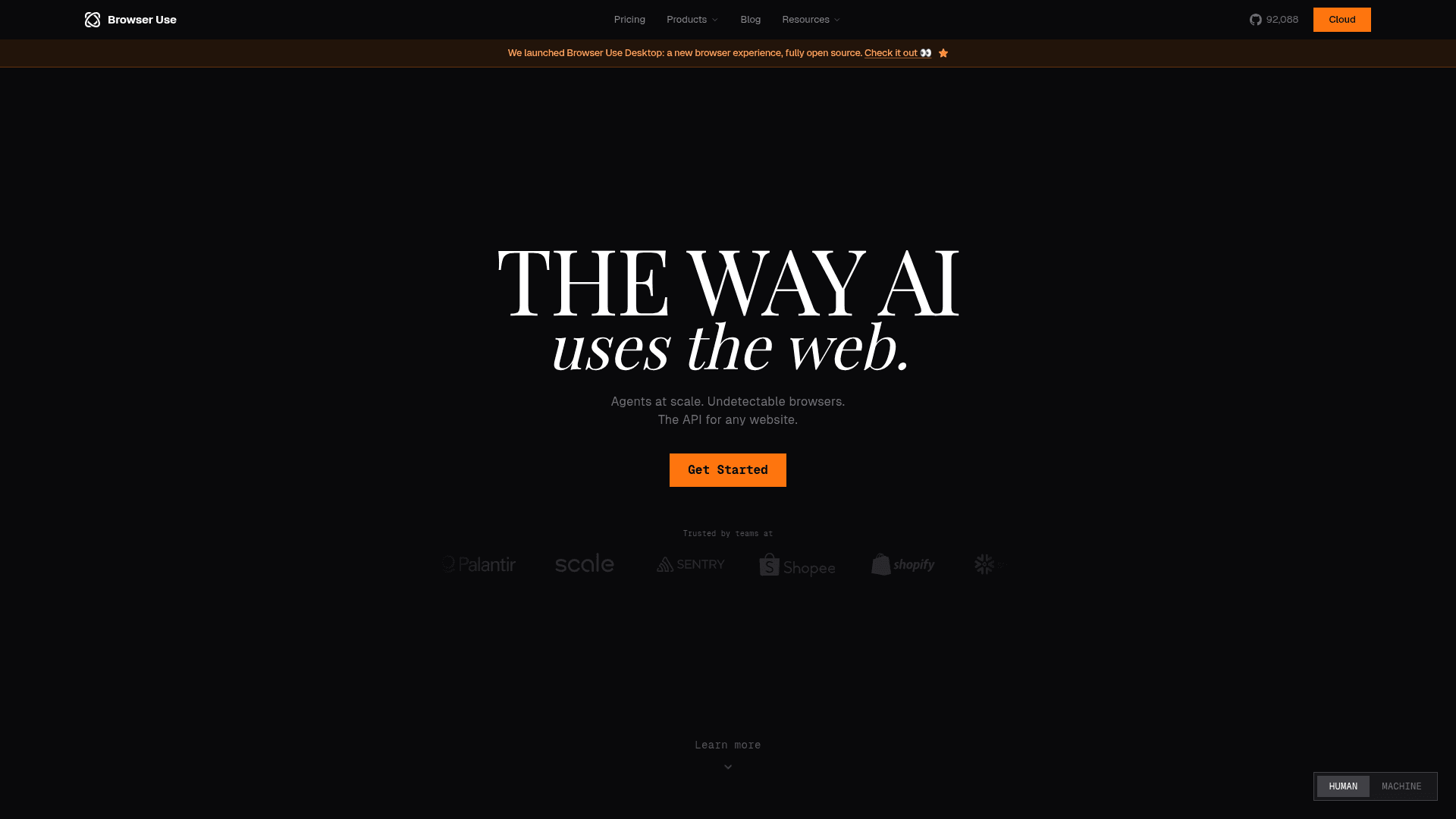
    Browser Use Desktop is an open-source desktop application that lets you run a team of browser agents directly on your machine. It separates the agent logic from the browser itself, so you keep your normal Chrome while the app handles the automation half. It ports your cookies into a fresh Chromium instance so agents are already authenticated everywhere you are, and lets you spawn tasks from anywhere using a keyboard shortcut.

    • Cookie Porting — automatically transfers your existing browser cookies into a fresh Chromium session so agents can act as you without re-authentication.
    • Multi-Agent Support — run a team of browser agents in parallel, each handling separate tasks simultaneously.
    • Global Keyboard Shortcut — spawn new agent tasks from anywhere on your desktop without switching windows.
    • Anthropic Provider — connect via a Claude Code Subscription or an Anthropic API key to power agents with Claude.
    • Codex Provider — connect via a ChatGPT Subscription or OpenAI API key to use Codex-powered agents.
    • WhatsApp Channel — text yourself with @BU to trigger and receive agent sessions directly from WhatsApp.
    • Cross-Platform — available as a native app for macOS (Apple Silicon), Windows (x64), and Linux (AppImage, .deb, .rpm).
    • Built on Browser Harness — powered by the open-source Browser Harness framework for reliable browser automation.
    • MIT Licensed — fully open source; free to use, modify, and distribute.
    Browser Use Desktop - 1

    Community Discussions

    Be the first to start a conversation about Browser Use Desktop

    Share your experience with Browser Use Desktop, ask questions, or help others learn from your insights.

    Pricing

    OPEN SOURCE

    Open Source (Free)

    Fully free and open-source under the MIT License. Download and use at no cost.

    • Run browser agents on desktop
    • Anthropic and Codex provider support
    • WhatsApp channel integration
    • Cross-platform: macOS, Windows, Linux
    • MIT License — free to use, modify, distribute

    Capabilities

    Key Features

    • Run multiple browser agents in parallel
    • Port cookies from Chrome to Chromium agent sessions
    • Global keyboard shortcut to spawn tasks
    • Anthropic (Claude) provider support
    • Codex (ChatGPT/OpenAI) provider support
    • WhatsApp inbound message channel
    • Cross-platform: macOS, Windows, Linux
    • In-app auto-updates on Linux AppImage
    • Built on Browser Harness framework
    • MIT open-source license

    Integrations

    Anthropic Claude
    OpenAI Codex
    WhatsApp
    Chromium
    Chrome
    API Available
    View Docs

    Reviews & Ratings

    No ratings yet

    Be the first to rate Browser Use Desktop and help others make informed decisions.

    Developer

    Browser Use

    Browser Use builds AI-powered browser automation infrastructure for developers and enterprises. The platform combines stealth browsers, purpose-built LLMs, residential proxies, and a Skill API system that turns any website into a reliable REST endpoint. Browser Use offers both an open-source Python library with 79,000+ GitHub stars and a fully managed cloud API trusted by teams at Google, OpenAI, Anthropic, and Airbnb. The company is SOC 2 certified and serves use cases ranging from data extraction and QA testing to large-scale web automation.

    Founded 2024
    San Francisco, CA
    $17000000 raised
    7 employees
    Read more about Browser Use
    WebsiteGitHubLinkedInX / Twitter
    3 tools in directory

    Similar Tools

    Aera icon

    Aera

    Aera is a desktop browser built for automation that lets you schedule tasks, manage long-running workflows, and connect your tools via MCP without writing code.

    PinchTab icon

    PinchTab

    A standalone HTTP server and CLI that gives AI agents direct, token-efficient control over Chrome for browser automation and multi-instance orchestration.

    Skyvern icon

    Skyvern

    AI agent platform that automates browser-based workflows on any website without custom scripts or APIs, handling CAPTCHAs, 2FA, and dynamic UIs natively.

    Browse all tools

    Related Topics

    Browser Automation

    AI-powered agents that autonomously navigate and interact with web applications to automate repetitive tasks, extract data, fill forms, and perform web-based workflows using intelligent understanding of page structure and content.

    91 tools

    Autonomous Systems

    AI agents that can perform complex tasks with minimal human guidance.

    277 tools

    Agent Harness

    Infrastructure, orchestrators, and task runners that wrap around LLM coding agents — covering session management, context delivery, worktree isolation, architecture enforcement, and issue-to-PR pipelines.

    97 tools
    Browse all topics
    Back to all toolsSuggest an edit
    25views
    Discussions