
Aera
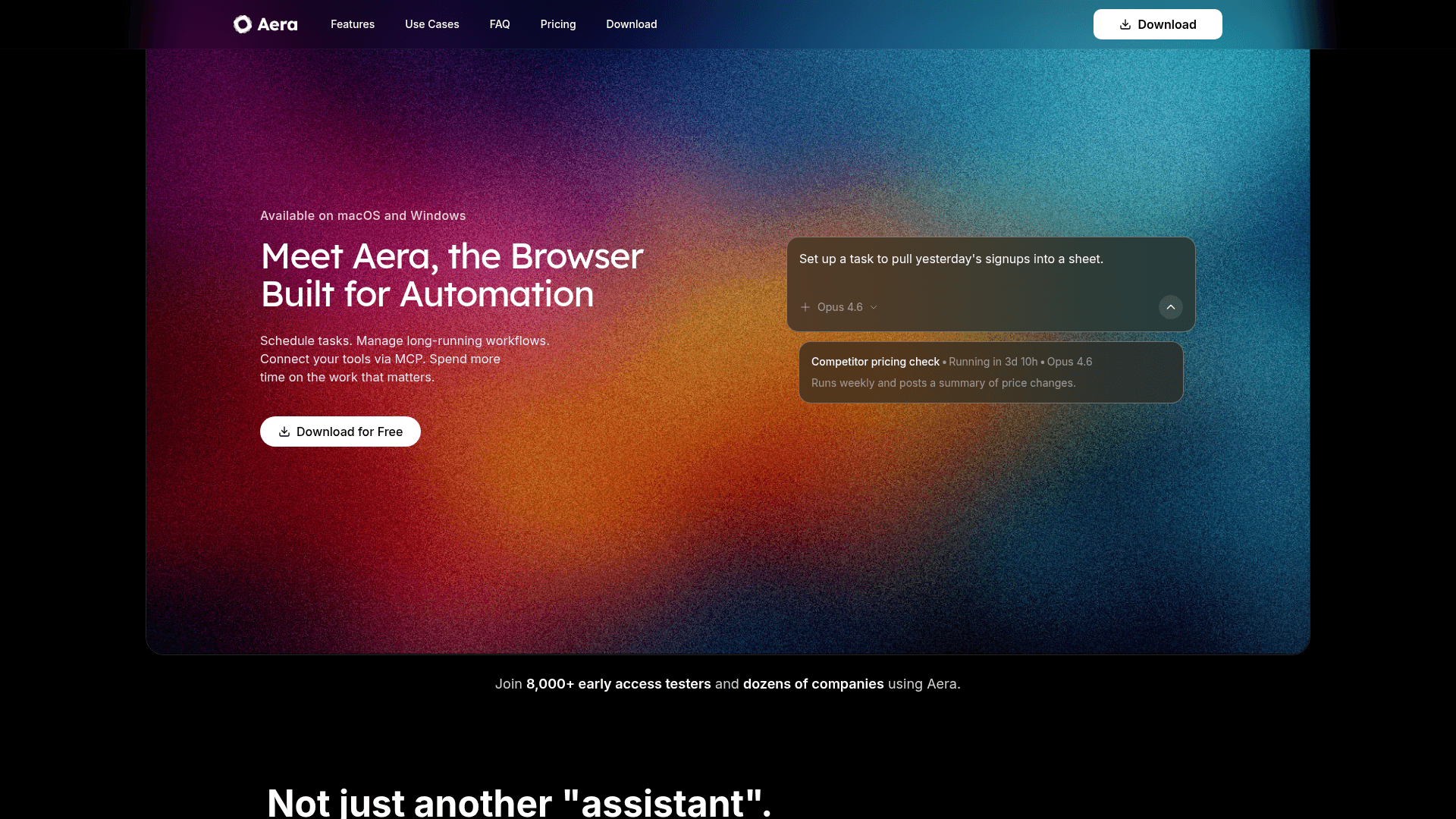
Aera is a desktop browser built for automation that lets you schedule tasks, manage long-running workflows, and connect your tools via MCP without writing code.
At a Glance
Get started with core Aera automation using the free model.
Engagement
Available On
Alternatives
Listed Mar 2026
About Aera
Aera is a full desktop browser with automation and MCP (Model Context Protocol) support built in, available on macOS, Windows, and Linux. Unlike AI assistants or browser extensions, Aera executes real multi-step workflows directly on live web pages — clicking, typing, navigating, and extracting data just as a human would. Users can describe tasks in plain English, save them as recurring automations, and let Aera run them on a schedule while receiving notifications when work is complete. With over 8,000 early access testers, Aera targets growth engineers, solo founders, and developers who want to eliminate repetitive browser work without maintaining custom scripts.
- Scheduled task automation — Define a workflow in plain English, save it, and Aera runs it on your chosen schedule (hourly, daily, weekly, or custom triggers) without babysitting.
- Long-running workflow management — Multi-step tasks run in the background across sessions, with each run picking up context from the last.
- MCP integration — Connect Aera to Cursor, Gemini CLI, Claude Desktop, or any MCP-compatible tool so your AI coding assistant can trigger browser automations and receive live web data.
- Flexible model selection — Choose from GPT-4, Claude, Llama, and other models via OpenRouter; bring your own API keys (BYOK) and optimize cost vs. quality per task.
- Chrome extension support — Import your existing Chrome extensions (password managers, ad blockers, dev tools) directly into Aera with no ecosystem rebuild.
- Local-first privacy — Browsing history, bookmarks, saved passwords, and automation configs are stored locally on your machine; Aera does not collect or sell browsing data.
- Notifications and run history — See finished runs and follow-up actions instead of monitoring every step manually.
- Works on real websites — Handles login flows, dashboards, forms, and complex multi-step page interactions without requiring selectors or code maintenance.
To get started, download Aera for your OS, open the sidebar, describe what you want to automate in plain English, and optionally save it as a recurring task. Most users complete their first automation within 10 minutes.
Community Discussions
Be the first to start a conversation about Aera
Share your experience with Aera, ask questions, or help others learn from your insights.
Pricing
Free
Get started with core Aera automation using the free model.
- Free model
- Agent capabilities
- Automate web workflows
- Form filling & submissions
- Automated tasks
Pro
For professionals with heavy workflows needing faster models and advanced features.
- Faster, smarter models
- Vision for complex tasks
- Zero training data stored
- Optimized MCP tools
- Full agent capabilities
- Fully automated tasks
Ultra
For power users with demanding workloads requiring maximum usage limits and enterprise-grade scheduling.
- Everything in Pro
- 11x usage limits
- Heavy research & automation
- Professional-grade workflows
- Enterprise scheduling & orchestration
Capabilities
Key Features
- Scheduled browser task automation
- Long-running background workflows
- MCP (Model Context Protocol) integration
- Multi-model support via OpenRouter (GPT-4, Claude, Llama, etc.)
- Bring your own API keys (BYOK)
- Chrome extension import
- Local-first data storage
- Run notifications and history
- Plain-English task definition
- Form filling and data entry automation
- Web scraping and data extraction
- Competitor monitoring
- Social media automation
- Lead qualification workflows
- Vision support for complex tasks (Pro+)