
Bruin MCP
MCP server built into the open-source Bruin CLI that lets AI coding agents query data, ingest sources, compare tables, and build Bruin pipelines.
At a Glance
About Bruin MCP
Bruin MCP is the Model Context Protocol server included in the Bruin CLI, made by Bruin Data Limited. It bridges AI agents in tools such as Claude Code, Cursor, VS Code, and Codex CLI to Bruin's data pipeline functionality, so they can query databases, ingest data, compare tables, and build pipelines.
What It Is
Bruin is a CLI that ingests data from many sources, transforms it with SQL, Python, and R, runs data quality checks, and compares table outputs. Bruin MCP is a thin layer that lets an AI editor use that CLI functionality. It runs locally as a stdio server started with bruin mcp and requires the Bruin CLI to be installed plus a Bruin project, which is a folder containing a .bruin.yml file. A new project can be created with bruin init, for example using the DuckDB template.
How the Workflow Looks
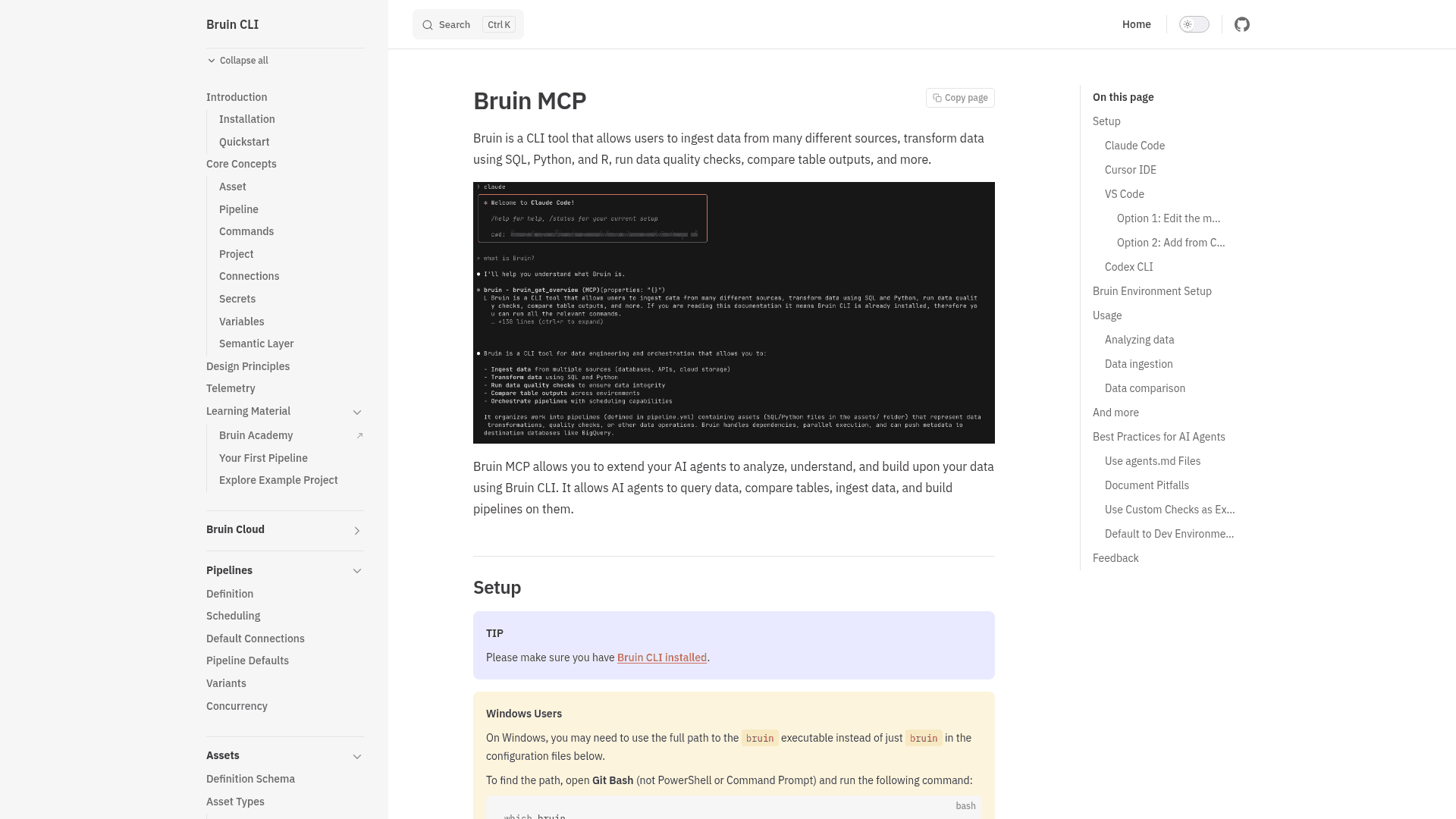
Once configured, an agent can answer questions using up-to-date Bruin documentation and run Bruin commands directly. Documented uses include:
- Analyzing data, such as asking for average revenue from a products table.
- Ingesting data from supported sources, for example asking it to bring Shopify order data into BigQuery.
- Comparing a development table with production using Bruin environments and the data-diff command.
- Creating assets, configuring pipeline.yml, setting up connections, and running data quality checks.
Setup Path
The docs give setup steps for Claude Code (claude mcp add bruin -- bruin mcp), Cursor IDE, VS Code (via mcp.json or the Command Palette), and Codex CLI (via config.toml). On Windows, the full path to the bruin executable may be needed.
Guidance for Agent Use
The documentation recommends adding agents.md files describing the project, connections, and access levels, and documenting pitfalls such as time zones and data delays. It also suggests pointing agents to existing custom checks and defaulting to dev environments so agents experiment safely.
Community Discussions
Be the first to start a conversation about Bruin MCP
Share your experience with Bruin MCP, ask questions, or help others learn from your insights.
Pricing
Bruin CLI (open source)
Apache 2.0-licensed, self-hostable Bruin CLI core, which includes the Bruin MCP documented in the CLI docs.
- Apache License 2.0
- Self-hostable; runs anywhere you can run a binary, including on-prem and air-gapped environments
- Data ingestion, SQL/Python/R transformations, data quality checks
Capabilities
Key Features
- MCP server started with `bruin mcp` over stdio
- Query data across databases configured in Bruin
- Ingest data from Bruin's supported sources
- Compare tables across environments using data-diff
- Build pipelines and assets with AI agents
- Answers questions using Bruin documentation
- Runs Bruin commands such as connections, queries, and quality checks
- Works with Bruin environments for dev/prod separation