
cc-connect
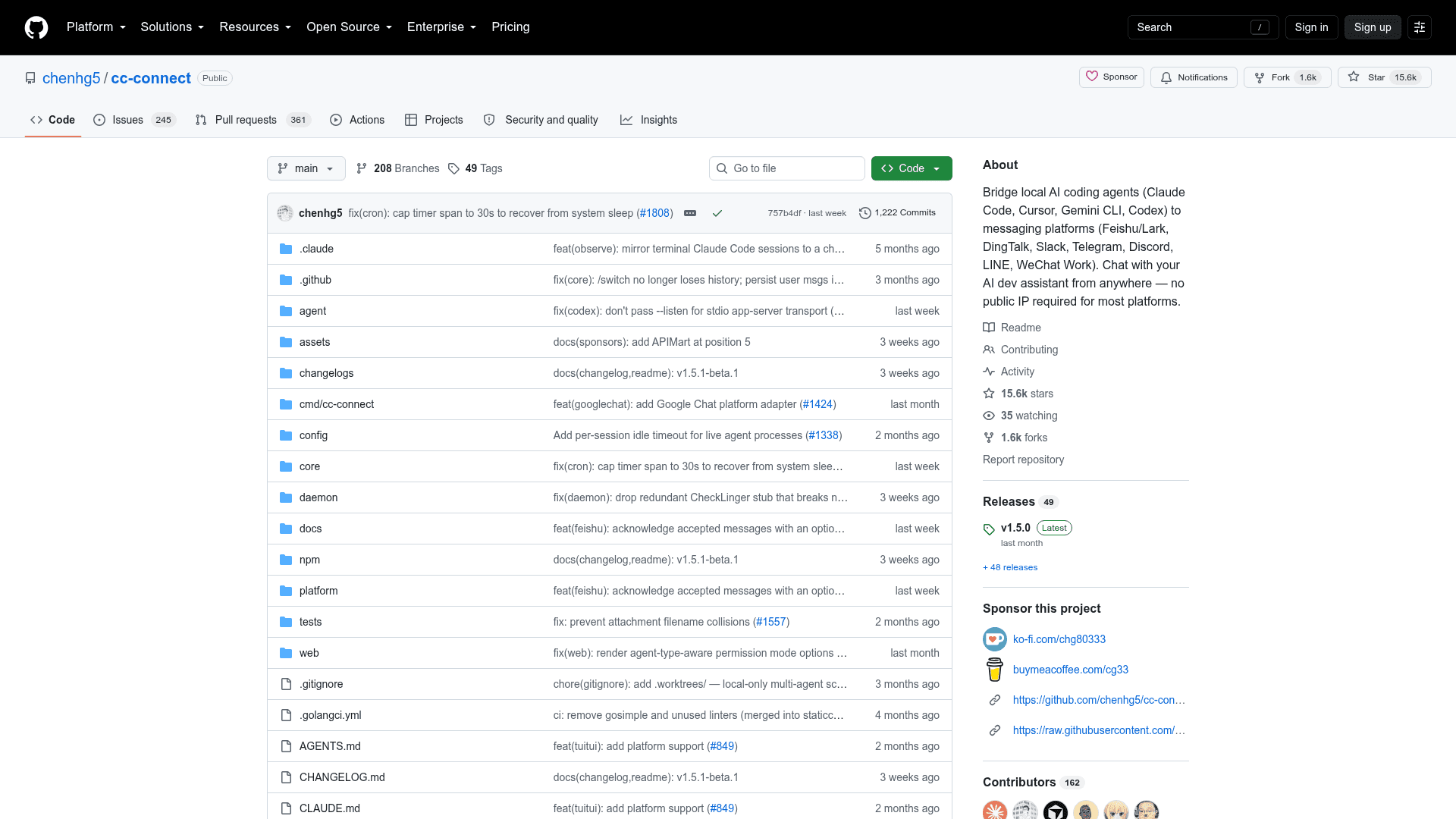
Bridge local AI coding agents (Claude Code, Cursor, Gemini CLI, Codex) to messaging platforms like Slack, Telegram, Discord, and Feishu — no public IP required for most platforms.
At a Glance
Self-hosted and free to use. Source code is public on GitHub.
Engagement
Available On
Alternatives
Listed Sep 2026
About cc-connect
cc-connect is an open-source command-line bridge that connects AI coding agents running on your own machine to the chat apps you already use. Written in Go by chenhg5 and the cc-connect community, it relays messages, slash commands, files, and voice between a local agent and platforms such as Slack, Telegram, Discord, and Feishu. The README states that most supported platforms need no public IP, because they connect outbound over WebSocket, long polling, or socket mode.
What It Is
cc-connect is not an AI model or an agent of its own. It is a relay layer that sits between a locally running agent and a chat platform, making any supported agent reachable from a phone, tablet, or desktop. The README describes the project as MIT licensed, and development happens in the open on GitHub.
Supported Agents and Platforms
The README lists support for more than ten agents, including Claude Code, OpenAI Codex, Cursor Agent, Gemini CLI, Kimi CLI, Qoder CLI, OpenCode, iFlow CLI, Pi, GitHub Copilot, and Devin, plus any agent that implements the Agent Client Protocol. On the chat side it documents thirteen platforms: Feishu/Lark, WPS Xiezuo, DingTalk, Telegram, Slack, Discord, WeChat Work, Weibo, LINE, QQ, the official QQ Bot, Matrix, and personal Weixin via ilink. Per the support matrix, LINE requires a public URL and WeChat Work needs one only in webhook mode; the rest connect outbound.
Key Capabilities
Multiple bots can be bound to a single group chat and relay to each other, so one thread can carry a question to Claude and a second opinion from Gemini. Sessions, models, reasoning effort, permission modes, API providers, and the working directory are all controlled through slash commands. Cron jobs can be set in natural language, agent instruction files can be read and written from chat, and agents can push generated images, files, or synthesized speech back into the conversation. On Linux and macOS a project can run its agent under a separate Unix user for filesystem-level isolation, and one process can host several projects, each with its own agent and platform pairing.
Setup Path
The docs prescribe a strict order: install and authenticate the agent CLI first, then install cc-connect via npm, Homebrew, or a release binary, then start the service and configure platform bot tokens in the local web admin on port 9820. Configuration hot-reloads, so no restart is needed after saving. Building from source is also supported through the included Makefile.
Update: v1.5.1-beta.1
The current stable release is v1.5.0, with v1.5.1-beta.1 published as a pre-release covering sixteen merged pull requests. The release notes list localized agent system prompts, image attachments delivered to the Cursor CLI as on-disk paths, chunked range downloads for large Feishu files, separate send budgets for Weixin reply and push paths, restored compact and slash commands for Claude Code, and configurable maximum reasoning effort for Codex. The notes state there are no breaking changes.
Community Discussions
Be the first to start a conversation about cc-connect
Share your experience with cc-connect, ask questions, or help others learn from your insights.
Pricing
Free
Self-hosted and free to use. Source code is public on GitHub.
- All supported agents
- All supported chat platforms
- Web UI configuration
- Multi-project support
- Community support via Discord and Telegram
Capabilities
Key Features
- Bridge local AI agents to chat platforms
- Supports 10+ AI agents (Claude Code, Codex, Cursor Agent, Gemini CLI, Kimi CLI, and more)
- Supports 13 messaging platforms (Slack, Telegram, Discord, Feishu, DingTalk, and more)
- No public IP required for most platforms
- Multi-agent orchestration in group chats
- Slash command control from chat
- Scheduled tasks via natural language cron
- Persistent agent memory management
- Voice and image multimodal support
- Agent attachment send-back (images, files, TTS)
- OS-user isolation (run_as_user) on Linux and macOS
- Multi-project architecture
- Built-in web admin UI on port 9820
- Session management with auto-reset on idle
- Runtime model, provider, and permission mode switching
- Work directory switching from chat
- i18n support (English, Simplified and Traditional Chinese, Japanese, Spanish)
- ACP (Agent Client Protocol) compatibility
- Self-update via cc-connect update
- Hot-reload configuration