
Claude Control
A native macOS desktop dashboard for monitoring and managing multiple Claude Code sessions in real time.
At a Glance
Claude Control macOS desktop app released under the MIT License; free to use, copy, modify and distribute.
Engagement
Available On
Alternatives
Listed Nov 2026
About Claude Control
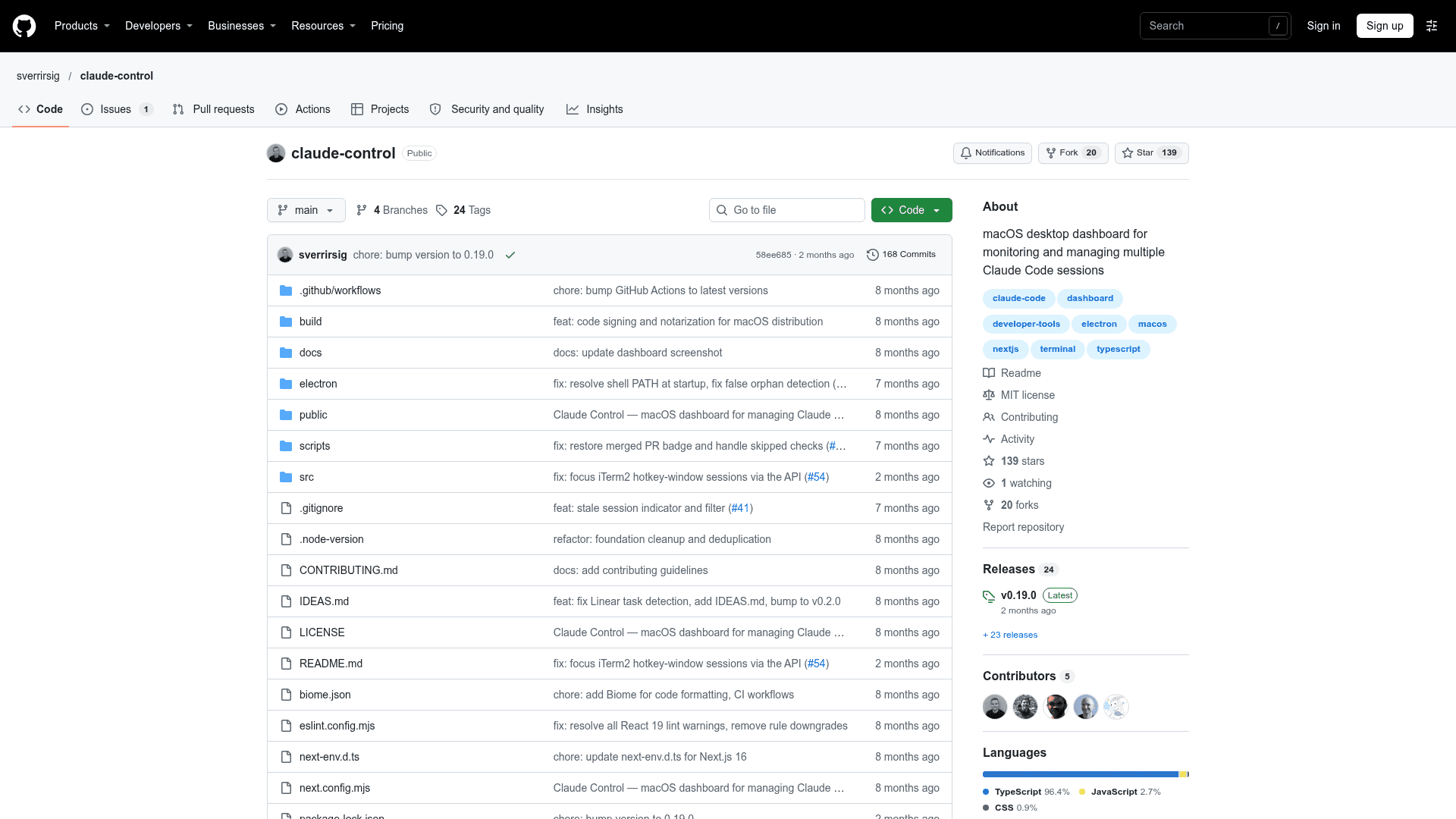
Claude Control is an open-source macOS desktop app, published by GitHub user sverrirsig, that auto-discovers running Claude Code CLI sessions and shows them in one dashboard. It displays live status, git changes, conversation previews, and quick actions for each session. The latest release listed is v0.19.0.
What It Is
Claude Control is a session monitor and manager for developers who run several Claude Code instances across different repositories and worktrees. It detects running claude processes from the process table and reads hook events that Claude Code writes, falling back to JSONL transcript discovery when hook events are unavailable. Each session is classified as Working, Idle, Waiting, Errored, or Finished.
What the Dashboard Shows
For each session the dashboard shows the branch name, changed files, additions and deletions, and open pull requests detected through the GitHub CLI. PR badges cover CI check rollup, review decision, unresolved threads, merge conflicts, and merged or closed state. It also shows the last assistant message, the active tool, the user prompt, and Linear issue context extracted from MCP tool results.
Managing Sessions
Tool-use permission prompts can be approved or rejected from the dashboard, with keyboard shortcuts for selecting sessions and acting on them. One-click actions focus the terminal tab or open the editor, git GUI, Finder, or PR link. New sessions can be created with git worktree support, and worktrees and branches can be removed with a two-step confirmation. Desktop notifications and optional sounds signal when a session finishes or needs attention.
Terminal Support and Setup
iTerm2, Terminal.app, kitty, WezTerm, and cmux get tab-level control, while Ghostty, Warp, and Alacritty get basic support. tmux integration enables per-session control through send-keys. The app can be installed from a DMG for Apple Silicon or Intel, or built from source with Node.js 18 or later. It requires macOS and an installed Claude Code CLI.
Community Discussions
Be the first to start a conversation about Claude Control
Share your experience with Claude Control, ask questions, or help others learn from your insights.
Pricing
Open Source (MIT)
Claude Control macOS desktop app released under the MIT License; free to use, copy, modify and distribute.
- Auto-discovery of running Claude Code sessions
- Live session status
- Git integration and PR status badges
- Approve/reject permission prompts from dashboard
- Desktop notifications
Capabilities
Key Features
- Auto-discovery of running Claude Code CLI sessions
- Live status classification via hook events with heuristic fallback
- Git branch, changed files, and diff stats
- PR status badges with CI, review, and merge conflict info
- Linear task context from MCP tool results
- Conversation preview per session
- Approve or reject permission prompts from the dashboard
- Keyboard shortcuts
- Desktop notifications and notification sounds
- Quick actions for terminal, editor, git GUI, Finder, and PR
- Multiple terminal support including iTerm2, Terminal.app, kitty, WezTerm, and cmux
- tmux integration
- New session creation with git worktree support
- Worktree cleanup
- Multi-monitor support