
Claude Overlay
A floating, always-on-top Claude Code chat window for Windows that captures your screen to answer questions and act on open files — no API key required.
At a Glance
Free and open-source under the MIT license. Requires an existing Claude Pro or Max subscription for the underlying Claude Code CLI.
Engagement
Available On
Alternatives
Listed Jul 2026
About Claude Overlay
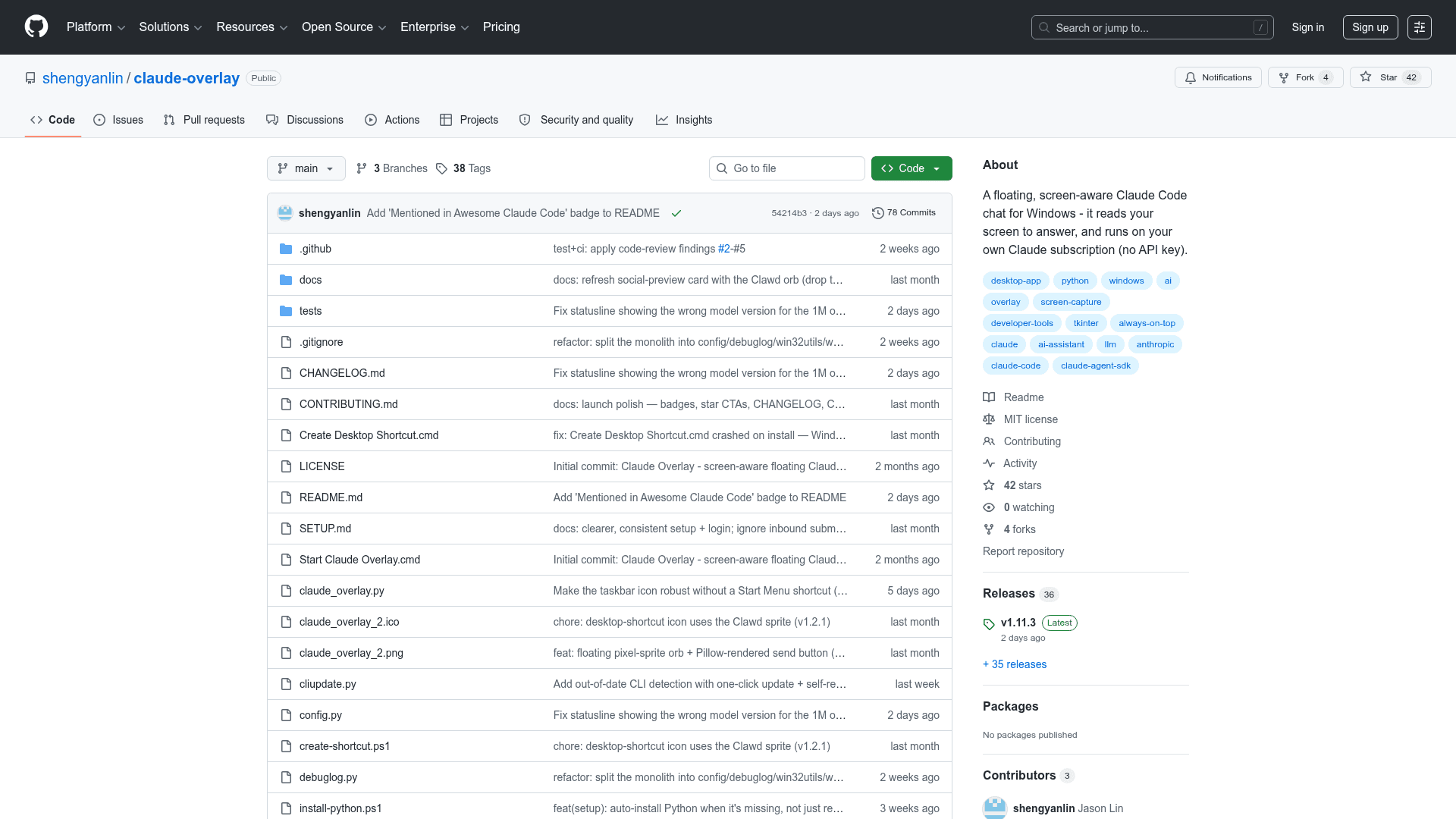
Claude Overlay is an open-source, frameless Windows desktop app that floats over everything you do and lets you talk to Claude Code without leaving your current application. Built by GitHub user shengyanlin and released under the MIT license, it drives the claude CLI under the hood — meaning it runs on your existing Claude Pro or Max subscription with no API key or extra billing. The latest release is v1.11.3, published July 13, 2026.
What It Is
Claude Overlay is a screen-aware AI assistant overlay for Windows 10 and 11. It sits always-on-top as a frameless chat window (or collapses to a small draggable orb), automatically captures every connected monitor on each message, and passes those screenshots to Claude Code so it can see exactly what you're looking at. Because it runs the full Claude Code agent — not just a chat API — it can read files, run shell commands, and interact with open applications via PowerShell or COM automation, all without you switching windows or providing file paths.
How the Screen-Capture Architecture Works
The overlay uses a straightforward pipeline:
- UI layer — built with Tkinter (ships with Python, no extra GUI runtime needed)
- Agent layer —
claude-agent-sdkspawns the installedclaudeCLI as a subprocess; it is not a direct API client - Vision layer — Pillow
ImageGrabcaptures each monitor separately; the window hides itself during capture so it doesn't appear in screenshots; the prompt labels primary vs. secondary screens
This design means Claude sees labeled, per-monitor screenshots on every message, enabling questions like "what's wrong here?" or "translate what's on screen" without any copy-pasting.
Where the Overlay Earns Its Place
The README describes several scenarios where a floating, screen-aware agent outperforms a terminal or standalone chat window:
- Editing open documents — ask it to fix a typo on the current slide or tighten a paragraph in a draft; it drives the app via PowerShell/COM automation and edits the file you already have open, no file path needed
- Building spreadsheet models — type a request in the overlay and it drives Excel via COM to build formulas, assumptions blocks, and sensitivity tables
- Mid-presentation fact-checking — stay in full-screen slideshow and summon the overlay to answer audience questions without leaving the deck
- Multi-monitor work — captures all screens so it can reconcile a spec on one monitor against a figure on another
- Foreign-language content — translate or explain what's on screen in place, without copy-pasting into a separate tab
- GUI apps with no terminal — works over cryptic error dialogs, BI dashboards, or settings panels that have nothing to copy
Setup Path
Prerequisites are Python 3.10+, the claude CLI (installable via winget install Anthropic.ClaudeCode or a PowerShell one-liner), and a logged-in Claude account. The repo includes a setup.cmd that auto-installs the CLI if missing and installs Python packages in one double-click. Alternatively, the README shows how to ask the claude CLI itself to clone and set up the repo. The only Python dependencies are claude-agent-sdk, pillow, and keyboard.
Configuration and Security Tradeoffs
All settings are constants at the top of claude_overlay.py. Key options include:
MODEL— defaults to"opus"(family alias tracking the latest Opus; the README notesclaude-opus-4-8as the resolved version)PERMISSION_MODE— defaults to"bypassPermissions", making it a fully autonomous agent that edits files and runs commands without confirmation; the README explicitly warns users to switch to"acceptEdits","default", or"plan"for important documentsWORKING_DIR,THEME(light/dark),TASKBAR_BUTTON,SKILLS,STRICT_MCP_CONFIG, and screenshot format/quality options are all configurable
The README includes a prominent security note: the default bypass mode combined with screen vision means Claude can act on open apps and persist edits to files without a confirmation step, so users are advised to sanity-check before using it on documents they cannot afford to lose.
Update: v1.11.3
The latest release is v1.11.3 (July 13, 2026). The overlay checks GitHub for newer releases on startup and shows a 🔔 notification with an upgrade indicator when one is available. Updates are handled via a update.cmd double-click or a manual git pull. The project was created May 31, 2026 and has seen active development, with the last push on July 14, 2026.
Community Discussions
Be the first to start a conversation about Claude Overlay
Share your experience with Claude Overlay, ask questions, or help others learn from your insights.
Pricing
Open Source
Free and open-source under the MIT license. Requires an existing Claude Pro or Max subscription for the underlying Claude Code CLI.
- Full source code available on GitHub
- MIT license — free to use, modify, and distribute
- Runs on your existing Claude subscription — no API key
- All overlay features included
Capabilities
Key Features
- Always-on-top frameless chat window
- Auto-captures all monitors on every message
- Collapses to a draggable orb when not in use
- Full Claude Code agent (file editing, shell commands)
- Edits open documents via PowerShell/COM automation
- Paste images with Ctrl+V
- Multi-monitor support with labeled screenshots
- In-app model switcher (Opus, Sonnet, Haiku)
- Context-usage meter
- Compact conversation to free up context
- Named overlays — run several at once
- Shareable/private mode for screen shares
- DPI-aware on HiDPI displays
- Resizable from any edge or corner
- Ctrl+/- zoom
- Taskbar button for frameless window
- Startup update check with notification
- Local and private — runs on your own Claude login
- No API key required