
Claude Canvas
A TUI toolkit that gives Claude Code its own display for spawning interactive terminal interfaces.
At a Glance
About Claude Canvas
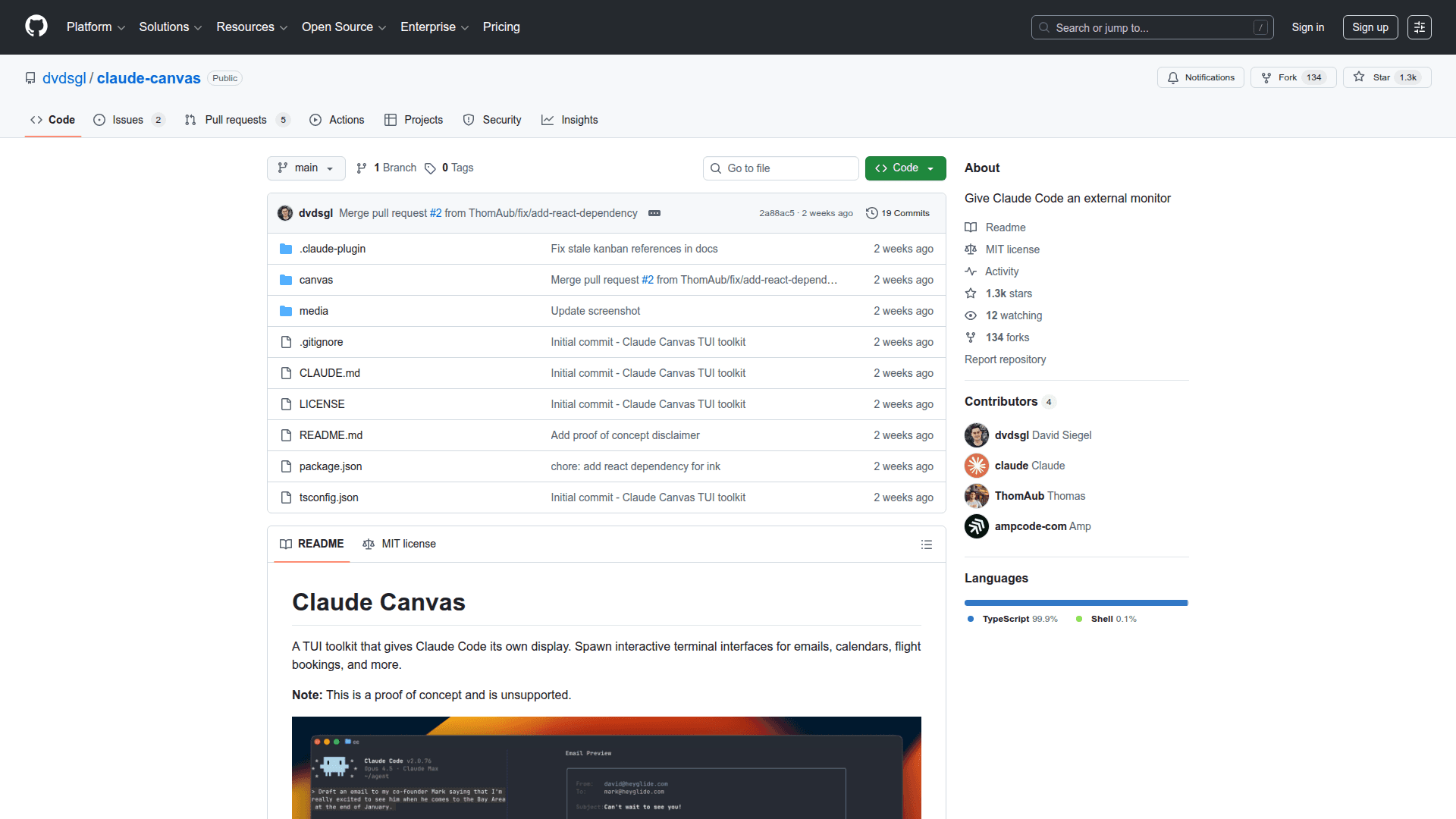
Claude Canvas is a terminal user interface toolkit that extends Claude Code with external display capabilities. The plugin enables Claude Code to spawn interactive terminal interfaces within tmux split panes, creating dedicated visual spaces for tasks like email composition, calendar management, and flight booking workflows.
-
External Display for Claude Code provides an additional visual surface where Claude Code can render interactive terminal interfaces separately from the main conversation.
-
tmux Integration leverages tmux split panes to spawn canvases, allowing multiple interactive displays to run alongside the Claude Code session.
-
TUI Toolkit Architecture includes skill tools that run via Bun, enabling developers to create custom interactive terminal experiences for various use cases.
-
Plugin Marketplace Distribution simplifies installation through Claude Code's plugin system, allowing users to add the canvas functionality with simple marketplace commands.
-
Open Source Foundation provides full MIT-licensed source code that developers can inspect, modify, and extend for their own terminal interface needs.
To get started, install Bun and tmux as prerequisites. Add the repository as a marketplace in Claude Code using /plugin marketplace add dvdsgl/claude-canvas, then install with /plugin install canvas@claude-canvas.
See a quick demo from the author at x.com/dvdsgl/status/2008685488107139313
Note that this is a proof of concept and is currently unsupported, intended for experimentation and development exploration.
Community Discussions
Be the first to start a conversation about Claude Canvas
Share your experience with Claude Canvas, ask questions, or help others learn from your insights.
Pricing
Open Source
Free and open source under MIT license
- Full source code access
- MIT license
- Claude Code plugin integration
- tmux-based canvas spawning
- Community support
Capabilities
Key Features
- External display for Claude Code
- Interactive terminal interface spawning
- tmux split pane integration
- Bun-powered skill tools
- Claude Code plugin marketplace distribution
- Email composition canvas
- Calendar interface canvas
- Flight booking interface canvas