
EveryDev.ai
Subscribe
Home
Tools

4,376+ AI tools

  • New
  • Trending
  • Featured
  • Rate tools
  • Compare
  • Arena
Categories
  • Agents3274
  • Coding2275
  • Infrastructure1000
  • Projects696
  • Marketing636
  • Research587
  • MCP532
  • Design508
  • Analytics506
  • Testing394
  • Security376
  • Data327
  • Integration244
  • Prompts244
  • Communication235
  • Extensions217
  • Voice193
  • Learning190
  • Commerce170
  • DevOps153
  • Web103
  • Finance36
AI Tools by Topic
  • AI Coding Assistants
  • Agent Frameworks
  • MCP Servers
  • AI Prompt Tools
  • Vibe Coding Tools
  • AI Design Tools
  • AI Database Tools
  • AI Website Builders
  • AI Testing Tools
  • LLM Evaluations
Follow Us
  • X / Twitter
  • LinkedIn
  • Reddit
  • Discord
  • Threads
  • Bluesky
  • Mastodon
  • YouTube
  • GitHub
  • Instagram
Get Started
  • Users
  • Rate Tools
  • About
  • Editorial Standards
  • Corrections & Disclosures
  • Community Guidelines
  • Advertise
  • Contact Us
  • Newsletter
  • Submit a Tool
  • Start a Discussion
  • Write A Blog
  • Share A Build
  • Terms of Service
  • Privacy Policy
Explore with AI
  • ChatGPT
  • Gemini
  • Claude
  • Grok
  • Perplexity
Agent Experience
  • llms.txt
Theme
With AI, Everyone is a Dev. EveryDev.ai © 2026
    1. Home
    2. Tools
    3. Pacer
    Pacer icon

    Pacer

    Monitoring Tools

    A macOS menu-bar app that projects whether your AI coding subscription usage will last until reset and advises what to change.

    Visit Website

    At a Glance

    Pricing
    Open Source

    MIT-licensed macOS menu-bar app (Pacer) that is free to use, modify and distribute; installed via Homebrew or built from source.

    Engagement

    Available On

    Windows
    macOS
    API
    CLI

    Resources

    WebsiteDocsGitHubllms.txt

    Topics

    Monitoring ToolsAI Coding AssistantsPerformance Metrics

    Alternatives

    Headroom AppOpenUsageUsagebar
    Developer
    Daniel Kremsa

    Listed Oct 2026

    About Pacer

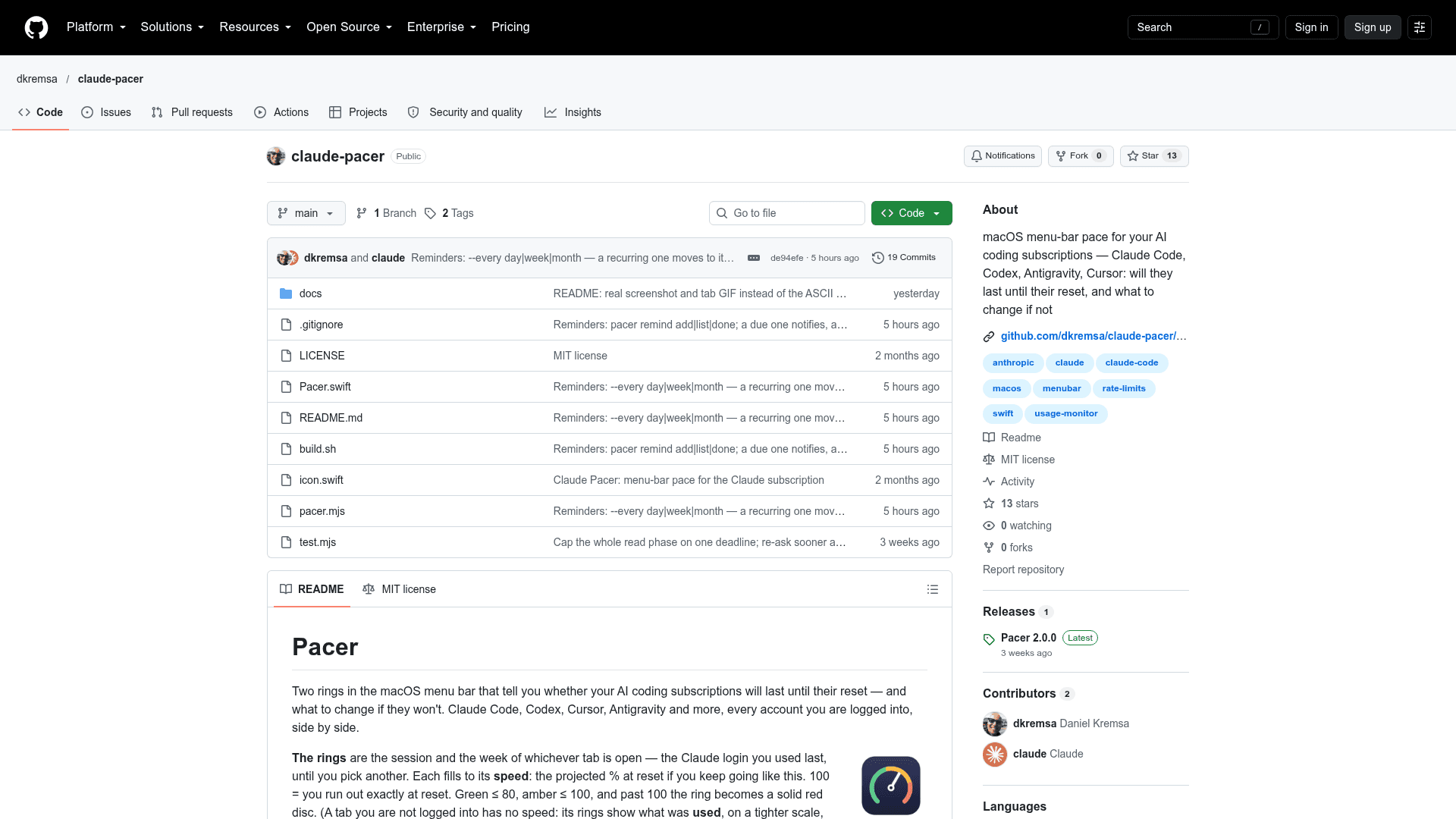
    Pacer is an open-source macOS menu-bar app by dkremsa that tracks usage across AI coding subscriptions such as Claude Code, Codex, Cursor and Antigravity. Instead of showing percent used, it shows a projected speed: where you will land at reset if you keep working at the current rate. The latest release listed is v2.0.0.

    What It Is

    Pacer displays two rings in the menu bar for the session and the week of the selected account tab. Each ring fills to the projected percentage at reset. Green is 80 or below, amber is up to 100, and past 100 it becomes a solid red disc. Clicking opens a card with tabs for every account you are logged into, plus a sentence of advice.

    How the Projection Works

    • Week windows: projected equals used percent divided by the fraction of the window elapsed.
    • The 5-hour session: rate over the last 45 minutes, projected to reset.
    • The headline verdict is the worst window.
    • For Claude, advice is computed from your model mix, for example reducing a model or moving some Opus work to Sonnet. Per-model weights are fitted from your local transcripts and official usage percentages, falling back to API price ratios until enough data exists.

    Providers and Data

    Claude Code is read from keychain logins, including CLAUDE_CONFIG_DIR profiles. Codex is read from its auth file with transcripts as fallback. Antigravity is read from the running app's local language server, and Cursor from the IDE login. Gemini CLI and GitHub Copilot support is marked untested. Pacer only calls each provider's own usage endpoint with the login already stored, and never refreshes or writes tokens.

    Other Capabilities

    • Notifications when pace crosses 100, recovers, or any window passes 90%.
    • API-equivalent cost over rolling day, week and 30 days (Claude).
    • Reminders to start a Claude Code session later, via the pacer remind command, which copies a ready-to-paste command.
    • A status.json file refreshed every 10 minutes, readable by other tools.

    Setup Path

    Requires macOS 13+, Node 18 or later, and Xcode Command Line Tools. Install via Homebrew with brew install dkremsa/tap/pacer, or build from source with build.sh.
    Pacer - 1

    Community Discussions

    Be the first to start a conversation about Pacer

    Share your experience with Pacer, ask questions, or help others learn from your insights.

    Pricing

    OPEN SOURCE

    Open Source

    MIT-licensed macOS menu-bar app (Pacer) that is free to use, modify and distribute; installed via Homebrew or built from source.

    • MIT License
    • Session and week pace rings in the macOS menu bar
    • Advice based on your model mix (Claude only)
    • API-equivalent cost over a rolling day, week and 30 days (Claude only)
    • Notifications on pace changes

    Capabilities

    Key Features

    • Menu-bar rings showing projected speed at reset
    • Tabs for every logged-in account
    • One-sentence advice from model mix
    • Per-model weights fitted from local transcripts
    • API-equivalent cost over day, week and 30 days
    • Notifications for pace and usage thresholds
    • Reminders to start Claude Code sessions
    • status.json output for other tools

    Integrations

    Claude Code
    Codex
    Cursor
    Antigravity
    Gemini CLI
    GitHub Copilot
    Homebrew
    API Available
    View Docs

    Ratings & Reviews

    No ratings yet

    Be the first to rate Pacer and help others make informed decisions.

    Rate other tools you’ve used

    Developer

    Daniel Kremsa

    Read more about Daniel Kremsa
    WebsiteGitHub
    1 tool in directory

    Similar Tools

    Headroom App icon

    Headroom App

    Local-first macOS menu bar app that shows AI coding quotas and ship status across Claude, Codex, Cursor, and more — with optional iPhone, Apple Watch, and ESP32 desk display support.

    OpenUsage icon

    OpenUsage

    A free, open-source macOS menu bar app that tracks your AI coding subscription usage across Claude, Cursor, Codex, Copilot, and more in one glance.

    Usagebar icon

    Usagebar

    Track Claude Code usage limits and remaining session context directly from your macOS menu bar.

    Browse all tools

    Related Topics

    Monitoring Tools

    AI-enhanced monitoring solutions that provide real-time visibility into system performance, anomaly detection, and predictive alerting for proactive issue resolution.

    107 tools

    AI Coding Assistants

    AI tools that help write, edit, and understand code with intelligent suggestions.

    962 tools

    Performance Metrics

    Specialized tools for measuring, evaluating, and optimizing AI model performance across accuracy, speed, resource utilization, and other critical parameters.

    72 tools
    Browse all topics
    Back to all toolsSuggest an edit
    ratings
    discussions