
EveryDev.ai
Subscribe
Home
Tools

2,928+ AI tools

  • New
  • Trending
  • Featured
  • Compare
  • Arena
Categories
  • Agents1815
  • Coding1295
  • Infrastructure600
  • Marketing467
  • Projects433
  • Research403
  • Analytics351
  • Design338
  • Security243
  • MCP242
  • Testing238
  • Data230
  • Integration178
  • Prompts160
  • Learning159
  • Communication154
  • Extensions150
  • Voice130
  • Commerce125
  • DevOps108
  • Web80
  • Finance21
AI Tools by Topic
  • AI Coding Assistants
  • Agent Frameworks
  • MCP Servers
  • AI Prompt Tools
  • Vibe Coding Tools
  • AI Design Tools
  • AI Database Tools
  • AI Website Builders
  • AI Testing Tools
  • LLM Evaluations
Follow Us
  • X / Twitter
  • LinkedIn
  • Reddit
  • Discord
  • Threads
  • Bluesky
  • Mastodon
  • YouTube
  • GitHub
  • Instagram
Get Started
  • About
  • Editorial Standards
  • Corrections & Disclosures
  • Community Guidelines
  • Advertise
  • Contact Us
  • Newsletter
  • Submit a Tool
  • Start a Discussion
  • Write A Blog
  • Share A Build
  • Terms of Service
  • Privacy Policy
Explore with AI
  • ChatGPT
  • Gemini
  • Claude
  • Grok
  • Perplexity
Agent Experience
  • llms.txt
Theme
With AI, Everyone is a Dev. EveryDev.ai © 2026
    1. Home
    2. Tools
    3. Clean
    Clean icon

    Clean

    AI Coding Assistants

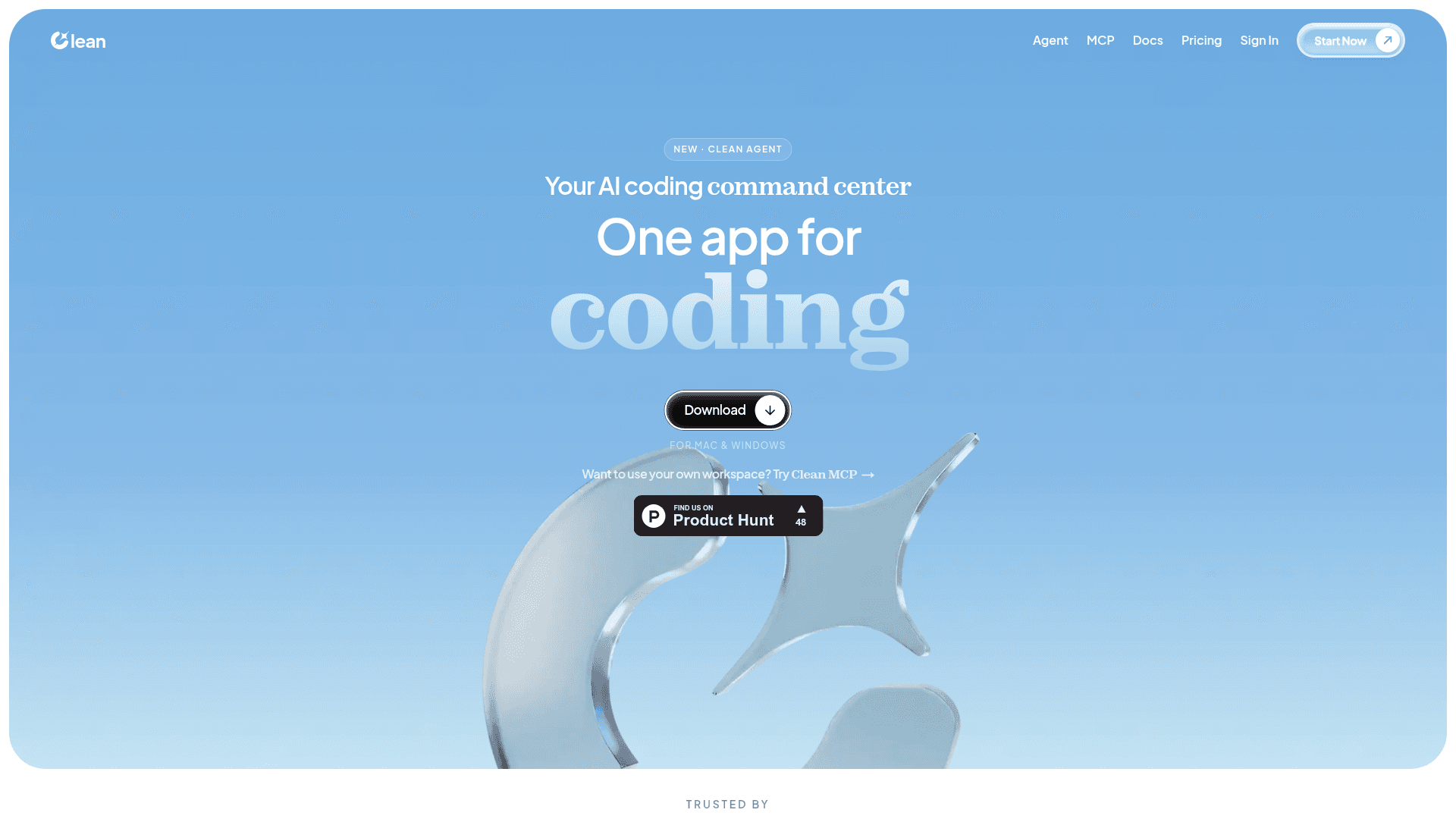
    An AI coding command center that combines chat, terminal, file tree, in-app browser, and sub-agents in one desktop app for Mac and Windows.

    Visit Website

    At a Glance

    Pricing
    Free tier available

    Start free with basic search, indexing, and community support.

    Pro: $20/mo
    Max: $100/mo
    Enterprise: Custom/contact

    Engagement

    Available On

    Windows
    macOS
    Web
    API
    CLI

    Resources

    WebsiteDocsllms.txt

    Topics

    AI Coding AssistantsMulti-agent SystemsMCP Tools

    Alternatives

    Ship StudioCodeBuddy CLICrush
    Developer
    Clean AI LabsLos Angeles, CAEst. 2025

    Listed May 2026

    About Clean

    Clean is an AI coding command center that brings together chat, terminal, file tree, in-app browser, and sub-agents into a single desktop application for Mac and Windows. It supports bring-your-own-model workflows, letting developers use their existing Claude Code, OpenAI Codex CLI, or custom model subscriptions without additional token billing. Clean also offers a Clean MCP option for developers who prefer to use their own workspace.

    • Clean Agent — A lead agent that can spawn sub-agents in parallel, each with their own session, terminal, and model, enabling multi-agent delegation and diff approval.
    • QA Testing (Checker) — Set a goal and the Checker opens your app in a real browser, walks forms, and flags bugs with the exact element it touched.
    • Deep Research — An in-app browser the agent can read, click, and cite, eliminating the need to paste documentation into chat.
    • Context Optimization — Semantic search and persistent memory ensure every prompt gets the right code, not all of it, optimizing token usage.
    • Bring Your Own Model — Connect your existing Claude Code subscription, OpenAI Codex CLI, or a personal API key; token bills stay with your existing providers.
    • Clean MCP — An MCP-compatible surface for developers who want to integrate Clean's capabilities into their own workspace or toolchain.
    • Pricing tiers — Start free with 10 searches/month, upgrade to Pro ($20/mo) or Max ($100/mo) for more searches, repos, and team seats, or contact sales for Enterprise.
    Clean - 1

    Community Discussions

    Be the first to start a conversation about Clean

    Share your experience with Clean, ask questions, or help others learn from your insights.

    Pricing

    FREE

    Free

    Start free with basic search, indexing, and community support.

    • Search
    • Index
    • Community support

    Pro

    Popular

    For individuals and small teams needing more searches and repos.

    $20
    per month
    • Everything in Free
    • Priority indexing
    • Usage dashboard

    Max

    For larger teams needing high volume, self-hosting, and SLA.

    $100
    per month
    • Everything in Pro
    • Private cloud
    • SLA
    • Priority support

    Enterprise

    Custom plan tailored to your org with dedicated infra, SSO, and audit logs.

    Custom
    contact sales
    • Everything in Max
    • SSO
    • Audit logs
    • Dedicated support
    • Unlimited searches
    • Unlimited repos
    • Unlimited team
    • Dedicated infra
    View official pricing

    Capabilities

    Key Features

    • AI coding agent
    • Multi-agent delegation with sub-agents
    • In-app browser for deep research
    • QA testing with real browser automation
    • Context optimization with semantic search
    • Persistent memory
    • Bring your own model (Claude Code, OpenAI Codex, custom)
    • Terminal integration
    • File tree navigation
    • MCP support
    • Cloud and self-hosted deployment

    Integrations

    Claude Code
    OpenAI Codex CLI
    Anthropic API
    MCP (Model Context Protocol)
    API Available
    View Docs

    Ratings & Reviews

    No ratings yet

    Be the first to rate Clean and help others make informed decisions.

    Developer

    Clean AI Labs

    Clean AI Labs builds Clean, an AI coding command center that unifies chat, terminal, browser, and multi-agent workflows into a single desktop app. The product supports bring-your-own-model setups, letting teams use their existing Claude or Codex subscriptions. Clean also offers an MCP-compatible surface for developers who prefer to work within their own toolchain.

    Founded 2025
    Los Angeles, CA
    4 employees
    Read more about Clean AI Labs
    WebsiteLinkedIn
    1 tool in directory

    Similar Tools

    Ship Studio icon

    Ship Studio

    A free Mac desktop app that unifies agentic AI development, GitHub, and deployment to Vercel or Cloudflare in a single window for freelancers and agencies.

    CodeBuddy CLI icon

    CodeBuddy CLI

    AI-powered command line assistant that helps developers write, debug, and optimize code directly from the terminal.

    Crush icon

    Crush

    An AI-powered coding assistant CLI that connects your tools, code, and workflows to your choice of LLM.

    Browse all tools

    Related Topics

    AI Coding Assistants

    AI tools that help write, edit, and understand code with intelligent suggestions.

    565 tools

    Multi-agent Systems

    Platforms for creating and managing teams of AI agents that can collaborate.

    222 tools

    MCP Tools

    Tools built with the Model Context Protocol for specific tasks.

    63 tools
    Browse all topics
    Back to all toolsSuggest an edit
    ratings
    discussions
    16views